This action pushes data to the UI only via SSE. It does not modify the parent process data model. To persist data from a subprocess into the parent process, use Append Params to Parent Process. For a comparison of all data passing mechanisms, see Subprocess management - How data flows.
Configuring a Send data to user interface action
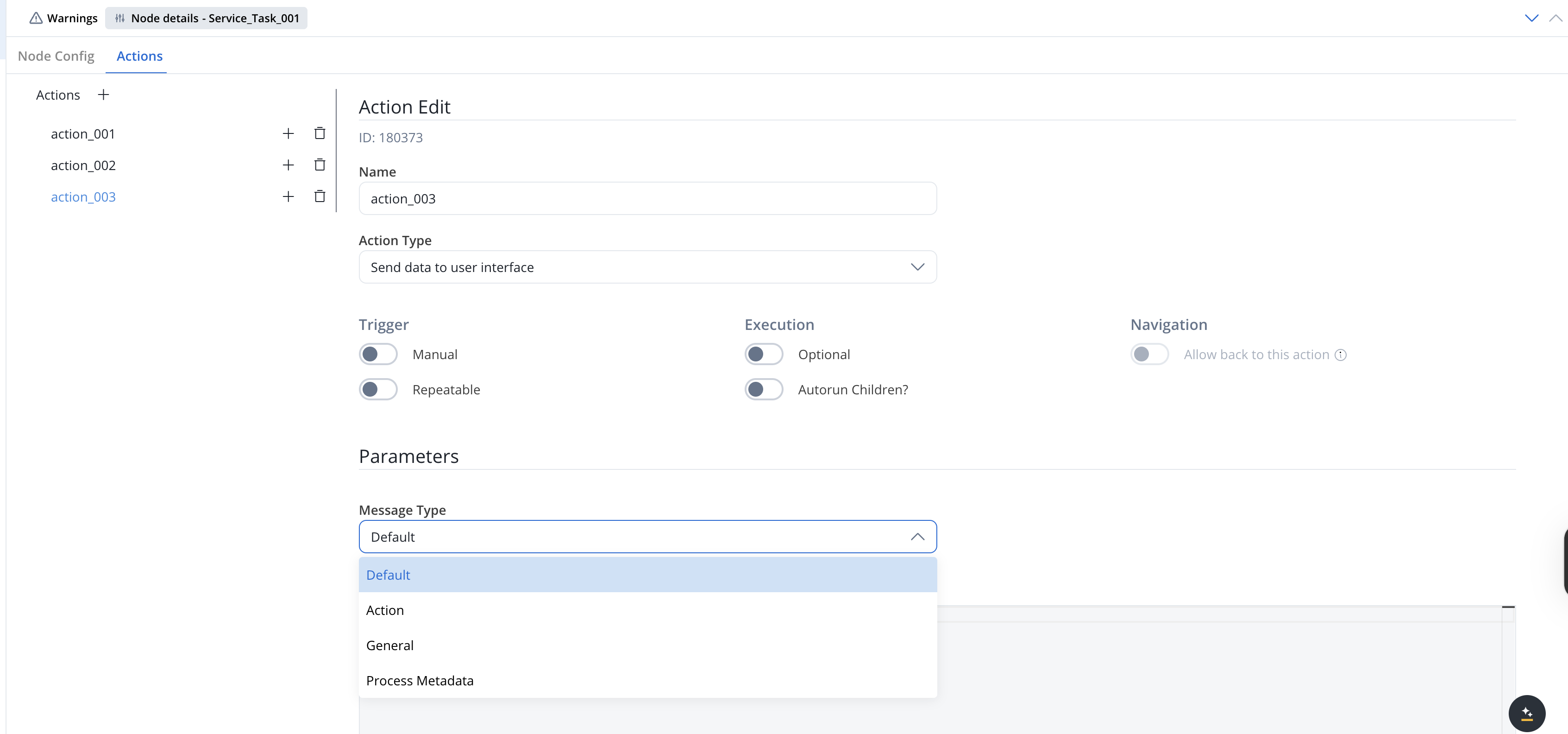
Multiple options are available for this type of action and can be configured via the FlowX.AI Designer. To configure a Send data to user interface, use the Actions tab at the task node level, which has the following configuration options:Action Edit
- Name — internal identifier for the action. We recommend defining a naming standard so actions are easy to find.
- Action Type — set to Send data to user interface.
- Manual — when ON, the action runs only after a user triggers it (for example, from a button in a UI Task). When OFF, the action runs automatically as soon as the token reaches the node.
- Repeatable — when ON, the action can be triggered multiple times.
- Optional — automatic actions cannot be optional. Manual actions can be optional or required.
- Autorun Children? — when ON, child actions (mandatory and automatic) run immediately after this action finishes.
- Allow back to this action — when ON, the user can return to this action via the back-in-process functionality. The toggle is enabled only when Manual is ON. For details, see Moving a token backwards in a process.
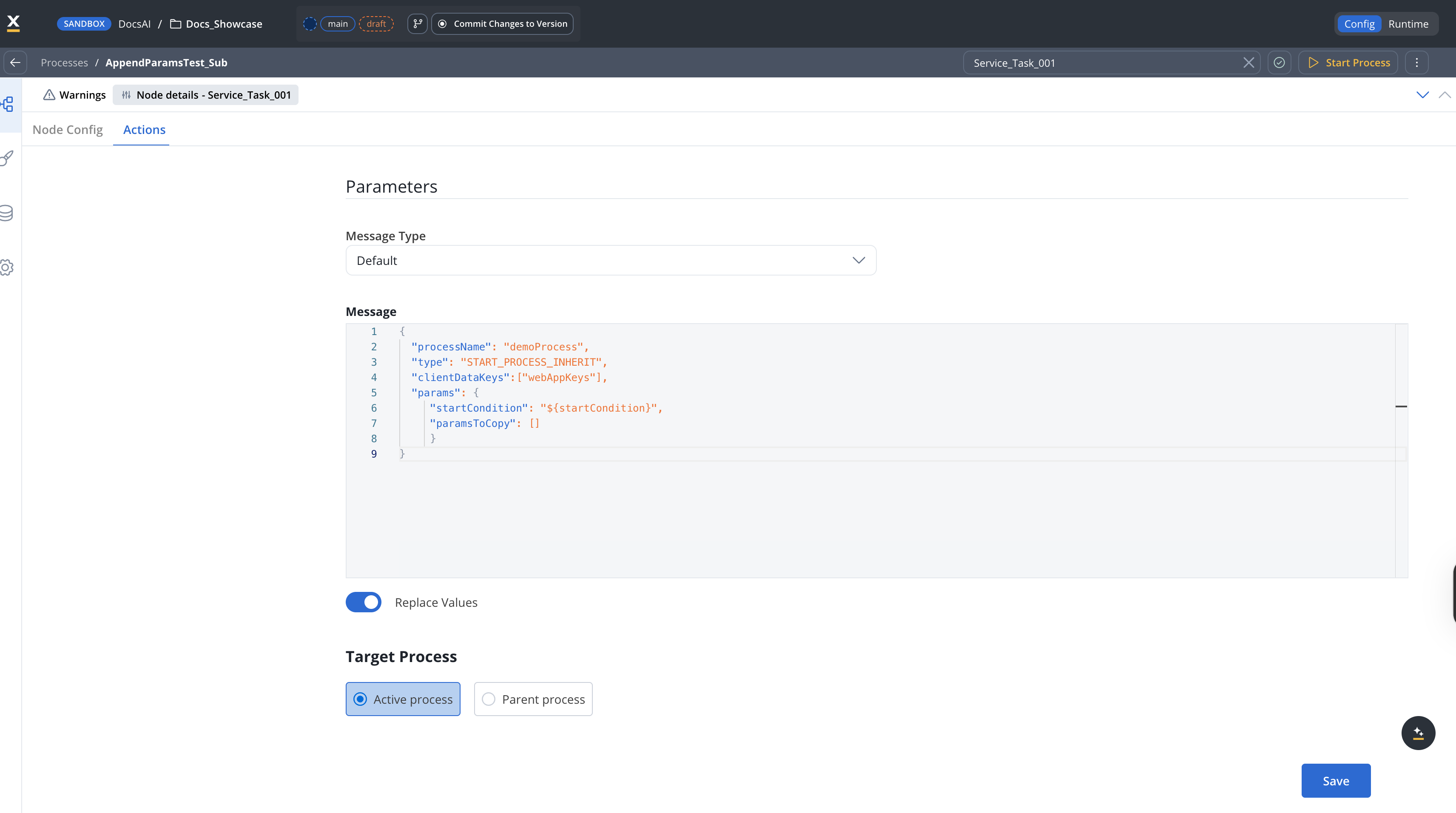
Parameters
The following fields are required for a minimum configuration of this type of action:- Message Type — one of four options. Each maps to a distinct SSE
messageTypeon the wire:- Default (sent as
data) — push a JSON payload to the UI. Most common case. - Action (sent as
runAction) — tell the UI to perform an action. The Message must define atypefield set to one of the supported action types (DISMISS,ACTION,START_PROCESS_INHERIT,UPLOAD,EXTERNAL). - General (sent as
generalData) — push the process’s general data (configured under Process Settings → General) to the UI. - Process Metadata (sent as
processMetadata) — push process instance metadata to the UI.
- Default (sent as
paramsToCopy— choose which keys from the parent process parameters are copied to the subprocesswithoutParams— choose which keys from the parent process parameters are excluded when copying
- Message — the JSON payload to send. You can use constant values and substitutions from process instance data.
- Replace Values — toggle next to the Message field, ON by default. When ON,
${...}placeholders in the message are replaced with the corresponding values from process instance data before the message is sent. When OFF, the message is sent as literal text, with${...}placeholders left unresolved. The same toggle appears on other action parameters (for example, on Start Subprocess) and behaves the same way: it controls placeholder substitution for that parameter, before the action executes. - Target Process — the running process instance the message is sent to. Options: Active process (
${processInstanceUuid}) or Parent process (${parentProcessInstanceUuid}).
When this action runs inside a subprocess (started via Start Subprocess, a Call activity node, or an embedded subprocess), set Target Process to Parent process to push the message to the user’s UI session bound to the parent process.
Data to send
- Keys - are used when data is sent from the frontend via an action to validate the data (you can find more information in the User task configuration section)
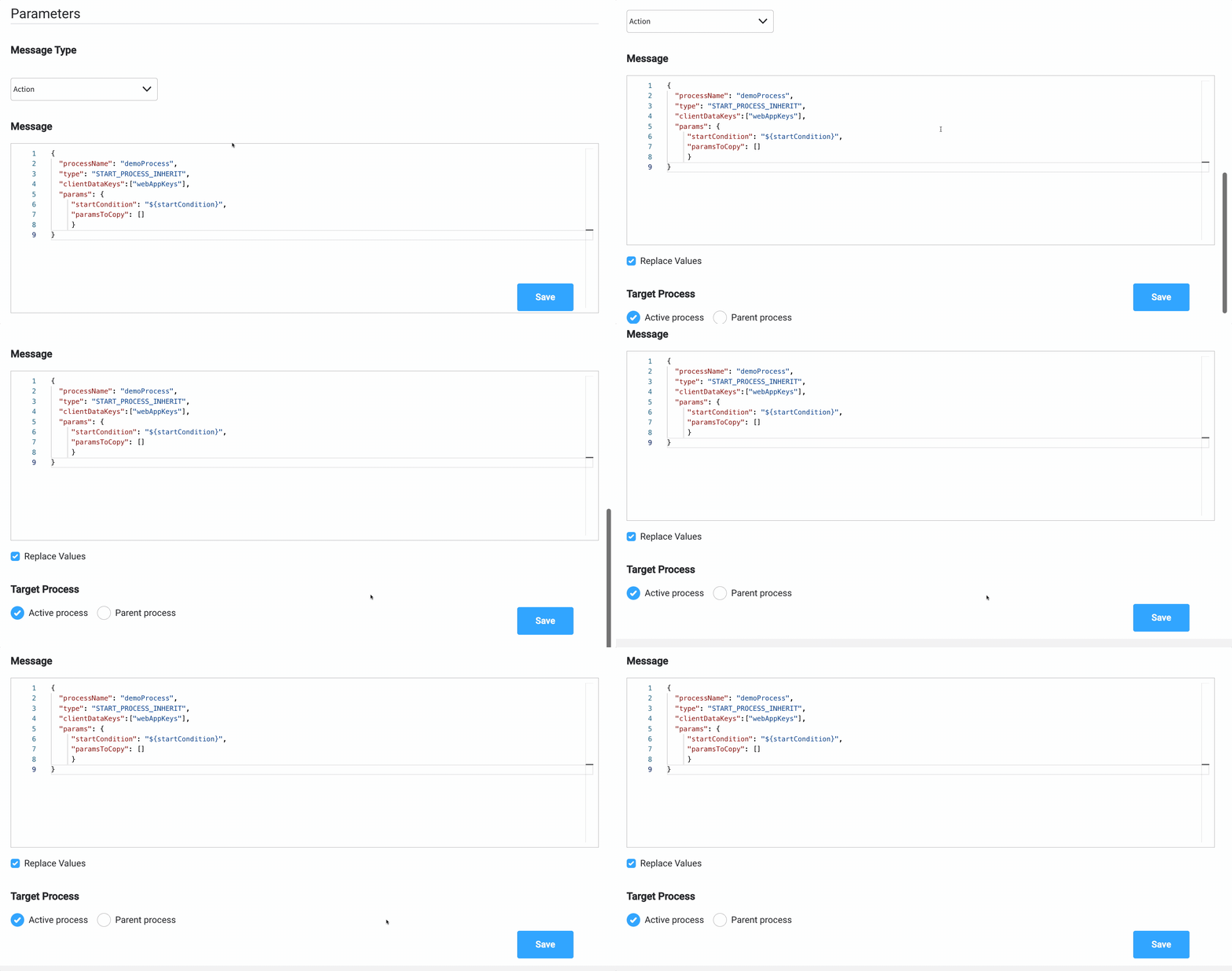
Send update data example
To send the latest value from the process instance data found atapplication.client.firstName key, to the frontend app, you can do the following:
- Add a Send data to user interface.
- Set the Message Type to Default (this is default value for
data). - Add a Message with the data you want to send:
{ "name": "${application.client.firstName}" }
- Choose the Target Process.