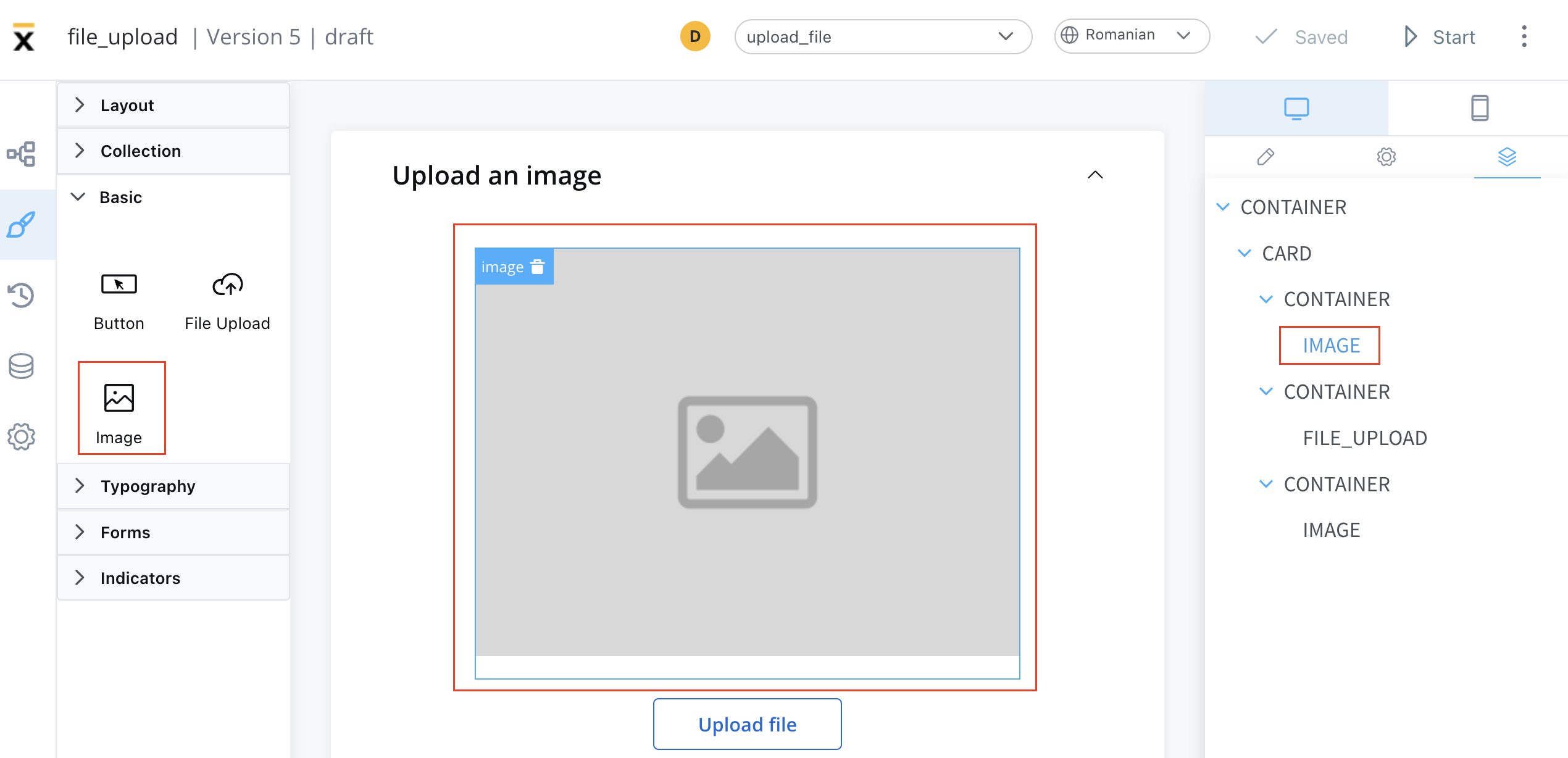
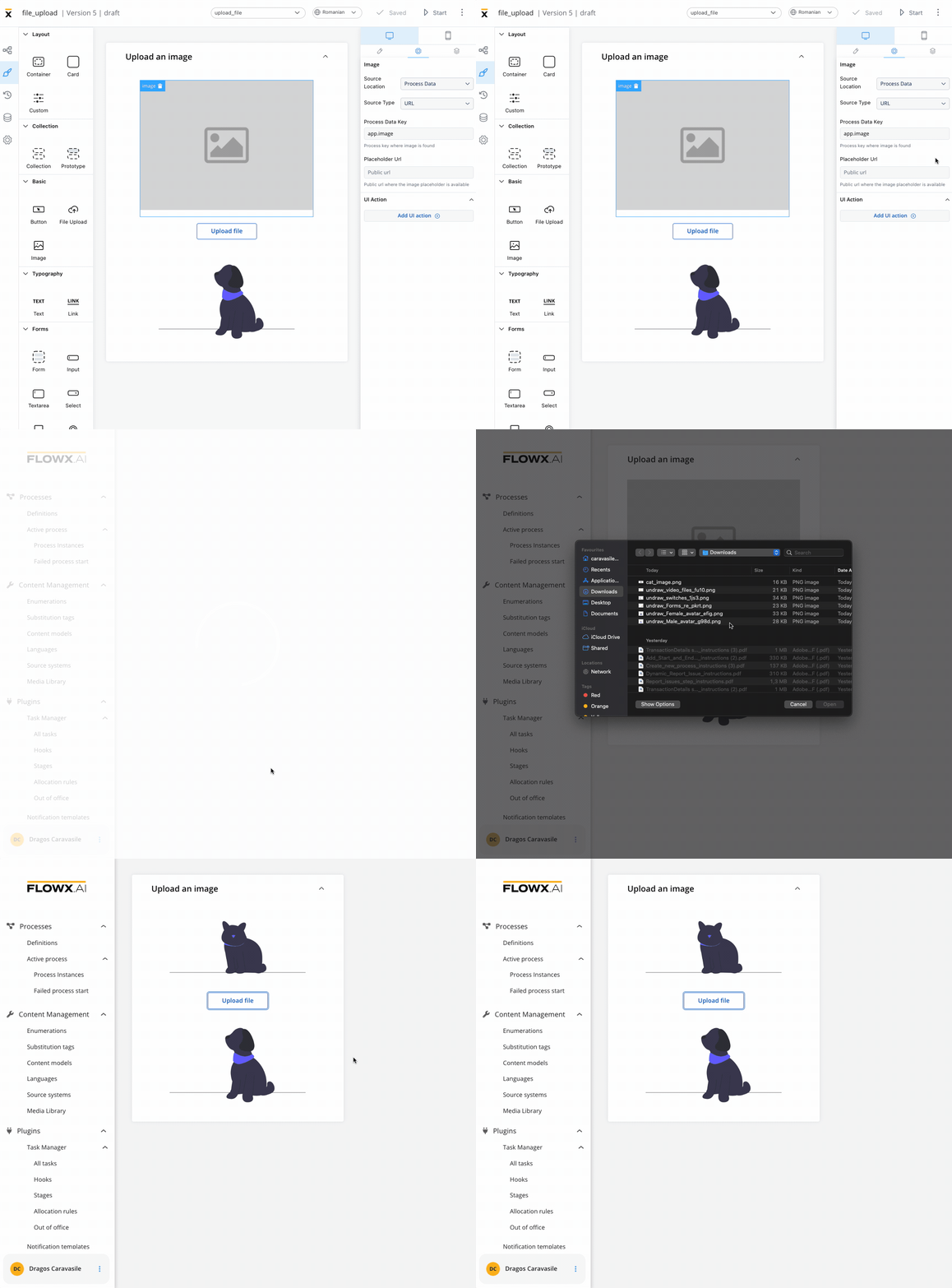
These elements can be added to your interface using the UI Designer tool, and they are often used to convey information, enhance the aesthetic appeal of an interface, provide visual cues and feedback, support branding and marketing efforts, or present complex data or concepts in a more intuitive and accessible way.
Configuring an image
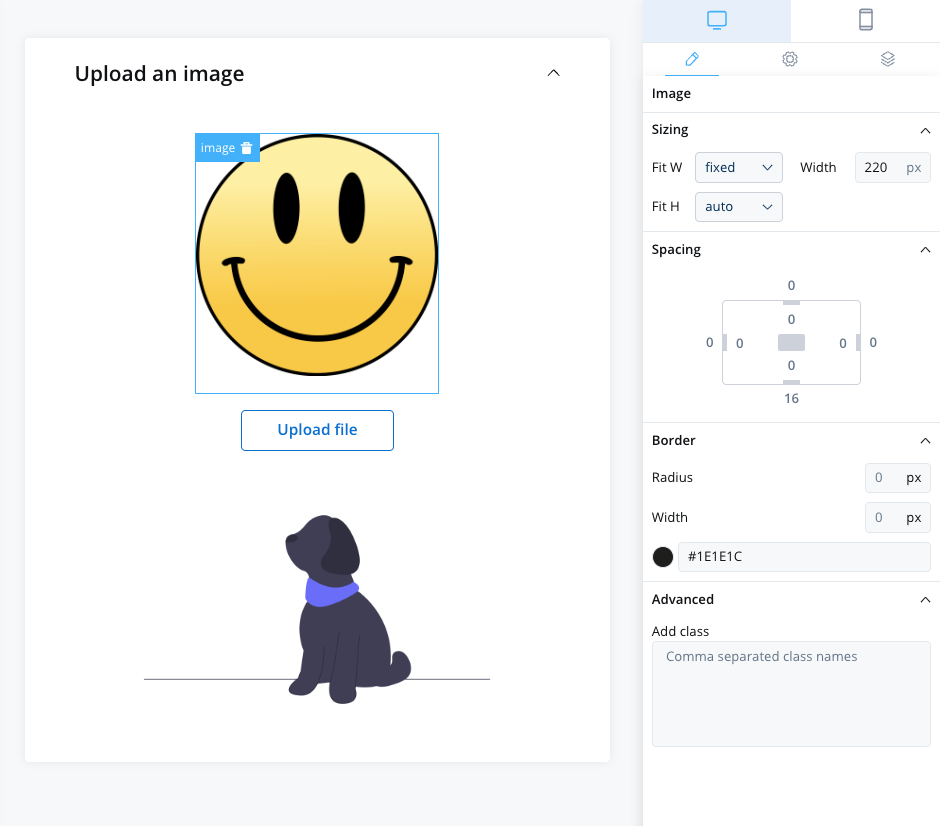
Configuring an image in the UI Designer involves specifying various settings and properties. Here are the key aspects of configuring an image:
Image settings
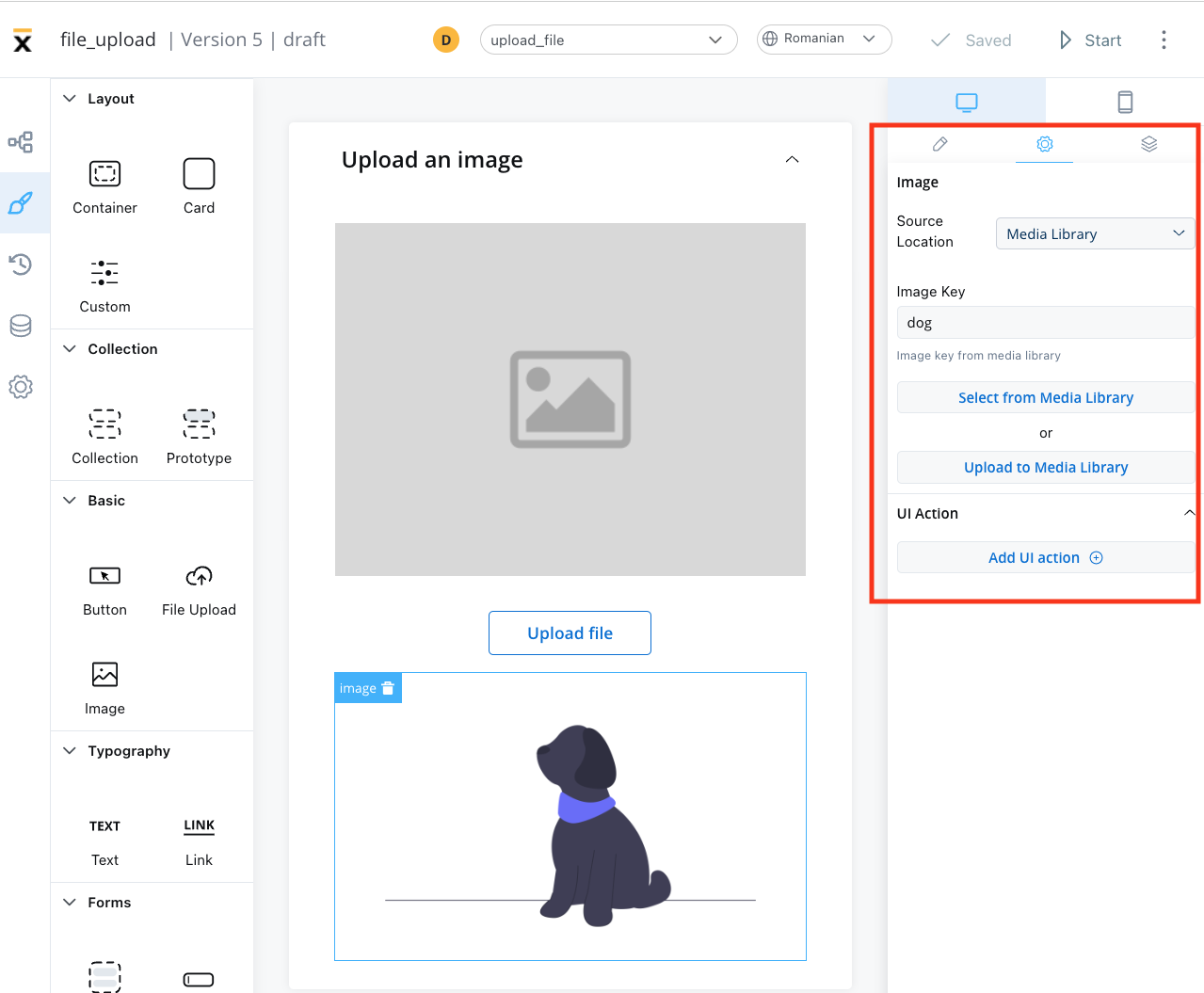
The image settings consist of the following properties:
-
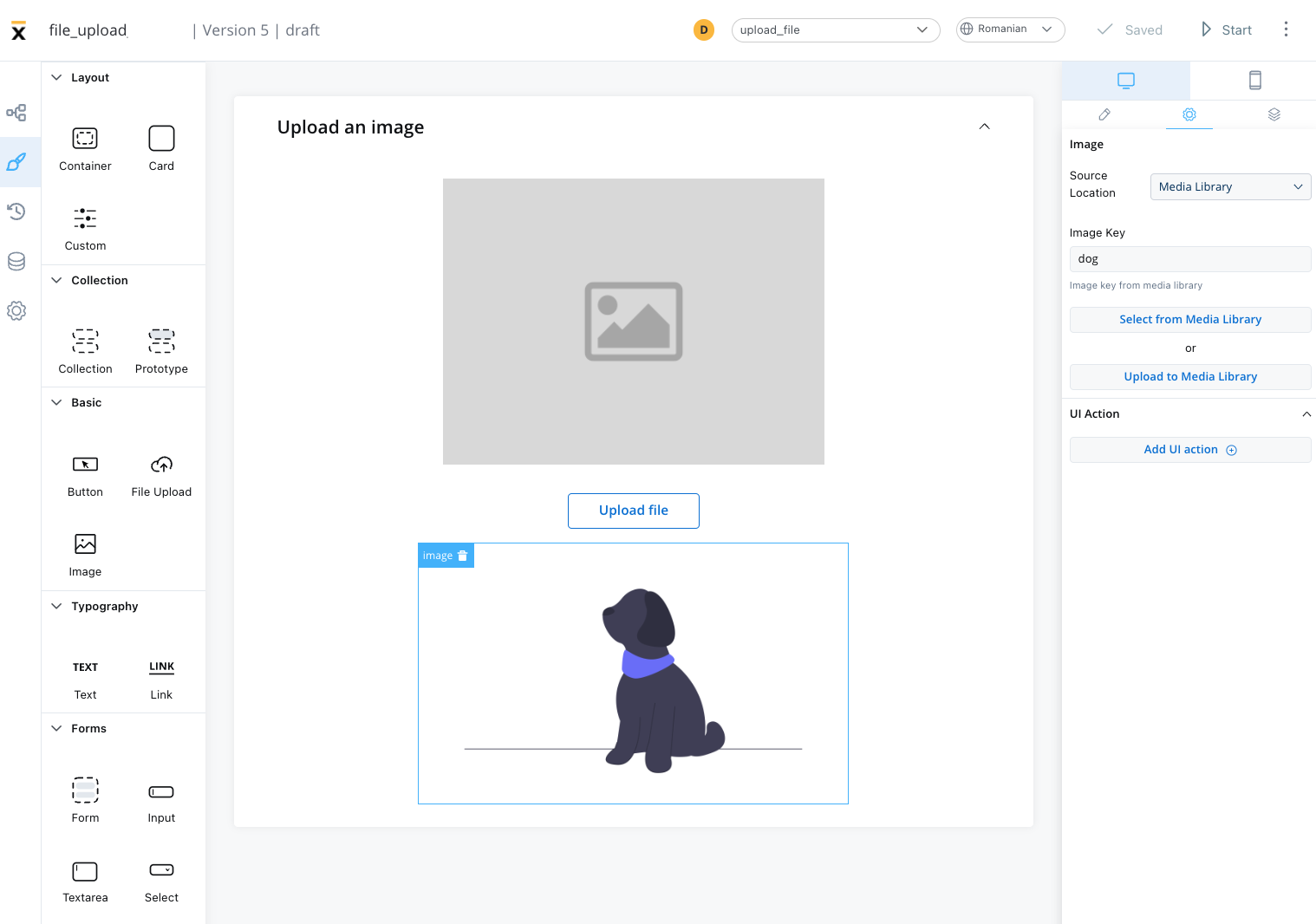
Source location - the location from where the image is loaded:
Depending on which Source location is selected, different configurations are available:
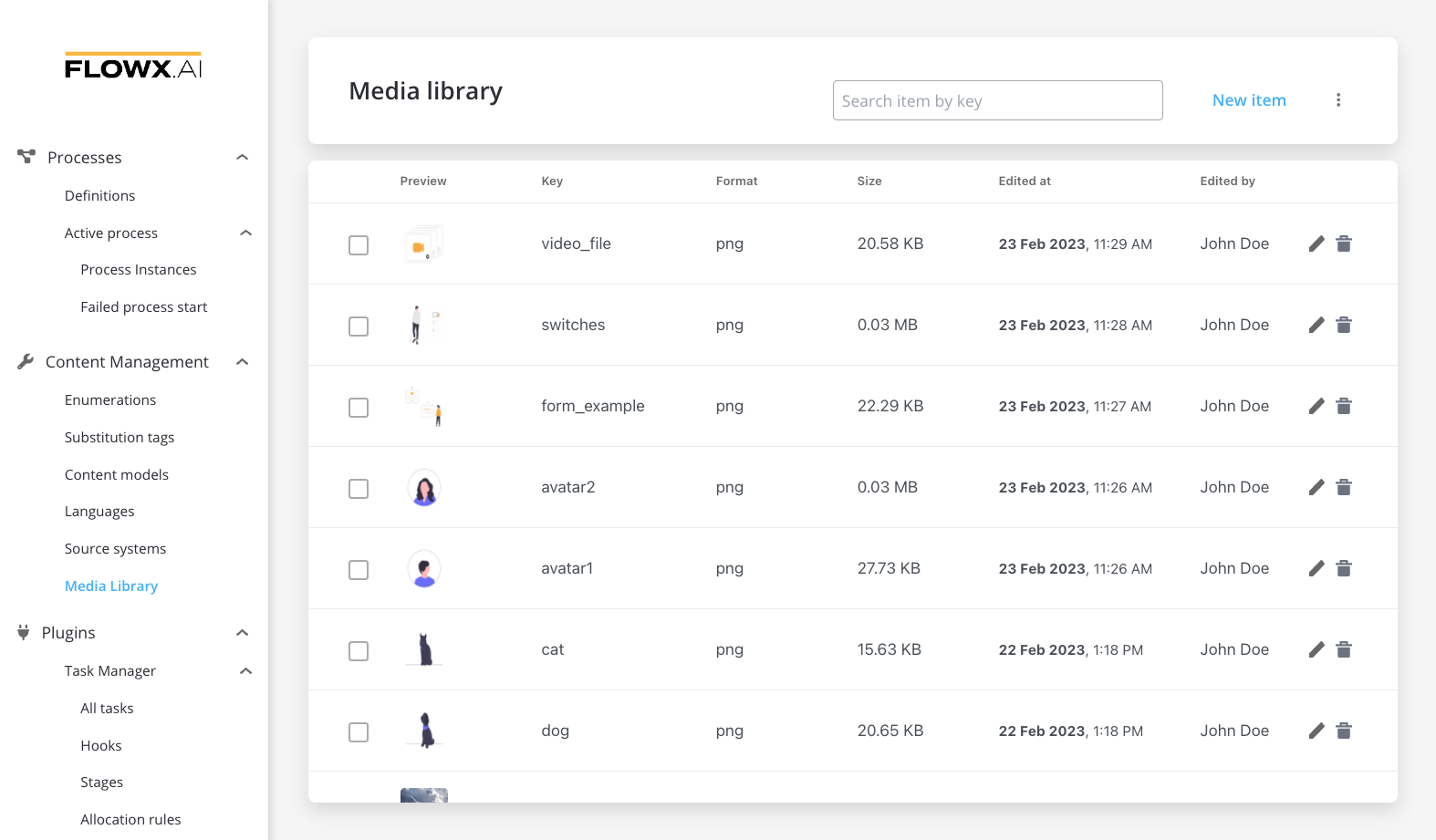
- Image key - the key of the image from the media library
- Select from media library - search for an item by key and select it from the media library
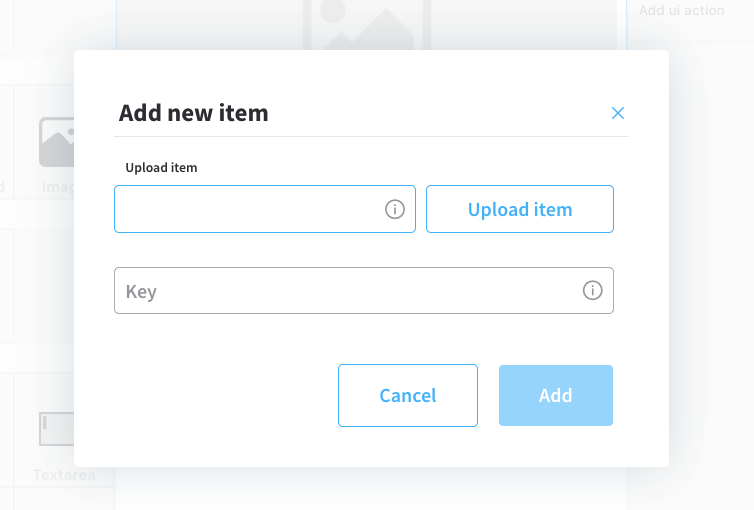
- Upload to media library - add a new item (upload an image on the spot)
- upload item - supported formats: PNG, JPG, GIF, SVG, WebP; ❗️(maximum size - 50 MB by default)
- key - the key must be unique and cannot be changed afterwards
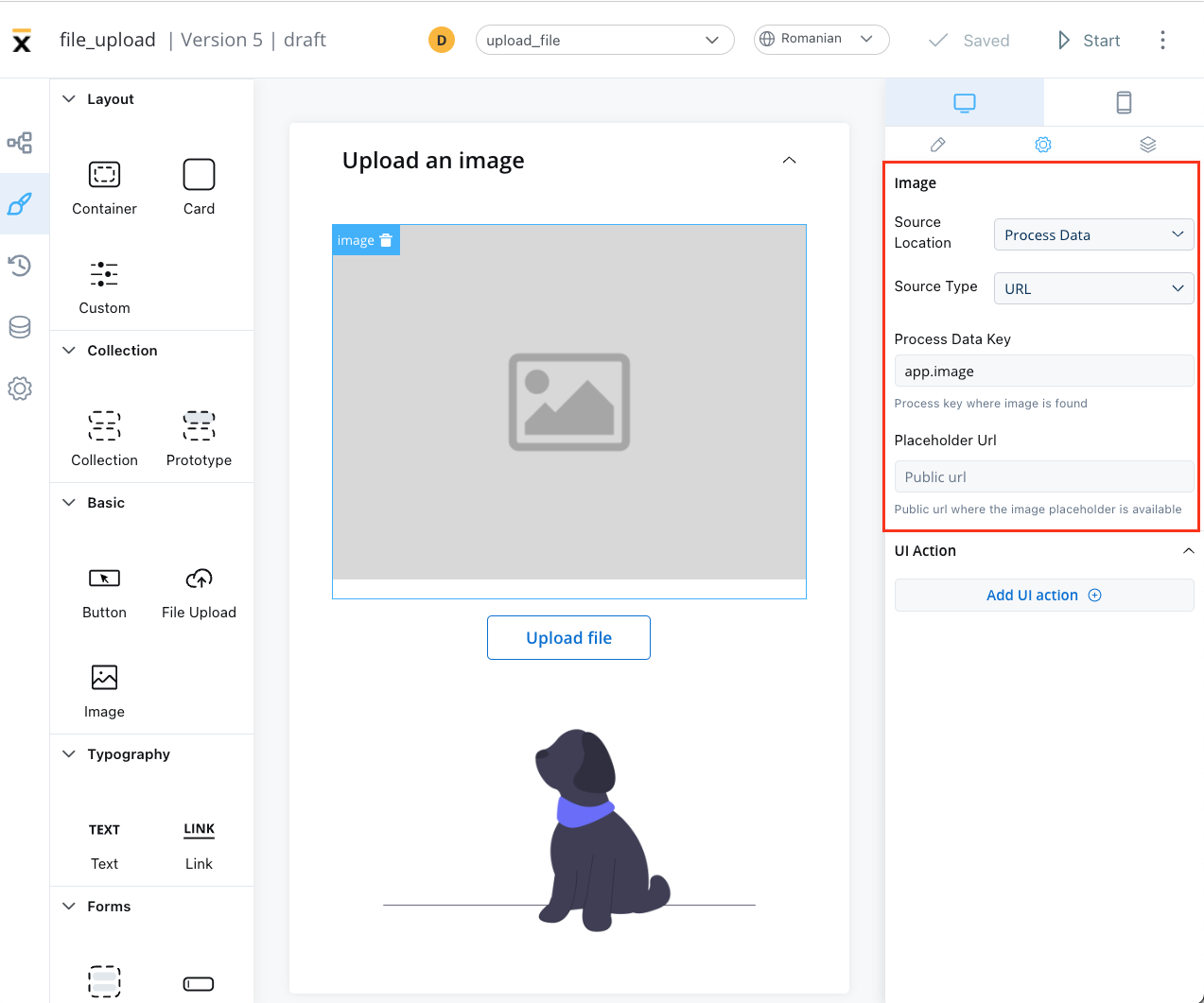
Process data
- Identify the Source Type. It can be either a URL or a Base 64 string.
- Locate the data using the Process Data Key. With URL, the value at that key is used as-is, so it must be a complete, absolute URL. The renderer attaches the user’s access token only when the URL ends in
download. To show a file uploaded through the Documents plugin, build the URL from the upload reply’s downloadPath in a business rule, as shown in Preview an uploaded file.
- If using a URL, provide a Placeholder URL for public access. This is the URL where the image placeholder is available.
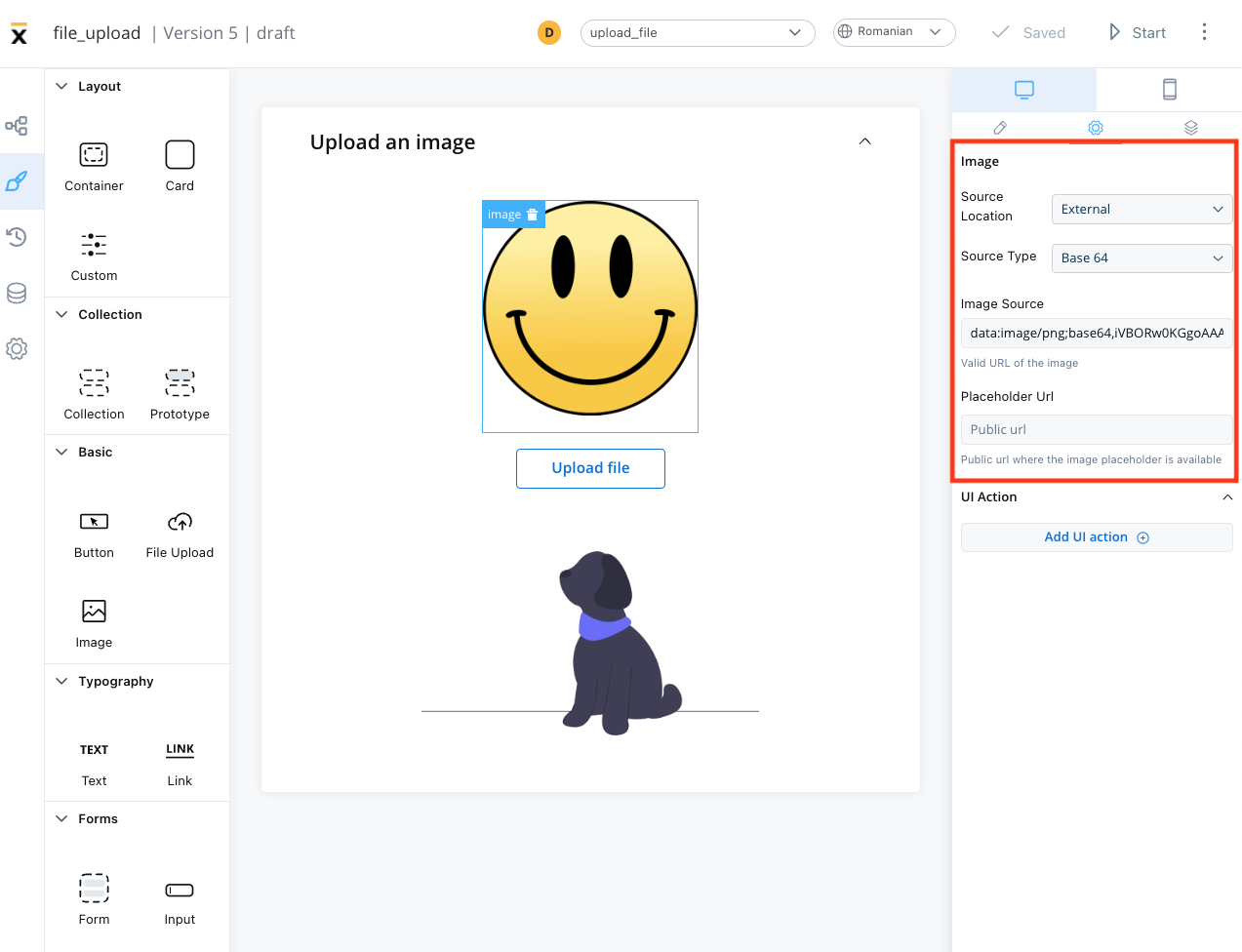
External
- Source Type: it can be either a URL or a Base 64 string
- Image source: the valid URL of the image.
- Placeholder URL: the public URL where the image placeholder is available
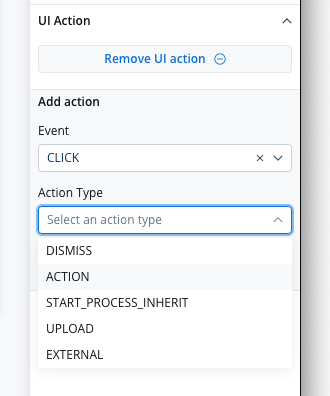
UI actions
The UI actions property allows you to add a UI Action, which must be configured on the same node. For more information, see the UI actions documentation.
Image styling
The image styling property allows you to add or to specify valid CSS properties for the image. For more information, see the styling documentation.
Last modified on September 30, 2026