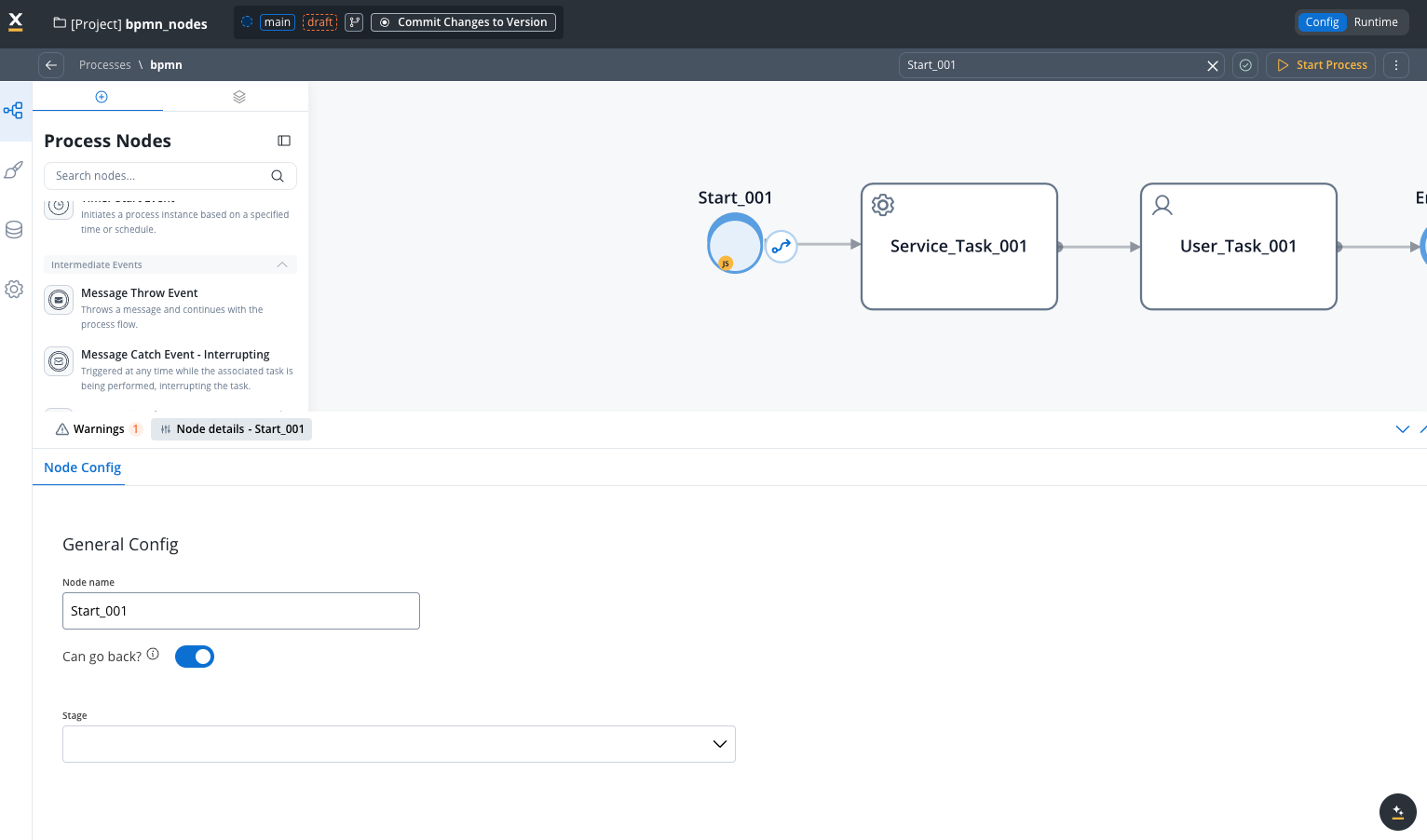
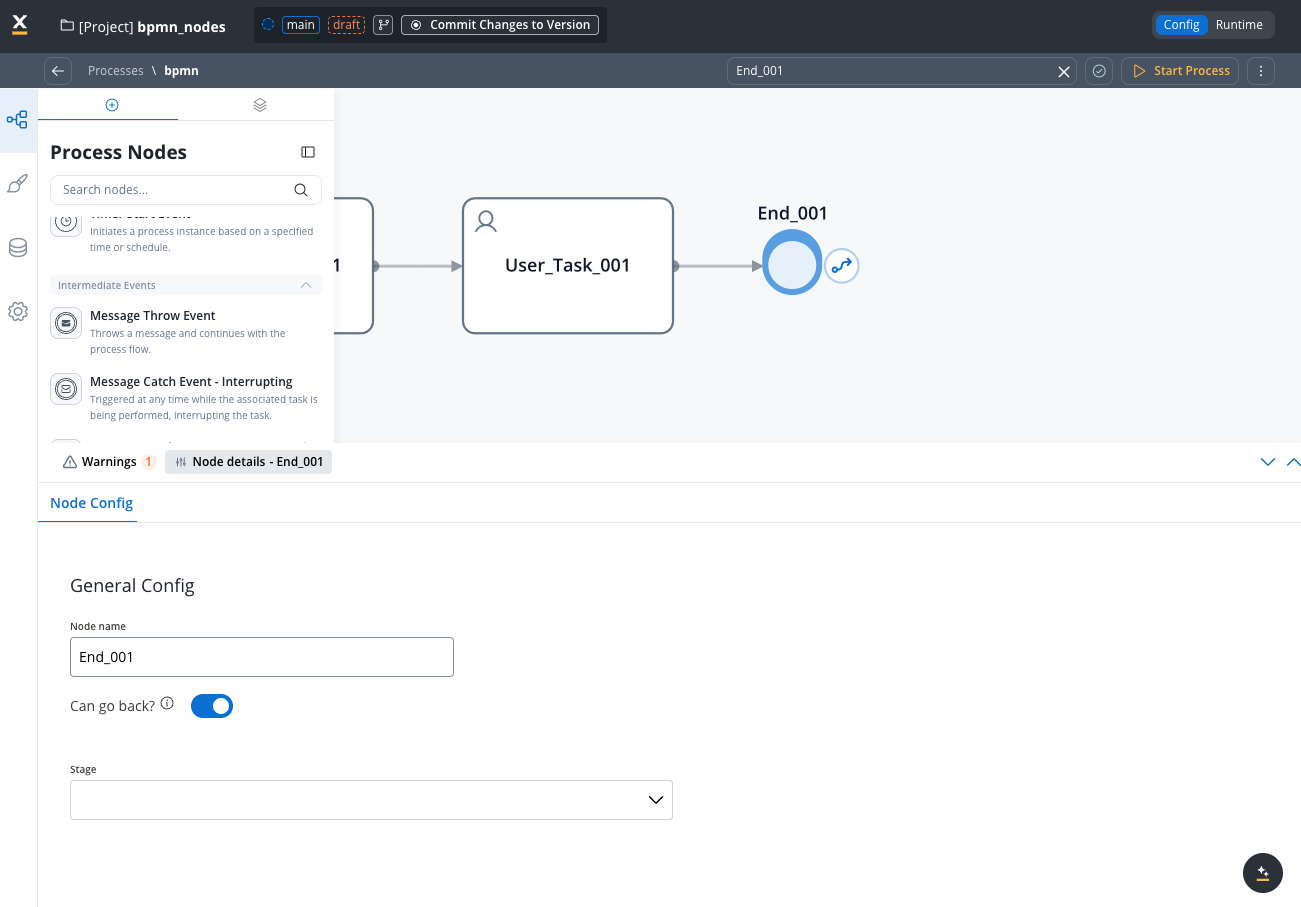
Every FlowX.AI process runs between a start node, which creates the process instance, optionally guarded by a start condition, and an end node, which marks where a flow path finishes.
Start node
The start node represents the beginning of a process and it is mandatory to add one when creating a process.
A process can have one or more start nodes. If you defined multiple start nodes, each should have a start condition value configured. When starting a new process instance the desired start condition should be used.
Configuring a start node
Node configuration is done by accessing the Node Config tab. You have the following configuration options for a start node:
General Config
- Node name: The name of the node
- Stage: Assign a stage to the node
End node
An end node is used to mark where the process finishes. When the process reaches this node, the process is considered completed and its status will be set to Finished.
Configuring an end node
Multiple end nodes can be used to show different end states. The configuration is similar to the start node.
Last modified on October 15, 2026