

Do not forget, after upgrading to a new platform version, always ensure that your installed component versions match the versions specified in the release notes. To verify this, navigate to FlowX.AI Designer > Platform Status.
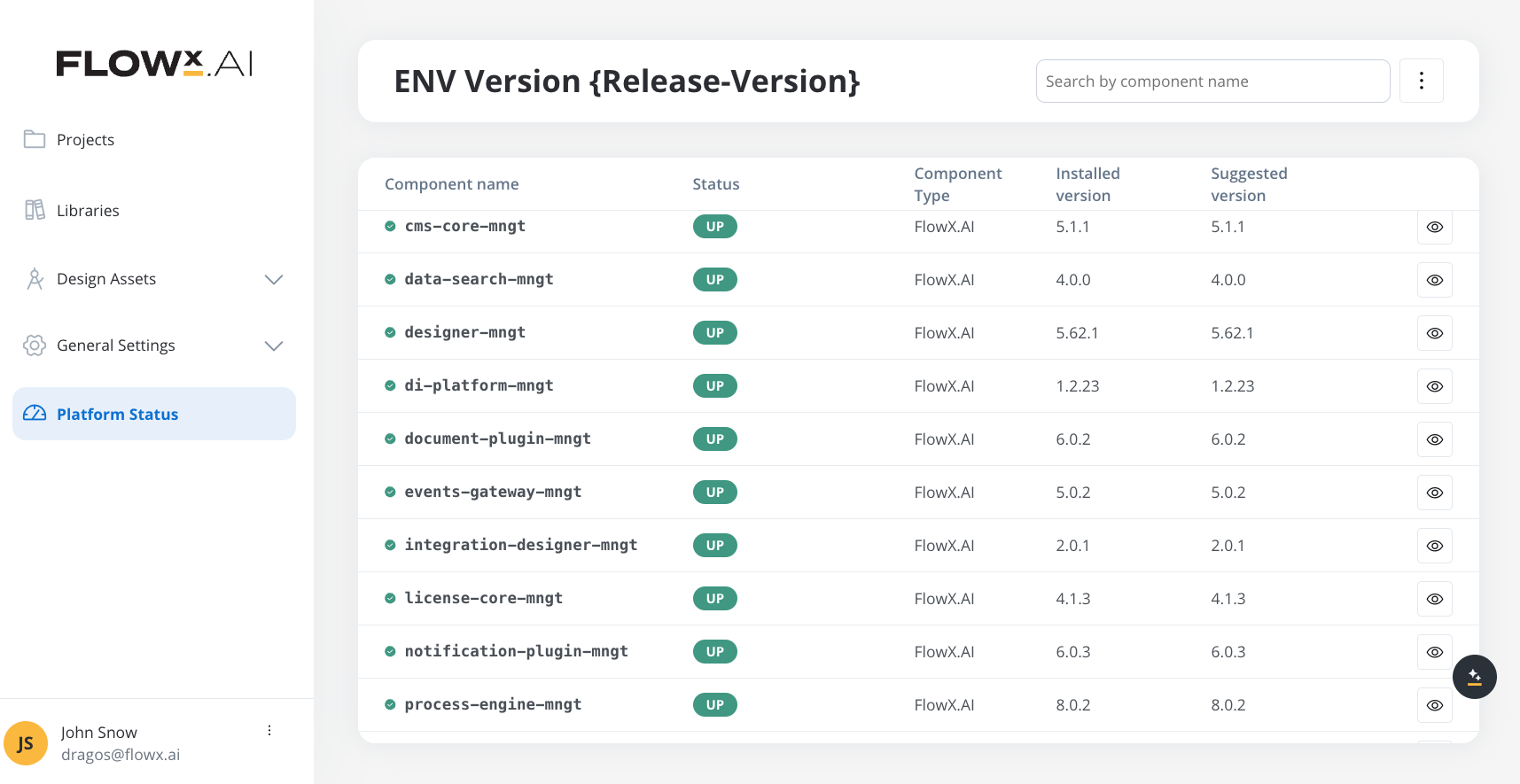
Upgrade overview
FlowX.AI 5.1.11 is a maintenance release for the 5.1.x LTS line. This release can be deployed as a direct upgrade from 5.1.10 with no breaking changes.Upgrade Path
5.1.10 → 5.1.11: Direct upgrade with no breaking changes
Component versions
Renderers
Plugins
AI Platform
Embedded components
Embedded components are third-party software packaged with the platform.For previous FlowX.AI releases, please refer to the Release Notes overview.
Deployment notes
Standard deployment
This maintenance release follows standard FlowX.AI deployment procedures with no special considerations:- Update container images to 5.1.11 versions listed in the table
- Deploy services using your standard deployment process
- Verify deployment via FlowX Designer > Platform Status
Configuration changes
No configuration changes are required for this release.
Events Gateway — real-time event delivery: the default Redis read mode on the 5.1.x line remains
polling (EVENTS_REDIS_MODE), introduced in 5.1.10. No action is required. If you previously set EVENTS_REDIS_MODE=blocking explicitly, switch it to polling.No required configuration changes
No database migrations
No breaking changes
Compatible with existing 5.1.10 processes and configurations
What’s included in 5.1.11
This maintenance release includes:- Security patches and dependency upgrades across platform components
- Stability fixes across platform components
Third-party supported component versions
Within each version line listed below, versions that have reached upstream end of life are not supported, even though their major/minor is listed.The table lists version lines, not individual versions. A version is supported for as long as its vendor still supports it, so check the version you plan to deploy against that vendor’s lifecycle page before committing to it. When a version reaches upstream end of life it is no longer supported; upgrade that component to keep your deployment on a supported configuration. Versions can also be added during the family’s lifetime as FlowX validates them.