

Agent Builder provides AI nodes organized into categories based on the type of content they process. Combine these nodes to create sophisticated workflows.Documentation Index
Fetch the complete documentation index at: https://docs.flowx.ai/llms.txt
Use this file to discover all available pages before exploring further.
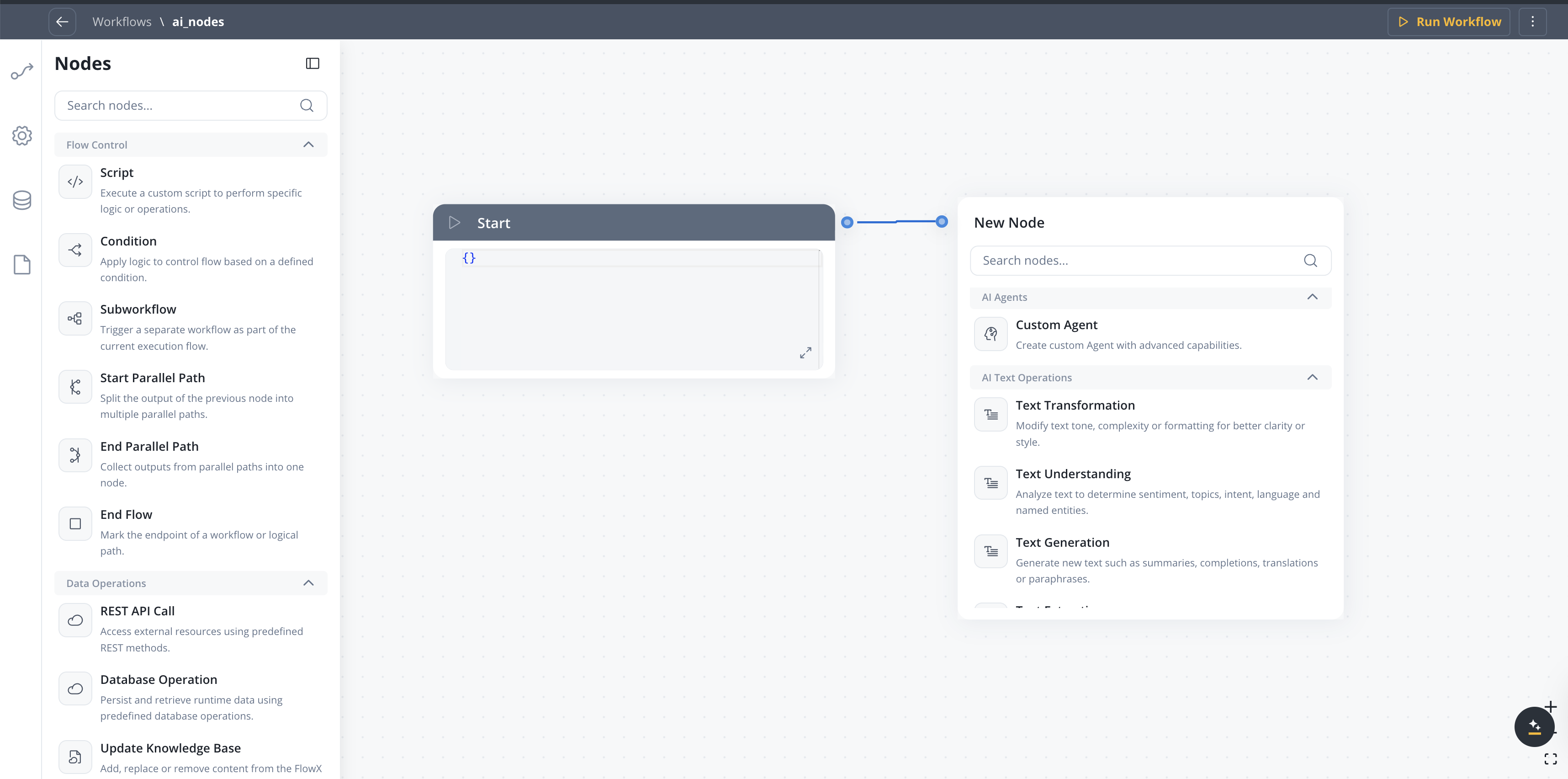
Node categories
Text operations
Process and analyze text content
Document operations
Work with documents and files
Image operations
Analyze visual content
Data operations
Transform and enrich data
Intent Classification
Available starting with FlowX.AI 5.6.0
| Node type | Description | Use cases |
|---|---|---|
| Intent Classification | Classifies a user message into defined intents and routes to the matching branch | Chatbot routing, email triage, support ticket classification |
Configuration options
- User message — Input text to classify (supports
${}references) - Intents — Up to 10 natural language intent descriptions, each becoming an output branch
- Use memory — Include conversation history for context-aware classification
- Include Reason for Selection — Add LLM explanation for the chosen intent
- Fallback branch — Automatic “If No Intent Matches” path
Intent Classification
Learn more about configuring intents, output format, and routing behavior
Context Retrieval
Available starting with FlowX.AI 5.6.0
| Node type | Description | Use cases |
|---|---|---|
| Context Retrieval | Queries a Knowledge Base and returns matching chunks with relevance scores | RAG pipelines, document search, context gathering for downstream AI nodes |
Configuration options
- Source — Knowledge Base or Memory (Memory only available in conversational workflows)
- Knowledge Base — Select which Knowledge Base to query (when source is Knowledge Base)
- User Query — the search query, supports process variable expressions
- Search type — Hybrid (default), Semantic, or Keywords
- Max Number of Chunks — how many chunks to return (1-10)
- Min Relevance Score — minimum relevance threshold (0-100%)
- Metadata Filters — structured filters with typed operators and AND/OR grouping to refine results by chunk metadata
- Use advance metadata filters — toggle for expression-based filtering
- Use Re-rank — re-rank retrieved chunks before returning
Output format
The node outputs an array of retrieved chunks, each containing:| Field | Description |
|---|---|
chunkContent | The text content of the retrieved chunk |
chunkMetadata | Metadata associated with the chunk |
relevanceScore | Similarity score between the query and the chunk |
searchType | Search strategy that returned this chunk: HYBRID, SEMANTIC, or KEYWORD. Only emitted when the RAG service returns a non-null value. Available starting with FlowX.AI 5.8.0. |
contentSource | The store the chunk belongs to (field name preserved for API compatibility) |
Context Retrieval
Learn more about configuring Context Retrieval nodes
Custom Agent
Create custom agents with advanced capabilities powered by Model Context Protocol (MCP) tools, optional Knowledge Base retrieval, and direct chat reply in Chat Driven workflows.| Node type | Description | Use cases |
|---|---|---|
| Text generation | Create text content from prompts | Reports, summaries, responses |
| Summarization | Condense long content | Document summaries, meeting notes |
| Translation | Convert between languages | Multi-language support |
| Document completion | Fill in templates | Form letters, contracts |
Configuration options
- Operation Prompt — Define agent behavior, constraints, and referenced inputs (use
${variable}syntax) - Use only prompt references as context — Send only values referenced in the prompt to the LLM; narrows context and reduces token usage
- Use Memory — Include conversation history in the LLM call (Chat Driven workflows only)
- Settings → MCP Servers — Attach MCP tools the agent can call
- Settings → Knowledge Base — Attach a knowledge base for RAG retrieval; in 5.7.0+ includes Search Type (vector / keyword / hybrid) and Re-rank options
- Send as Chat Reply — In Chat Driven workflows, deliver the response directly to the Chat component as Markdown
- Include Task for Prompt Suggestions — In Chat Driven workflows (5.7.0+), generate AI follow-up prompts shown in the Chat component after the response
- Response Key — Key where the node output is stored in the workflow data
- Response Schema — Expected JSON structure of the LLM response (hidden when Send as Chat Reply is ON)
Custom Agent in Chat Driven workflows
Full reference for Use Memory, Send as Chat Reply, Prompt Suggestions, and other Chat Driven specifics
Speech to Text
Available starting with FlowX.AI 5.7.0
| Node type | Description | Use cases |
|---|---|---|
| Speech to Text | Transcribe audio files or generate audio from text | Voice message processing, audio transcription, accessibility, conversational workflows with voice input |
Configuration options
- Operation — Transcribe (audio to text) or Text to Speech (text to audio)
- File Source — Document Plugin, S3, or Chat Input (conversational workflows)
- File Path — Path to the audio file (supports
${}references) - Test file — Upload a sample audio file for development testing
- TTS options — Voice, model, format, speed, and instructions (Text to Speech only)
Speech to Text
Learn more about configuring transcription, text-to-speech, and chat voice integration
Understanding nodes
Understanding nodes analyze content to extract meaning and intent.| Node type | Description | Use cases |
|---|---|---|
| Sentiment analysis | Detect emotional tone | Customer feedback, reviews |
| Topic modeling | Identify themes and subjects | Document categorization |
| Intent recognition | Understand user goals | Chatbot routing, request handling |
| Named entity recognition | Find people, places, organizations | Data extraction, compliance |
Configuration options
- Classification labels - Define categories for classification
- Confidence threshold - Minimum score for results
- Multi-label - Allow multiple classifications per input
AI Document Operations
Process documents to extract data, generate reports, or understand content.| Node | Description | Use cases |
|---|---|---|
| Document Generation | Automatically build reports or complete templates based on given inputs | Report generation, template completion |
| Document Extraction | Identify and extract structured data, entities or metadata from documents | Form processing, invoice data extraction |
| Document Understanding | Analyze documents to extract meaning, topics, sentiment, or important information | Document classification, content analysis |
| Extract Data from File | Extract text and data from documents and images with configurable extraction strategies | OCR, PDF text extraction, image data extraction, signature detection |
Extract Data from File
Learn more about configuring extraction strategies, image extraction, and signature detection
Configuration options
- Document type - Specify expected document format
- Schema definition - Define expected output structure
- Field mapping - Map extracted fields to data model
- Confidence threshold - Minimum score for extractions
AI Image Operations
Analyze visual content to generate captions, extract details, or identify objects.| Node type | Description | Use cases |
|---|---|---|
| Object recognition | Identify items in images | Document classification, damage assessment |
| Text extraction (OCR) | Read text from images | Invoice processing, ID verification |
| Scene understanding | Interpret image context | Property assessment, claims processing |
| Emotion analysis | Detect facial expressions | Customer experience, fraud detection |
Configuration options
- Detection confidence - Minimum threshold for detections
- Region of interest - Focus on specific image areas
- Output format - Structured data or annotations
Combining nodes
Nodes can be connected in workflows to create complex processing pipelines:Best practices
Start simple
Start simple
Begin with a single node and add complexity incrementally. Test each addition before moving on.
Use validation nodes
Use validation nodes
Add validation steps after extraction to ensure data quality before processing continues.
Handle errors
Handle errors
Include fallback paths for when nodes fail or return low-confidence results.
Monitor performance
Monitor performance
Track execution times and accuracy metrics to identify bottlenecks and improvement opportunities.
Related resources
Agent Builder overview
Get started with Agent Builder
Use cases
See real-world examples
Conversational workflows
Multi-turn chat with Custom Agent node changes for chat replies and memory