> ## Documentation Index
> Fetch the complete documentation index at: https://docs.flowx.ai/llms.txt
> Use this file to discover all available pages before exploring further.
# FlowX.AI 4.5.0 Release Notes
> Welcome to the FlowX.AI 4.5.0 release! 🚀 This update is packed with groundbreaking features, enhancements, and fixes to supercharge your workflow and provide a seamless development experience.
**Release Date:** 31st October 2024
Get ready because this update is big—really big. We’re taking the scenic route to explore all the exciting new features and improvements that you won’t want to miss, so get ready. There’s a lot to explore here (and yes, that pun is courtesy of our AI, since even our technical writer was stumped on how to market this one).
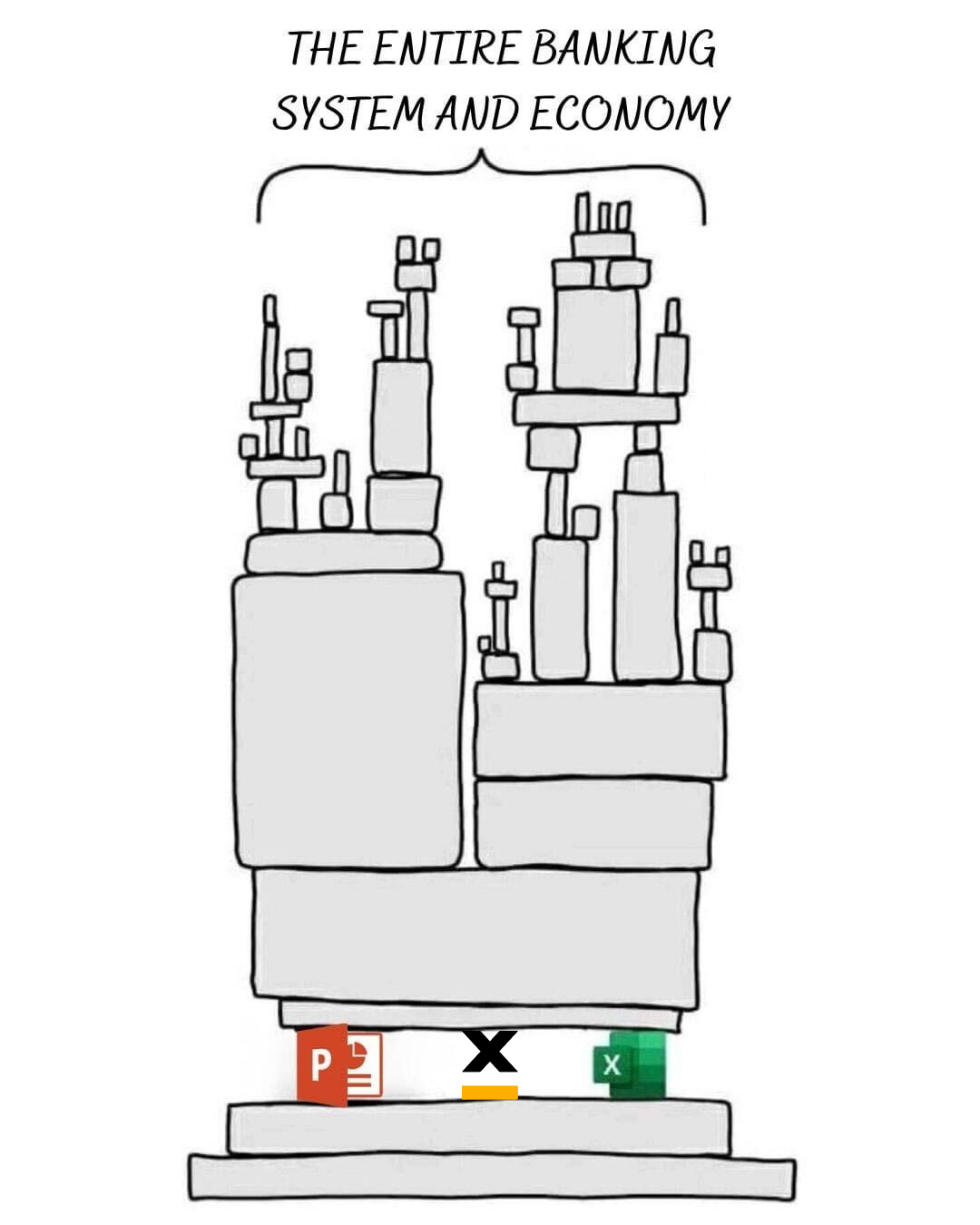
Before diving in, here is a bonus meme:
***
## **Highlights**
### What's new? 🆕
1. **Applications**: Manage projects with version control and streamlined deployment.
2. **Integration Designer**: Simplify REST API integrations with drag-and-drop tools.
3. **AI Agents**: Leverage LLM-agnostic AI for smarter business processes.
4. **Localization**: Robust support for global languages and regional preferences.
5. **Data Model 2.0**: Improved data handling with dynamic binding and reusable objects.
6. **Task Management 2.0**: Enhanced tracking with customizable views and advanced filtering.
7. **UI Designer Upgrades**: Grid layouts, table components, and an improved navigator.
8. **Scripting Enhancements**: Autocomplete and test editors for streamlined UX.
9. **SDKs**: New React SDK for building responsive applications.
***
## **Detailed updates**
### Application
The new Application concept introduces a streamlined approach to managing and deploying complex projects within FlowX. By grouping all related resources—such as processes, enumerations, integrations, and assets—into a single, organized workspace, applications provide a cohesive view for efficient development and deployment.
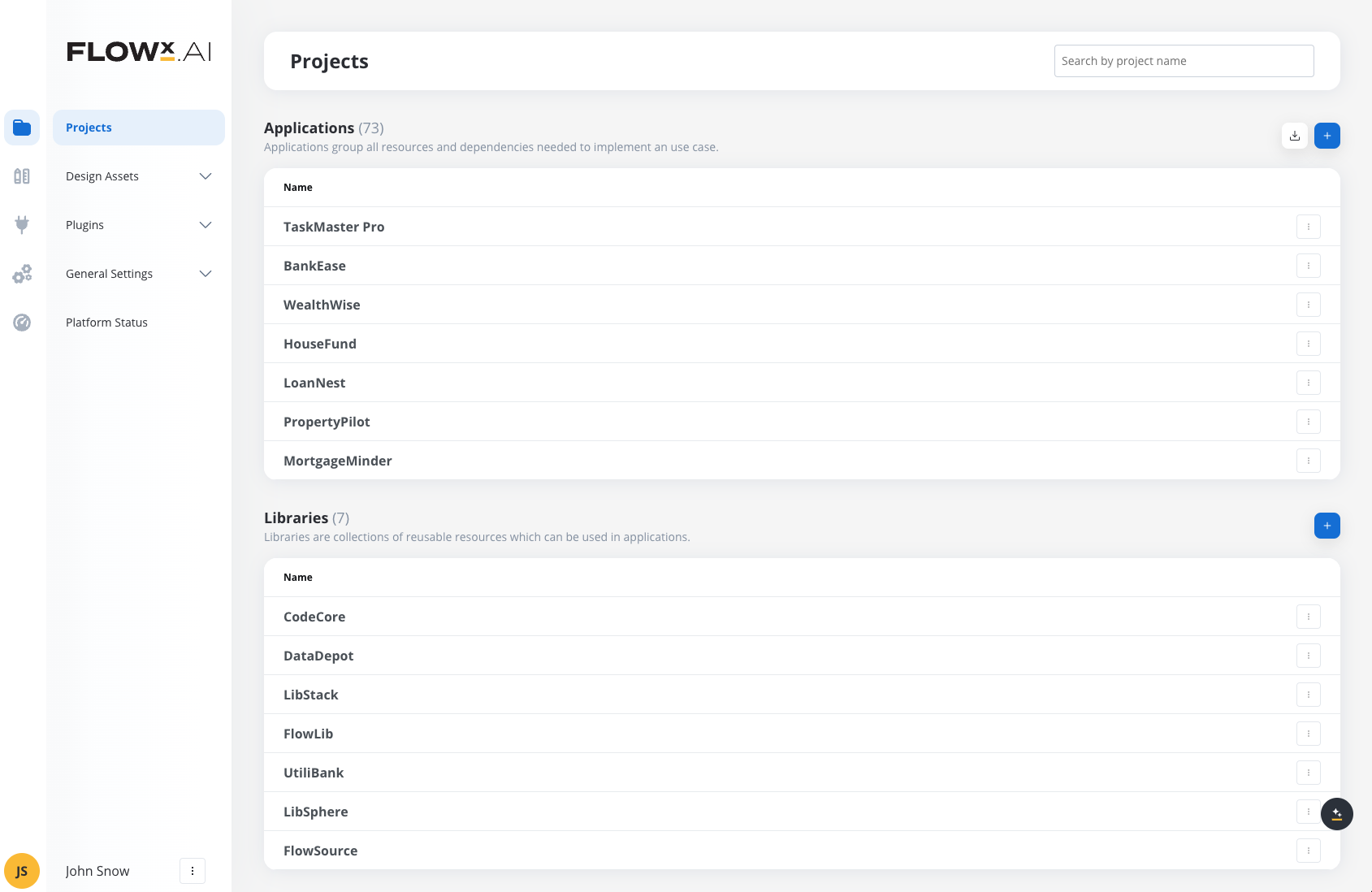
This feature supports version control at the application level, allowing users to create and manage multiple versions and builds. Applications also facilitate resource sharing through dependencies, enabling the reuse of processes and configurations across projects. These enhancements make it easier to maintain project integrity, deploy updates seamlessly, and ensure consistency across environments. Here is a quick walkthrough demo:
For more details, check out this section
#### Config vs build
* Config mode is the environment where you set up, adjust, and manage your application's resources, processes, and configurations. It's the workspace where you fine-tune every aspect of the application before it's ready for deployment. Think of it as the design phase, where the focus is on setup, organization, and preparation.
* Build mode is the stage where the configurations you've set up are packaged into a deployable form. This is the runtime-ready version of your application, containing everything needed for it to function in a production environment. A build includes a snapshot of the application’s state at a given point, ensuring stability and predictability when deployed.
For more details, check out this section
For more details, check out this section
***
### Integration Designer
The Integration Designer simplifies the integration of FlowX with external systems using REST APIs. It offers a user-friendly graphical interface with intuitive drag-and-drop functionality for defining data models, orchestrating workflows, and configuring system endpoints.
With Integration Designer, you can easily set up REST-based connections and define workflows, while enjoying flexible authorization options such as Service Token, Bearer, or No Auth.
**Did you know?**
Unlike [Postman](https://www.postman.com/), which focuses on API testing, the Integration Designer automates workflows between systems. With drag-and-drop ease, it handles REST API connections, real-time processes, and error management, making integrations seamless and scalable.
For more details, check out this section
***
### AI Agents
FlowX AI Agents bring powerful automation and insight capabilities by harnessing a flexible, LLM-agnostic core, tailored to optimize your business processes and interactions. Built on a robust AI architecture, FlowX leverages interconnected language models adaptable across deployment options, from open-source models to private LLMs, ensuring secure, on-premise functionality that can integrate with any public LLM providers.
Stay tuned for more.
***
### Localization and Internationalization
We are introducing robust localization and internationalization features to enhance global usability and adaptability. Key updates include:
Enhanced formatting options for dates, times, numbers, and currencies with support for various international standards including short, medium, long, full, and custom formats.
Support for currency formatting with options to display values using ISO codes or symbols, adapting to user-selected locales and regional preferences.
Comprehensive settings for pluralization, capitalization, alignment, and sorting that adapt to regional requirements, helping cater to a diverse global user base.
New options in the UI Designer to override general settings for text, messages, links, and form elements based on locale and region.
Static and dynamically generated legal documents can now be customized based on regional and locale settings, improving compliance and communication with local audiences.
For more details, check out this section
***
### Data model 2.0
In this release, we've introduced Data Model 2.0, a major upgrade designed to simplify and enhance data handling. Key improvements include the introduction of reusable objects, a visual representation of complex data structures, and dynamic data binding, all aimed at creating a more reliable and intuitive experience. The new model ensures references are automatically updated when changes are made, streamlining data management across the platform.
**Highlights**:
* **New Root Element**: Provides a structural basis without impacting business logic, ensuring a clear and organized data structure.
* **Enhanced Data Binding**: Expanded to more areas, with dynamic updates based on changes in the data model.
* **Localization**: Added handling mechanism for locale-specific formatting, ensuring accurate data representation.
For more details, check out this section
***
### Task management 2.0
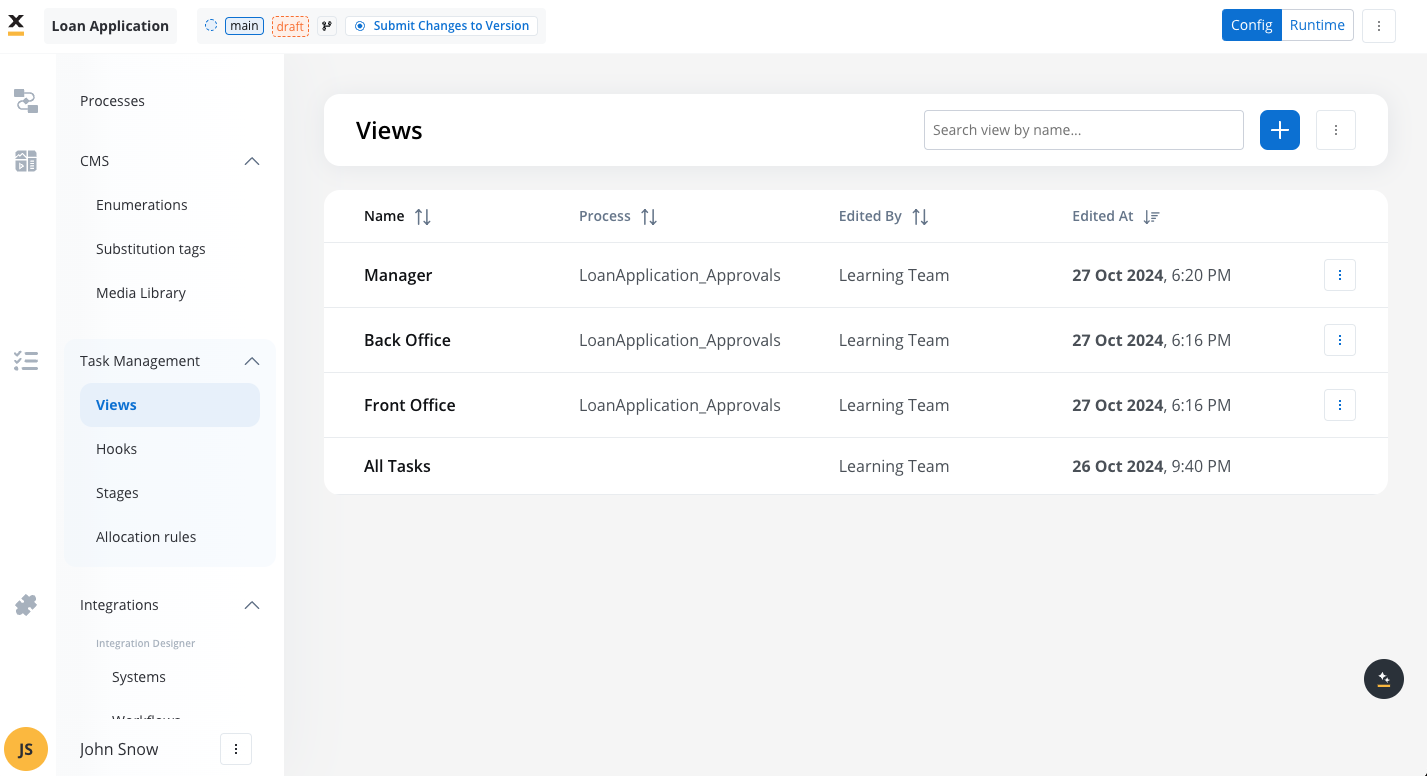
We've enhanced Task Management capabilities, making it easier to create, track, and manage tasks efficiently. The updated Task Management features include customizable views and advanced filtering and sorting options for task data. Additionally, users can now implement both low-code and full-code solutions for a tailored Task Management experience, ensuring maximum flexibility for different business needs.
For more details, check out this section
***
### UI Designer
#### Grid layout
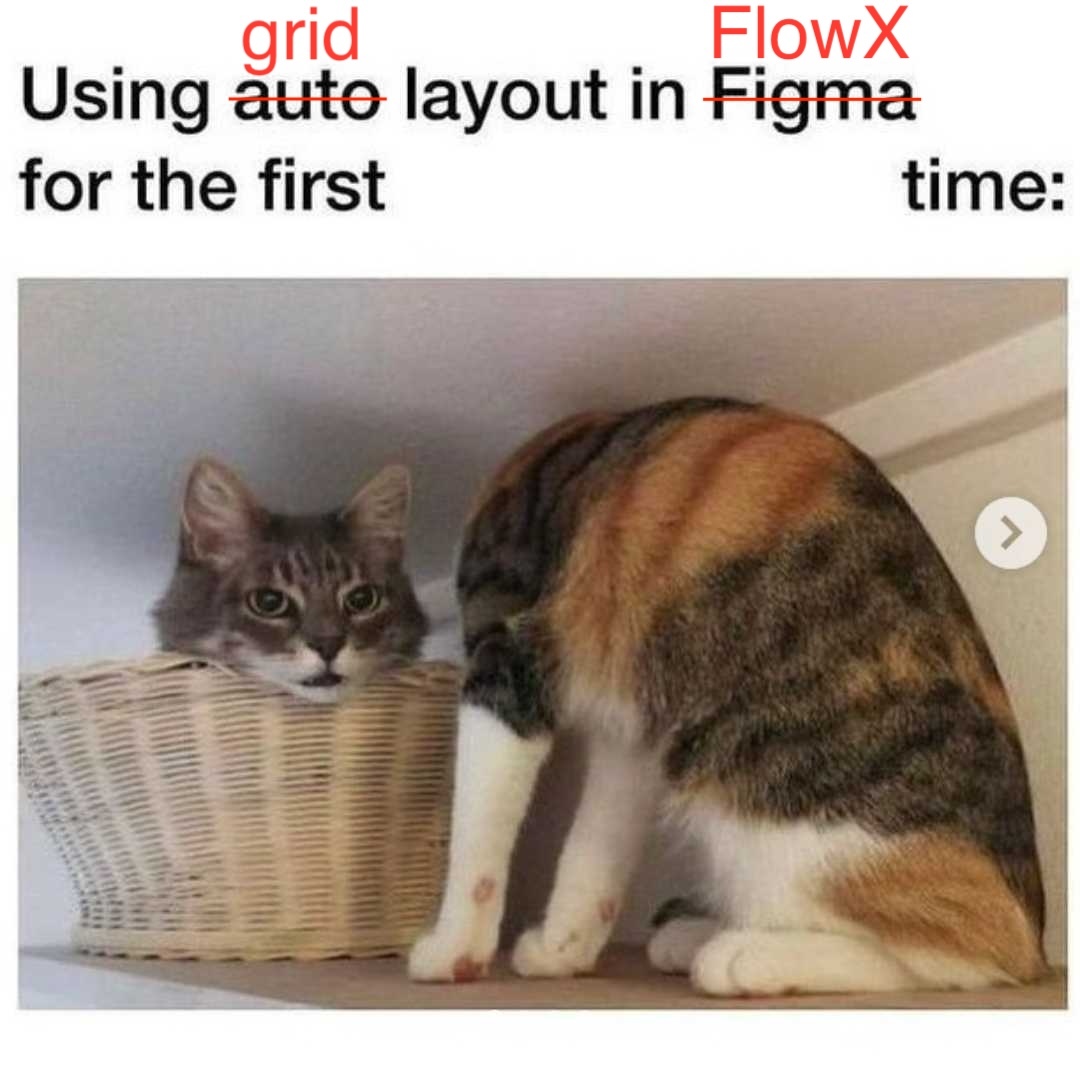
We are excited to introduce the Grid Layout feature in this release, enhancing the flexibility and usability of the UI Designer for creating structured and responsive layouts. With the new Grid Layout, users can organize form elements, tables, and other components using a multi-column and row system, allowing for more complex, bidirectional designs compared to the previous flex-based layout.
***
#### Table
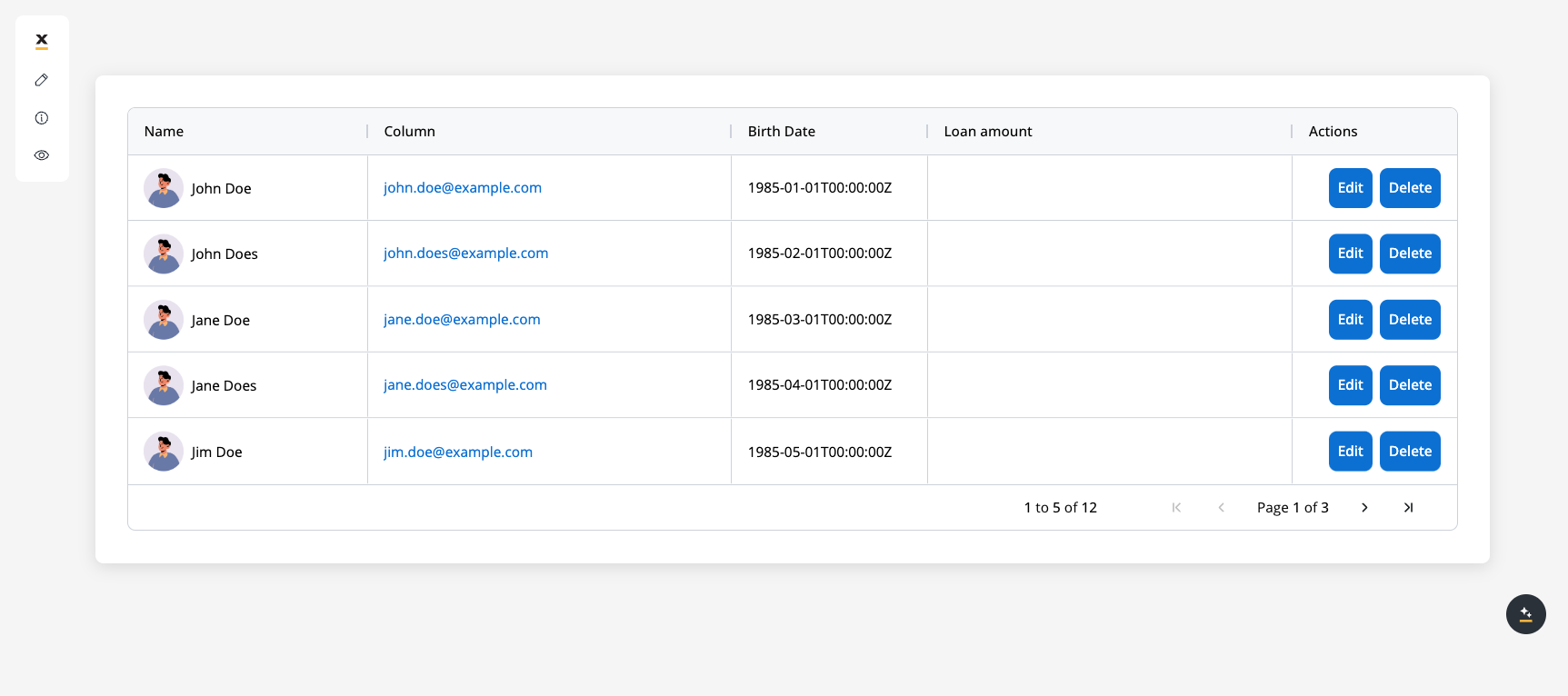
In this release, we've introduced a new Table component, allowing for more structured data display with customizable columns, pagination options, and dynamic styling features. The table supports resizable columns, flexible layouts, and integrates seamlessly with our theming settings for a consistent look across the application.
For more details, check out this section
***
#### FlowX.AI UI Designer new navigator
We are thrilled to introduce the new and improved **UI Designer Navigator**, a major update designed to streamline your UI design process.
The UI layer panel has been redesigned for a more intuitive experience, making it easier to manage and navigate through your design elements.
Dragging and dropping components in the preview is now smoother and more precise, allowing for faster and easier creation of UIs.
You can now change the root component from a form group to a container or vice versa, offering greater flexibility when copying nodes or resolving configuration problems.
It is now simpler to identify where you are placing a component within the hierarchy, thanks to the enhanced drag/reorder functionality in the right panel.
***
### Autocomputed data to send
In previous platform versions, when creating your UI screens and working with data, you had to ensure that all the data stored in your process keys was saved in the process instance. This required adding an extra parameter called "Data to send" to the "Save Data" node action.
**Older versions** vs **v4.5**:

 Now, with the autocompute feature, this step is no longer necessary, as the data is automatically saved and sent on your process instance.
You no longer need to add "Save Data" node actions, but make sure to include "Forms to Validate" on the UI Actions. This helps ensure that data is submitted correctly and automatically activates any added validators where they exist.
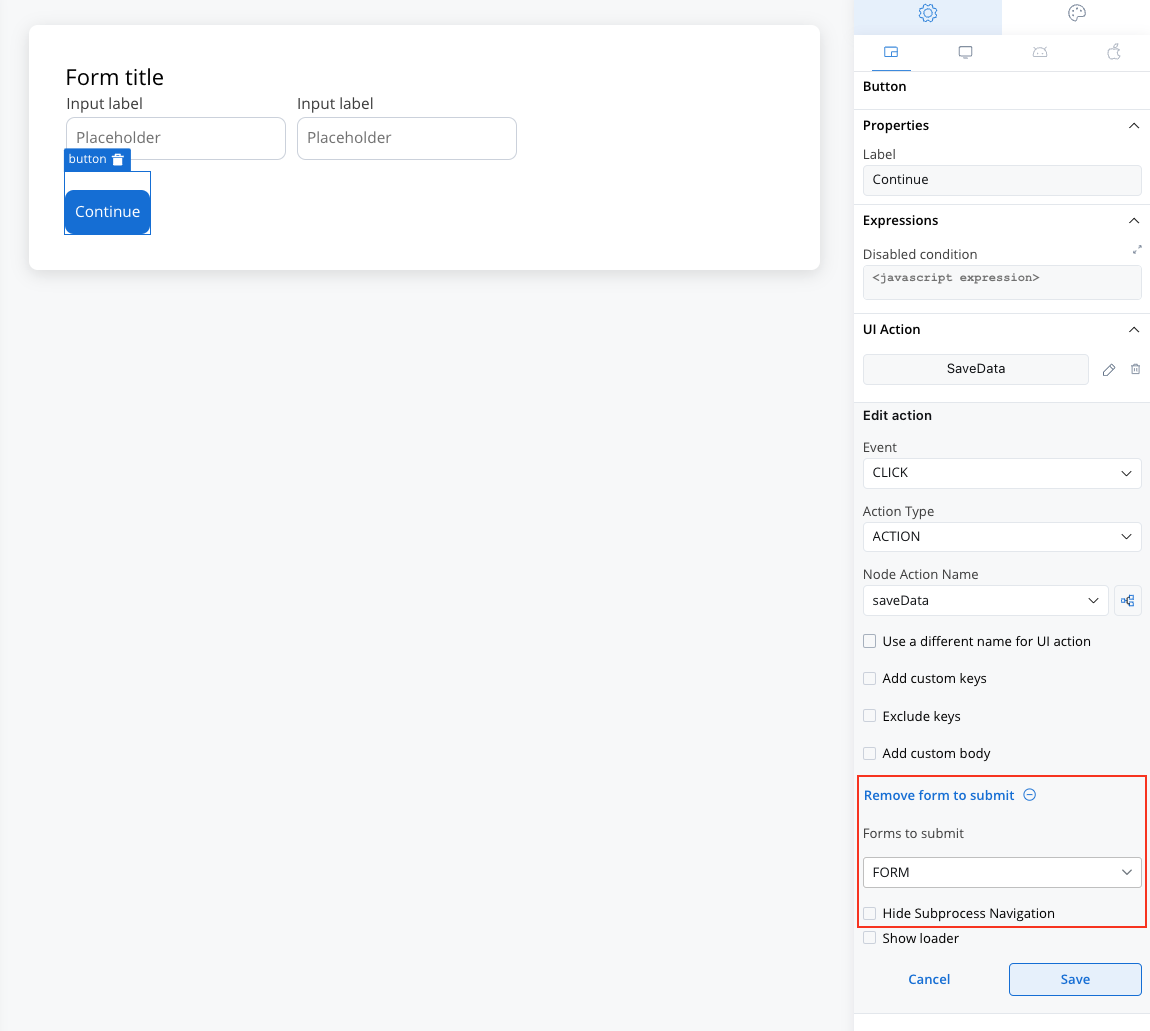
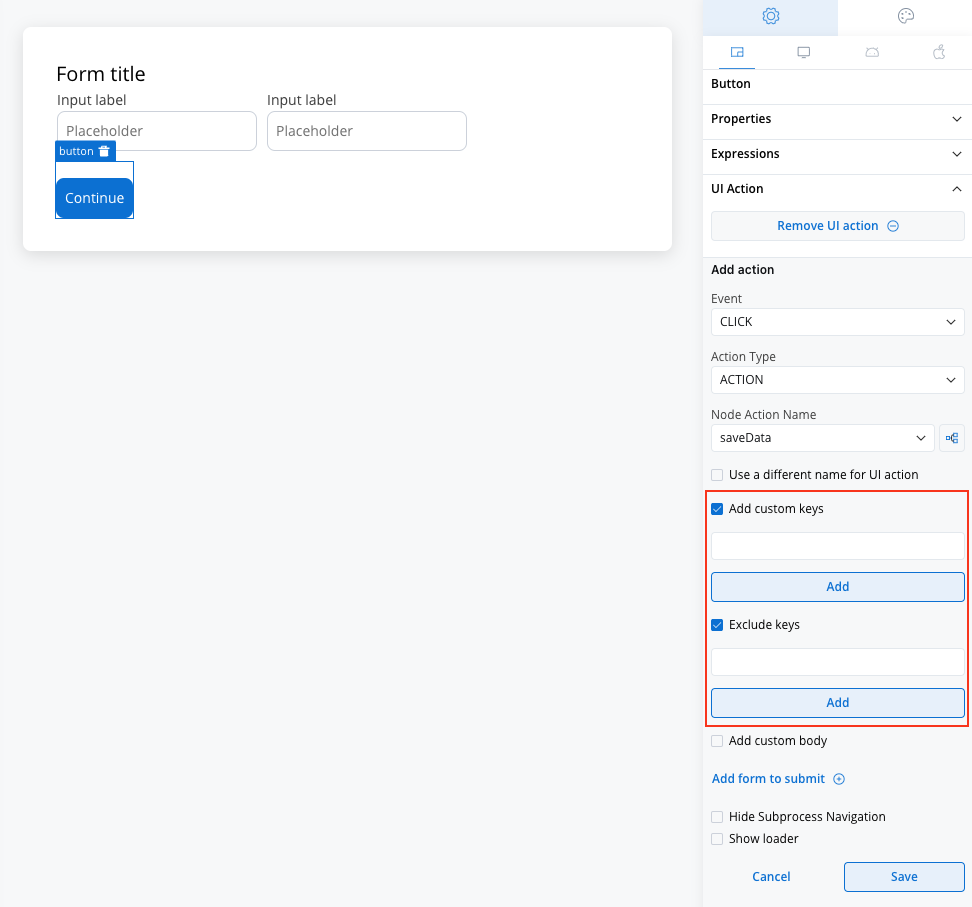
However, you still have the option to customize which keys are included or excluded as needed.
***
### Scripting UX improvements
We're excited to announce significant improvements to our scripting UX. These enhancements focus on upgrading the code editors and introducing an advanced autocomplete feature. Configurators, both experienced and novice, will benefit from better visual feedback, support for interpolation syntax, and integrated help and examples.
The updates aim to streamline the configuration process, reduce errors, and make testing and troubleshooting more efficient.
#### Autocomplete based on data model
Autocomplete for attributes is now available, improving configuration efficiency by offering tailored suggestions based on data model attributes. These enhancements apply to various fields and editors, including JSON, code, and JavaScript editors, as well as input fields across different node configurations, UI components, and business rules.
#### New test business rule editor
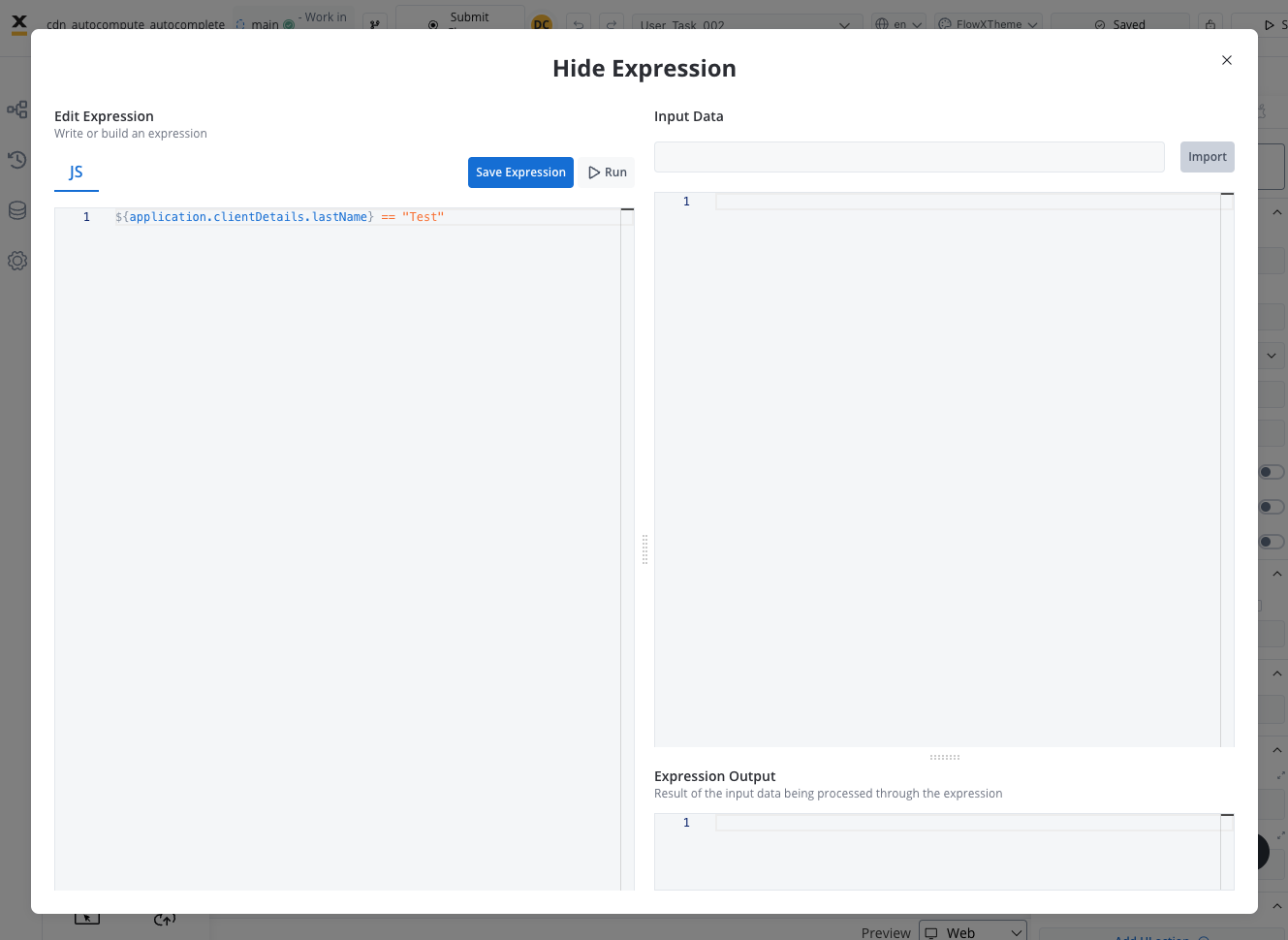
#### New hide/disabled expressions editor
***
### SDKs
With the 4.5.0 release, we're excited to announce the launch of the FlowX React SDK! This new SDK empowers developers to seamlessly integrate FlowX.AI capabilities into React applications, making it easier than ever to build highly interactive, responsive, and dynamic user experiences.
To get started, simply install the FlowX React SDK via npm and check our documentation for examples and best practices.
***
## **Changes** 🔧
* **WEB SDK**: Angular update (v17).
## Additional information
For deployment guidelines, refer to:
Now, with the autocompute feature, this step is no longer necessary, as the data is automatically saved and sent on your process instance.
You no longer need to add "Save Data" node actions, but make sure to include "Forms to Validate" on the UI Actions. This helps ensure that data is submitted correctly and automatically activates any added validators where they exist.

However, you still have the option to customize which keys are included or excluded as needed.

***
### Scripting UX improvements
We're excited to announce significant improvements to our scripting UX. These enhancements focus on upgrading the code editors and introducing an advanced autocomplete feature. Configurators, both experienced and novice, will benefit from better visual feedback, support for interpolation syntax, and integrated help and examples.
The updates aim to streamline the configuration process, reduce errors, and make testing and troubleshooting more efficient.
#### Autocomplete based on data model
Autocomplete for attributes is now available, improving configuration efficiency by offering tailored suggestions based on data model attributes. These enhancements apply to various fields and editors, including JSON, code, and JavaScript editors, as well as input fields across different node configurations, UI components, and business rules.
#### New test business rule editor
#### New hide/disabled expressions editor

***
### SDKs
With the 4.5.0 release, we're excited to announce the launch of the FlowX React SDK! This new SDK empowers developers to seamlessly integrate FlowX.AI capabilities into React applications, making it easier than ever to build highly interactive, responsive, and dynamic user experiences.
To get started, simply install the FlowX React SDK via npm and check our documentation for examples and best practices.
***
## **Changes** 🔧
* **WEB SDK**: Angular update (v17).
## Additional information
For deployment guidelines, refer to: