> ## Documentation Index
> Fetch the complete documentation index at: https://docs.flowx.ai/llms.txt
> Use this file to discover all available pages before exploring further.
# Components change log v4.1
> This log outlines the changes in component styles and props from v4.0 to v4.1.
## Navigation areas
### Stepper
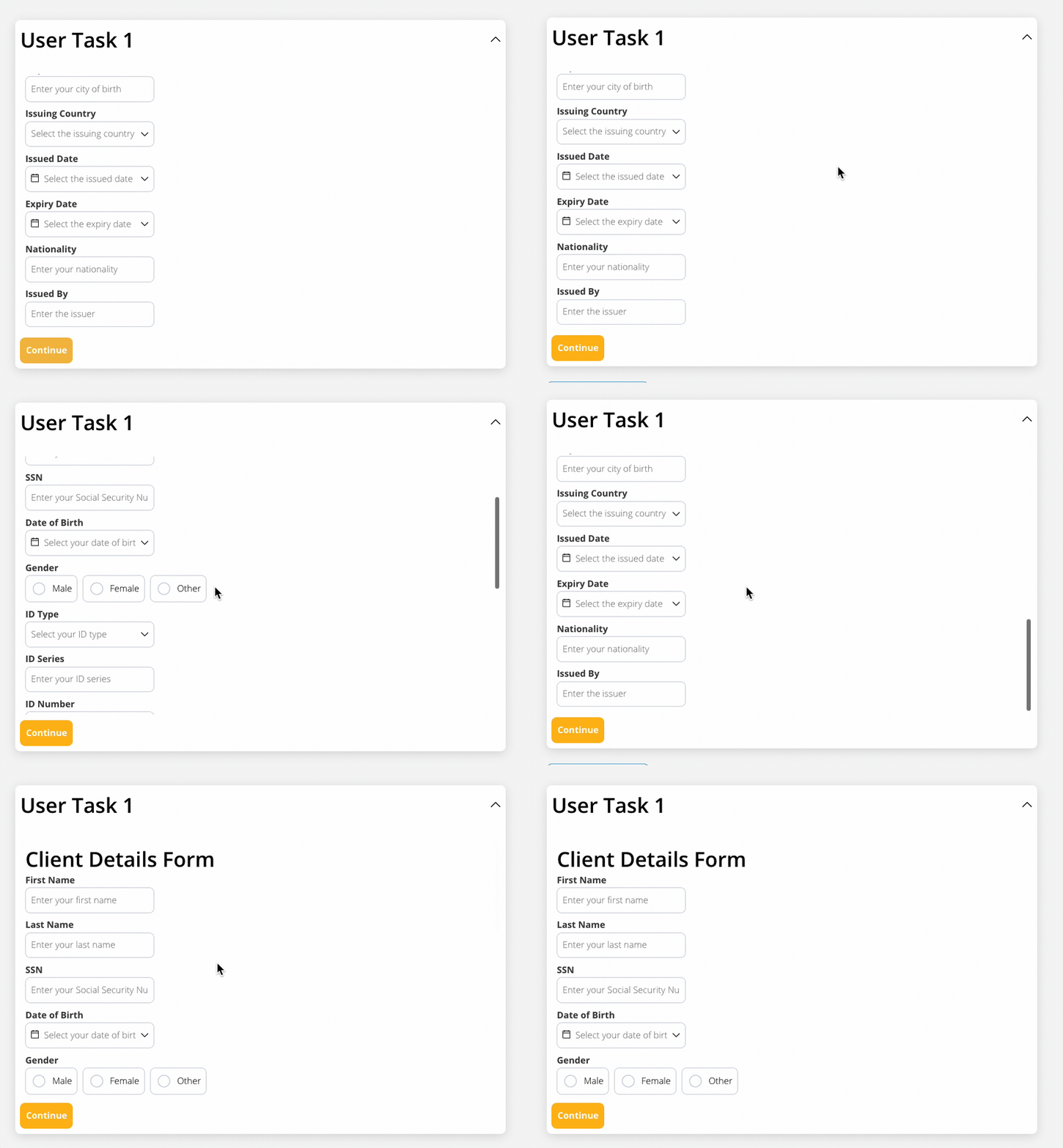
* Implemented fixed height settings on the Web (for sticky sections use case).
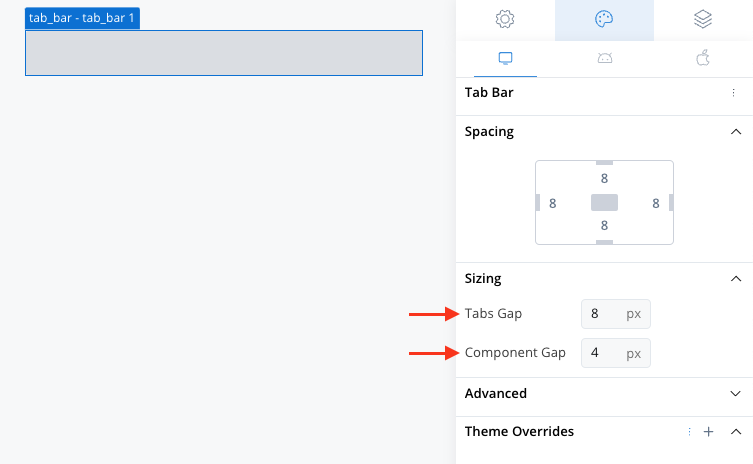
### Tab bar
* Added Sizing options: Tabs Gap & Component Gap properties.
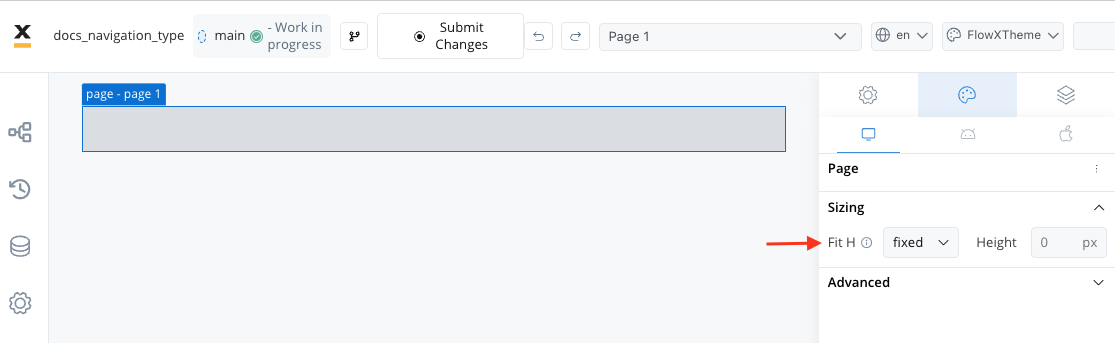
### Page
* Added fixed height settings on the Web (for sticky sections use case)
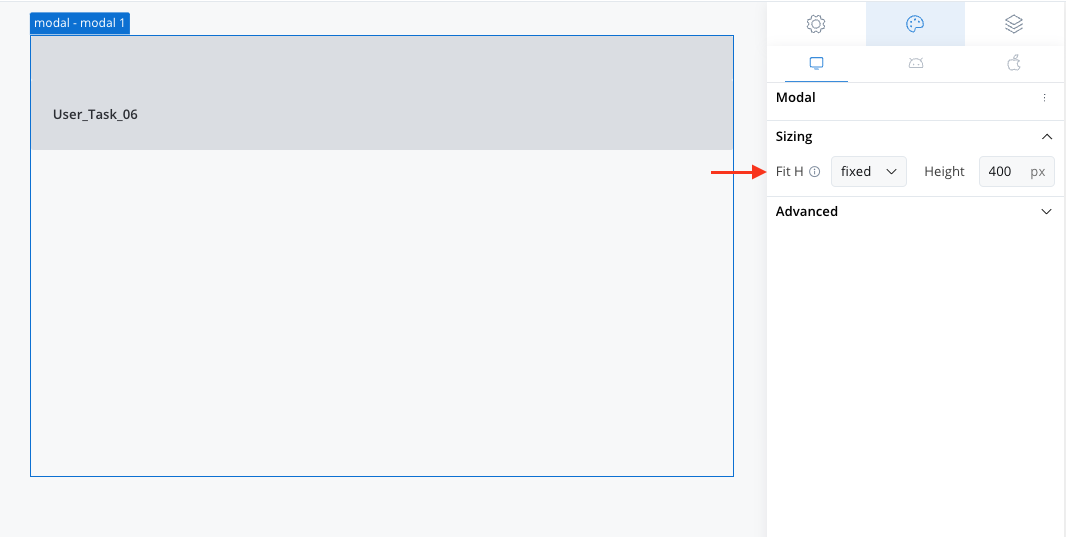
### Modal
* Added fixed height settings on the Web (for sticky sections use case).
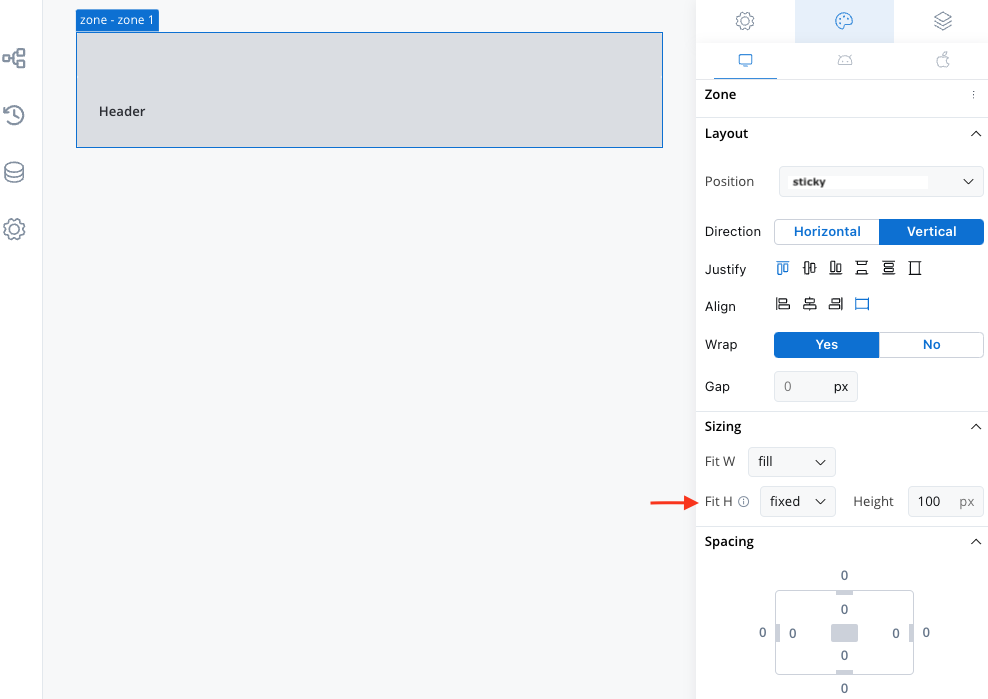
### Zone
* Incorporated fixed height settings on the Web (for sticky sections use case).
## UI components
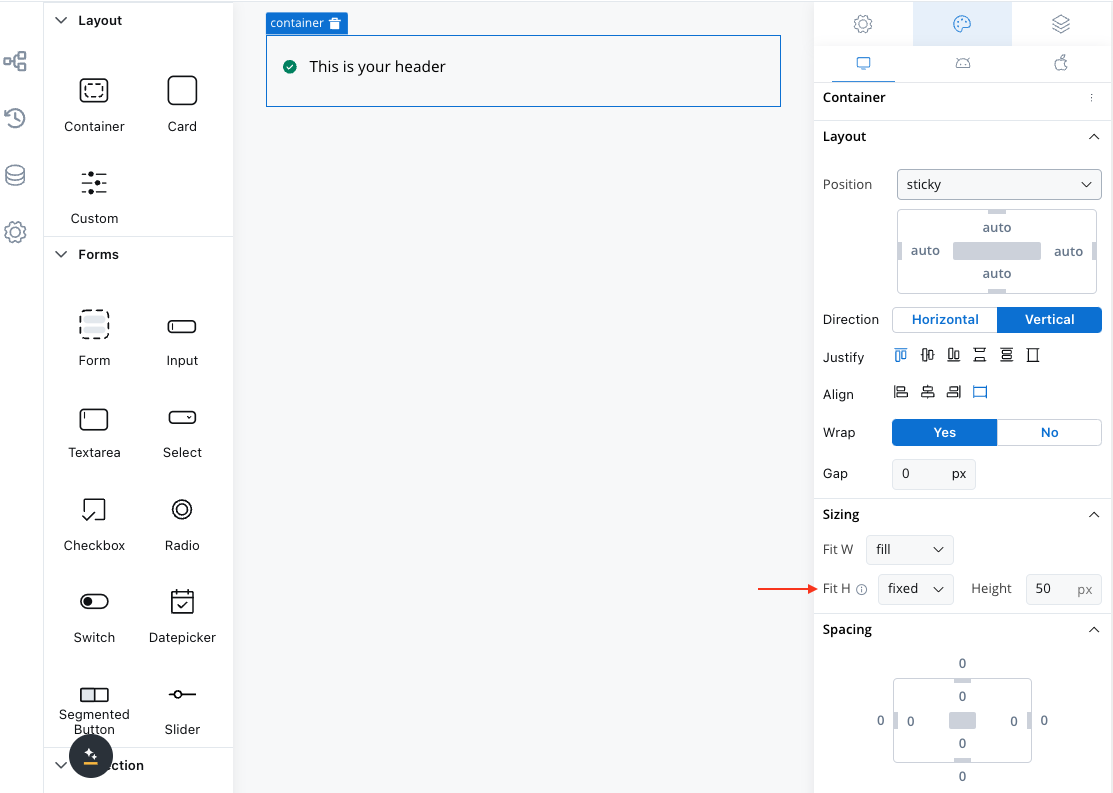
### Container
* Integrated fixed height settings on the Web for better management of sticky sections.
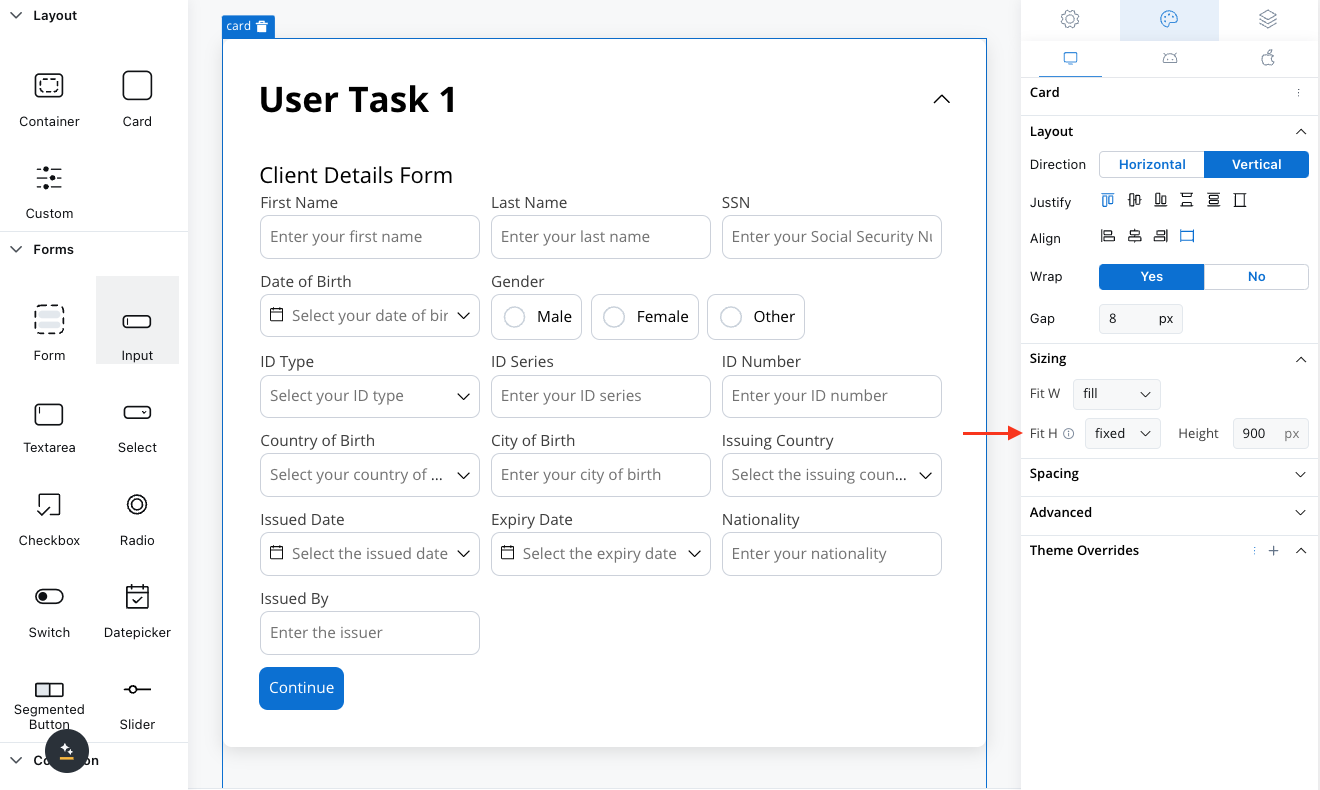
### Card
* Enabled fixed height settings on the Web for sticky sections.
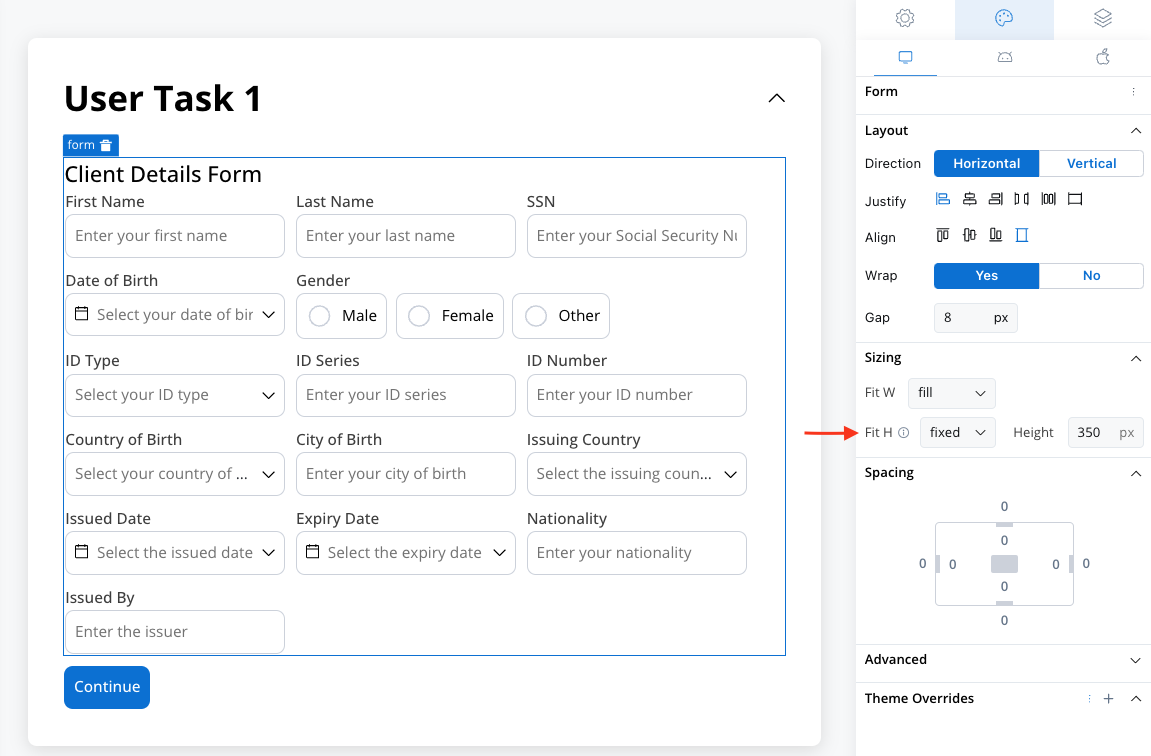
### Form
* Implemented fixed height settings on the Web for improved usability.
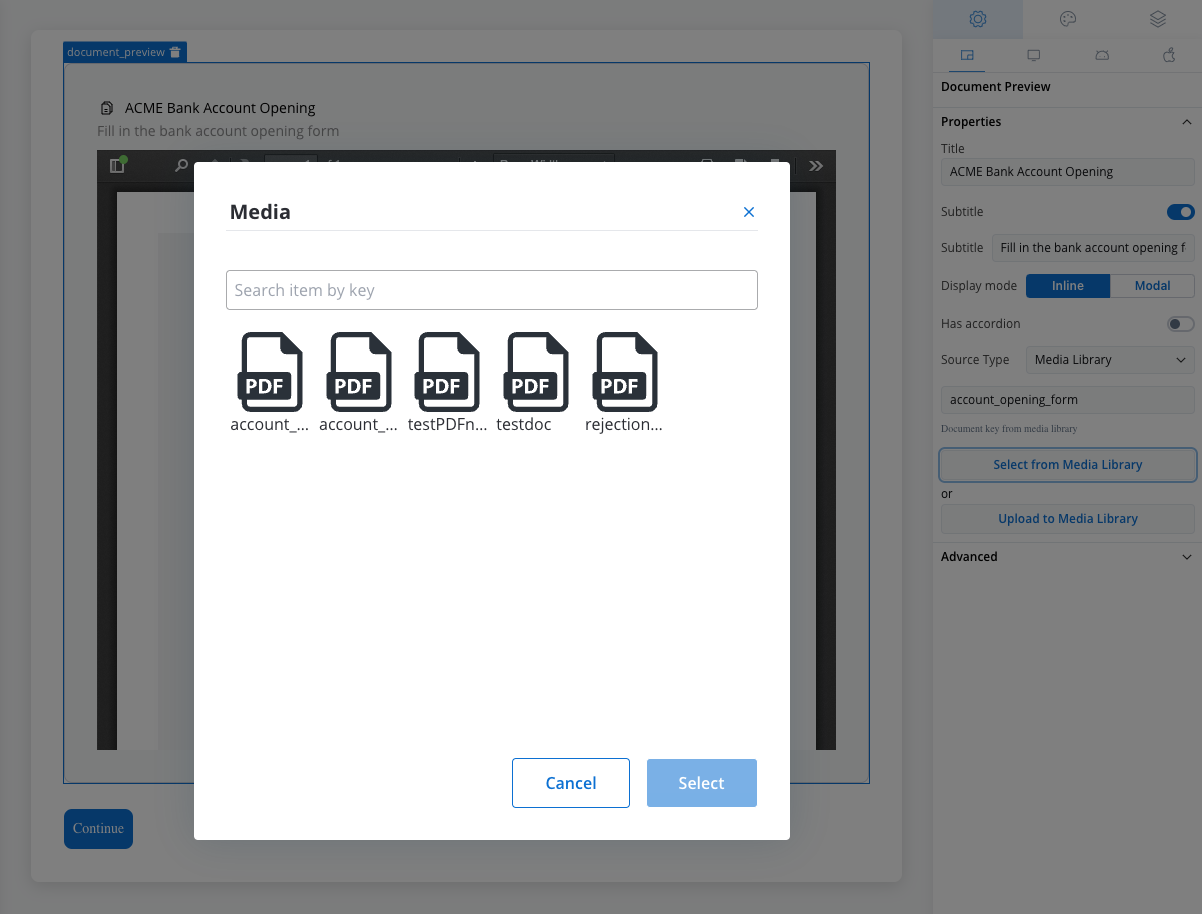
### File preview
* Introducing a new source type: Media Library. Check the following section for more details:
### Collection
* Added fixed height settings on the Web for smoother handling.
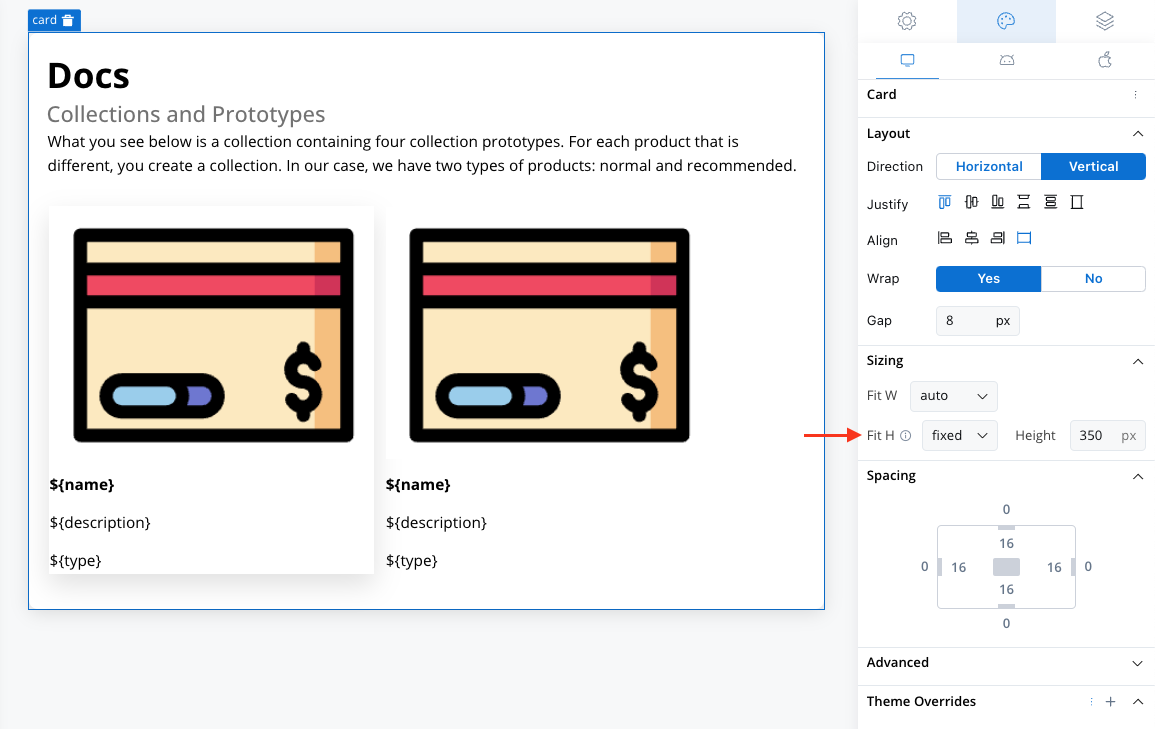
Note that for all components, the overflow property is set to scroll when the height is fixed.
The "overflow" property in CSS controls how content that exceeds the dimensions of a container is handled. It's particularly useful when the content inside a container is larger than the container itself.