> ## Documentation Index
> Fetch the complete documentation index at: https://docs.flowx.ai/llms.txt
> Use this file to discover all available pages before exploring further.
# UI components - change log
> This log outlines the changes in component styles and props from version 3.4.x to version 4.0.
## **General - for all components**
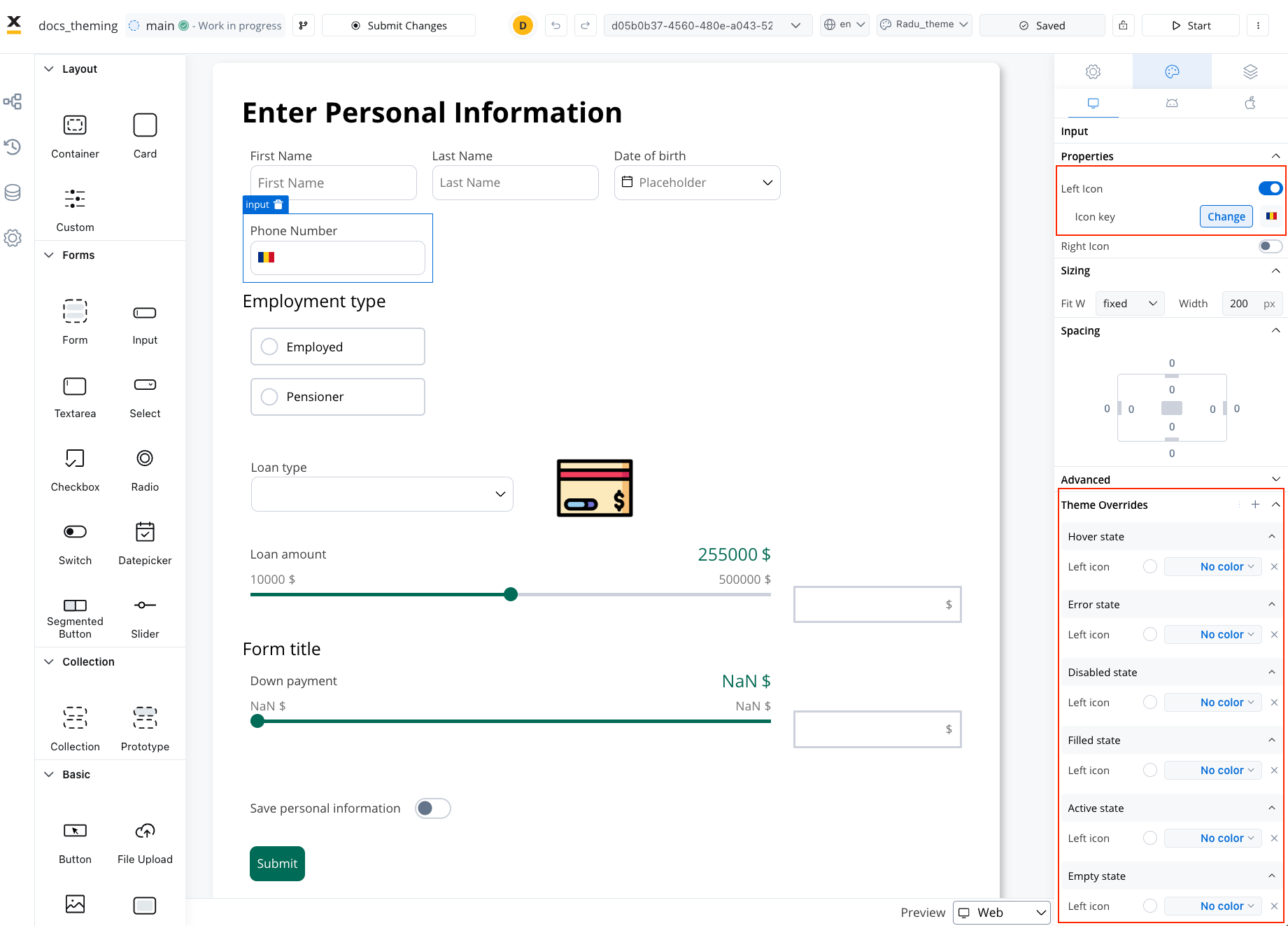
* All components now support token overrides for color, typography, and shadow settings defined in the theme.
* Styling options are now available for different platforms: web, iOS, and Android.
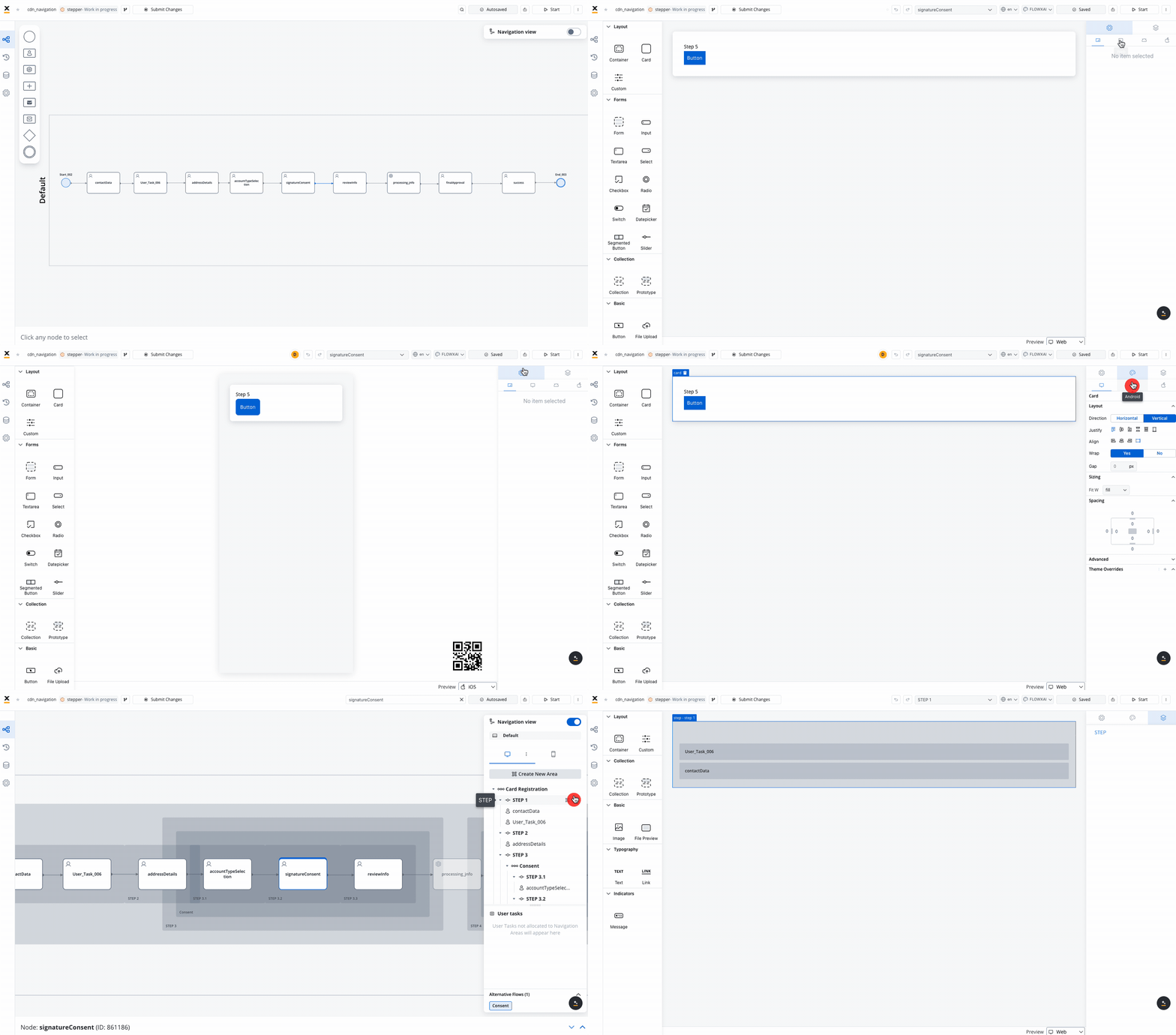
* Hide expressions can be set platform-specific.
* All icon color settings offer a 'No Color' option to retain the original SVG colors.
### **TAB BAR**
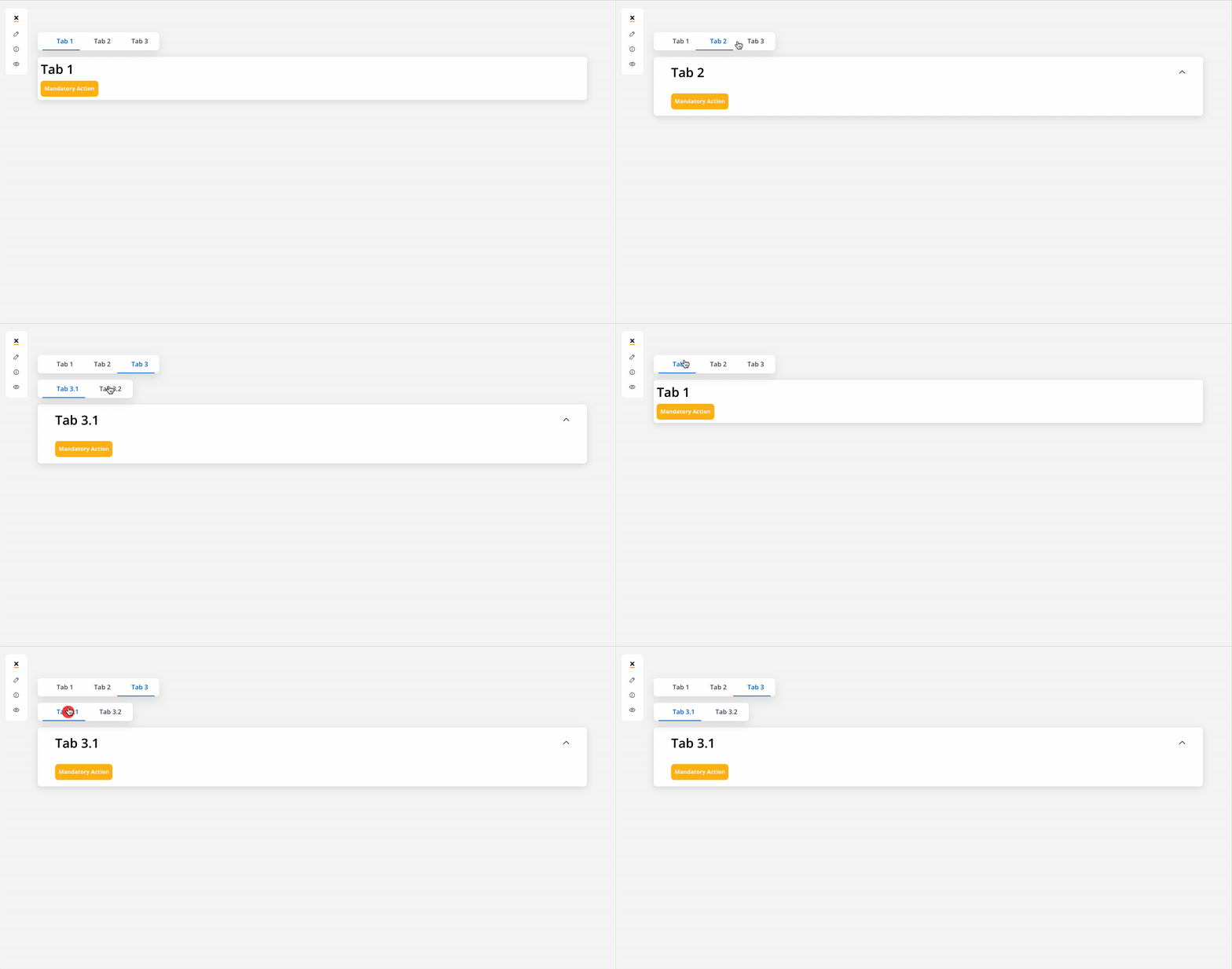
* New navigation area component. The Tab Bar is a component in user interfaces, facilitating navigation and content organization allowing configuration for parallel zones (using multiple user tasks within the same tab) and for multiple tabs (users can access multiple tabs within the tab bar)
Learn more
### **TAB**
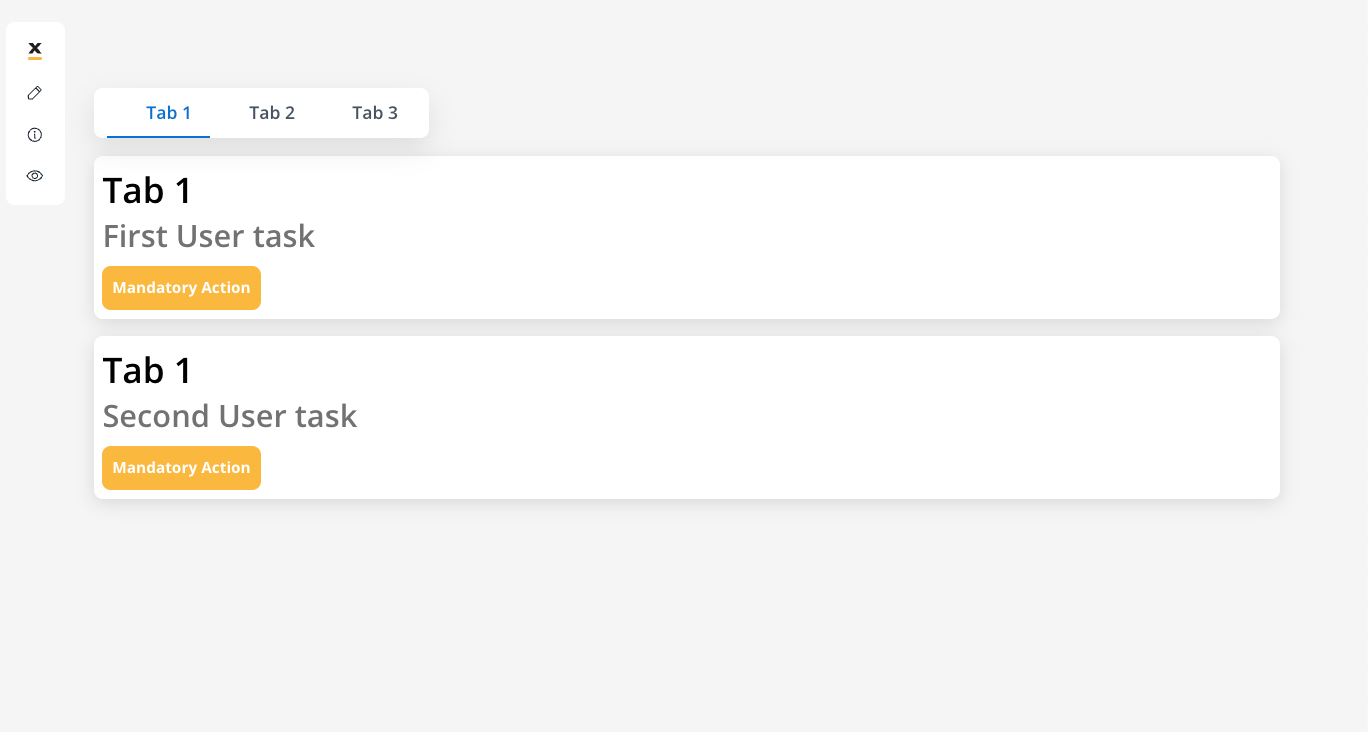
* New navigation area component. Tabs are clickable navigation elements within the Tab Bar that allow users to switch between different sections or functionalities within an application.
Learn more
### **ZONE**
* New navigation area component for web. A container-like element grouping specific navigation areas or user tasks, used for oganizing content (ideally used for processes with headers and footers).
Learn more
### **CONTAINER**
* Introduced `position` property for setting sticky containers:
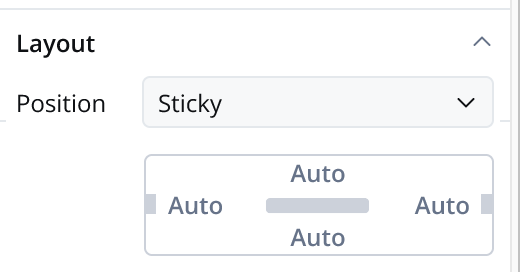
* Position ***Static***: The container remains fixed and does not scroll along with the page content.
* Position ***Sticky***: When the sticky property is enabled, the container maintains its position even during scrolling.
Learn more
* Web supports top, left, bottom, and right sticky positioning.
* iOS and Android support top and bottom sticky positioning within user tasks.
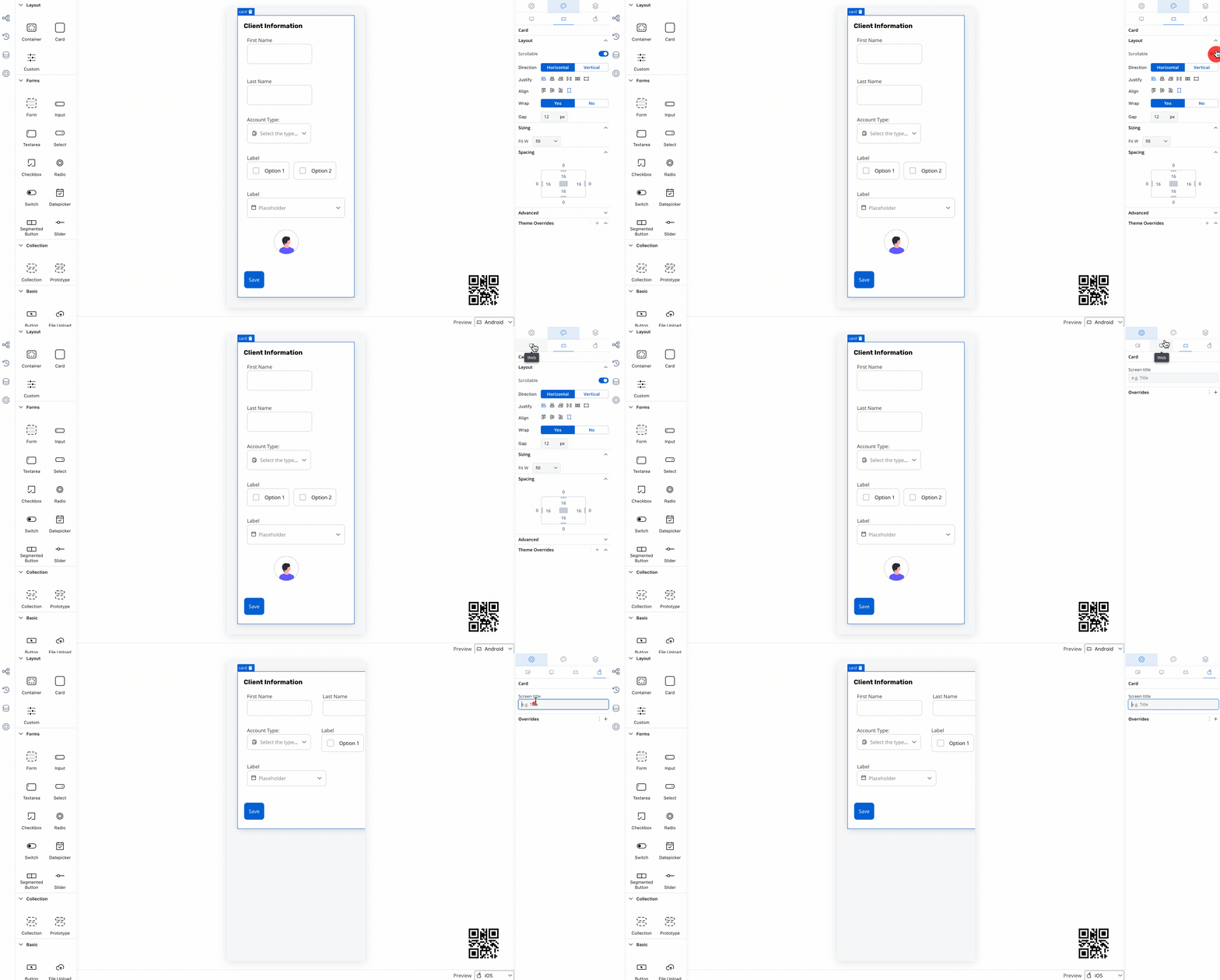
* Added `scrollable` property for iOS and Android root containers, allowing control over scroll behavior (defaults to true).
* Added `screen title` property for iOS and Android root containers, defining the navigation bar title.
### **CARD**
* Removed `card type` (raised or bordered) property. See more, [**here**](./migrating-from-v3.4.x/process-configuration#root-components).
* Added `scrollable` property for iOS and Android root containers, controlling scroll behavior (defaults to true).
* Added `screen title` property for iOS and Android root containers.
### **BUTTON**
* Replaced `primary` and `secondary` types with `fill`. See more, [**here**](./migrating-from-v3.4.x/process-configuration#buttons).
* State-specific properties can now be set for **label**, **icon**, **background** and **border** colors:
* **Web**: Default, hover, pressed and disabled states.
* **Android**: Default and disabled states.
* **iOS**: Default state.
### **TEXT**
* Added `link color` property for markdown link color.
### **FILE UPLOAD**
* State-specific properties can now be set for **label**, **icon**, **background** and **border** colors:
* **web**: Default, hover, pressed and disabled states.
* **Android**: Default and disabled states.
* **iOS**: Default state.
### **MESSAGE**
* New `link color` property for markdown link color.
### **FILE PREVIEW**
* New style properties for document icon and action icon colors.
* Introduced `auto` height type on iOS and Android when scrollable is set to false on the root container/card (when you want the file preview to fill the entire available space vertically).
* New source type: Media Library.
### **ALL FORM ELEMENTS**
* Added style properties for info label, error label, helper label and helper tooltip.
### **INPUT**
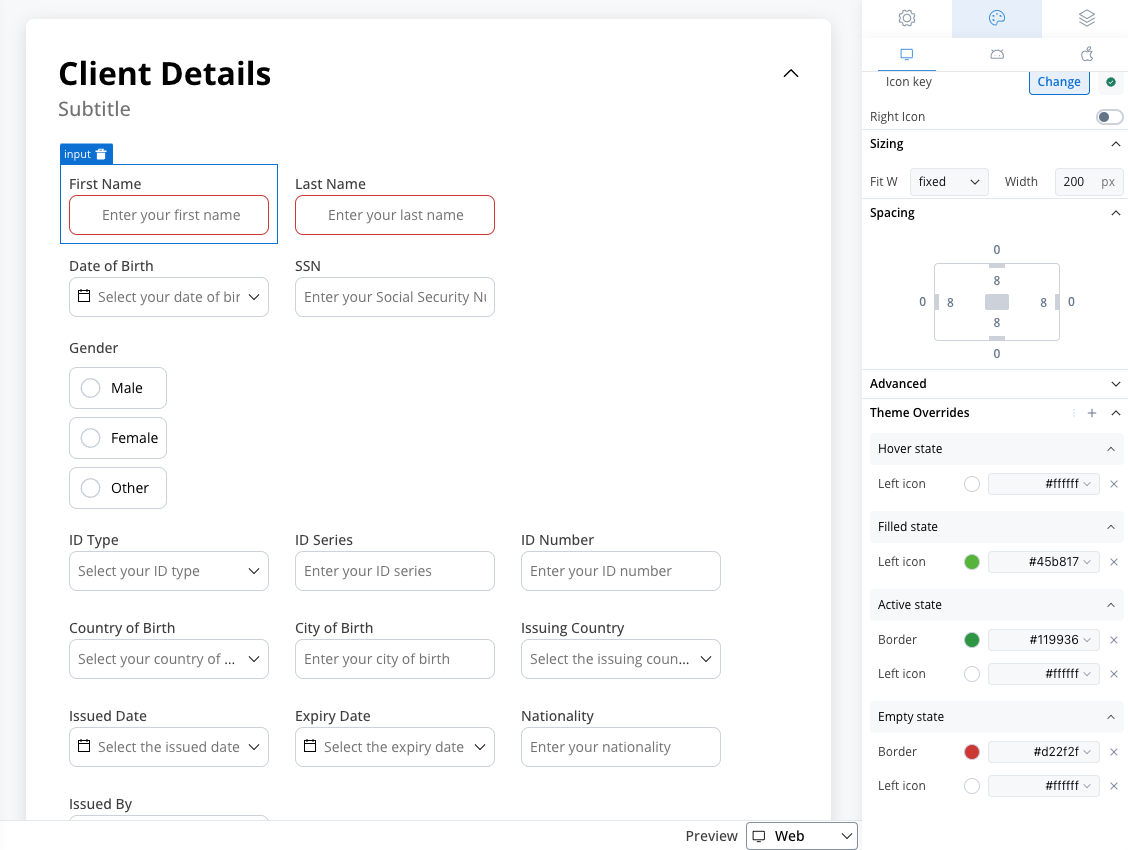
* State-specific properties can now be set for **border**, **background**, **text**, **right icon**, **left icon**, **prefix/suffix** and **placeholder** colors:
* **web**: Empty, active, filled, disabled, error and hover states.
* **Android**: Empty, active, filled, disabled and error states.
* **iOS**: Empty, active, filled, disabled and error states.
### **TEXTAREA**
* State-specific properties can now be set for **border**, **background**, **text** and **placeholder** colors:
* **web**: Empty, active, filled, disabled, error and hover states.
* **Android**: Empty, active, filled, disabled and error states.
* **iOS**: Empty, active, filled, disabled and error states.
### **SELECT**
* State-specific properties can now be set for **border**, **background**, **text**, **right icon**, **left icon** and **placeholder** colors:
* **web**: Empty, active, filled, disabled, error and hover states.
* **Android**: Empty, active, filled, disabled and error states.
* **iOS**: Empty, active, filled, disabled and error states.
### **DATEPICKER**
* State-specific properties can now be set for **border**, **background**, **text**, **right icon**, **left icon** and **placeholder** colors:
* **web**: Empty, active, filled, disabled, error and hover states.
* **Android**: Empty, active, filled, disabled and error states.
* **iOS**: Empty, active, filled, disabled and error states.
### **RADIO, CHECKBOX**
* State-specific properties can now be set for **border**, **background**, **text** and **icon** colors:
* **web**: Unselected, selected, disabled unselected, disabled selected, hover unselected and hover selected states
* **Android**: Unselected, selected, disabled unselected and disabled selected states
* **iOS**: Unselected, selected, disabled unselected and disabled selected states
### **SWITCH**
* State-specific properties can now be set for **border**, **background** and **knob** colors:
* **web**: Unselected, selected, disabled unselected and disabled selected states.
* **Android**: Unselected, selected, disabled unselected and disabled selected states.
* **iOS**: Only **background** color on selected state.
### **SEGMENTED BUTTON**
* State-specific properties can now be set for **border**, **background** and **text** colors:
* **web**: Unselected, selected, disabled unselected, disabled selected, hover unselected and hover selected states.
* **Android**: Unselected, selected, disabled unselected and disabled selected states.
* **iOS**: Only **background** and **text** color on unselected and selected states.
### **SLIDER**
* State-specific properties can now be set for **limits**, **value**, **filled**, **empty** and **knob** colors:
* **web**: Default and disabled states.
* **Android**: Default and disabled states.
* **iOS**: Default and disabled states. Disabled only with **limits** and **value**.