> ## Documentation Index
> Fetch the complete documentation index at: https://docs.flowx.ai/llms.txt
> Use this file to discover all available pages before exploring further.
# Timer boundary event
> Attach a BPMN event to a task or subprocess that activates when a duration, deadline, or specific date condition is met.
This event is used to integrate time-related triggers into workflows, allowing processes to respond automatically to time-sensitive requirements. It is particularly useful for enforcing deadlines, scheduling periodic actions, or sending notifications, ensuring that time-critical steps are incorporated into the overall process design. This capability is especially valuable for scenarios where time-sensitive actions or notifications need to be integrated within process flows.
### Compatibility matrix for Timer Events
**Timer Events** can be applied to various contexts within BPMN processes. The table below outlines their compatibility with different node types:
| **Node Type** | **Timer Event - Interrupting** | **Timer Event - Non-Interrupting** |
| ----------------------------- | ------------------------------ | ---------------------------------- |
| **User Task** | Yes | Yes |
| **Service Task** | Yes | Yes |
| **Send Message Task** | Yes | Yes |
| **Receive Message Task** | Yes | Yes |
| **Start Embedded Subprocess** | No | No |
| **Call Activity** | Yes | Yes |
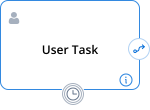
## Timer boundary event - interrupting
A Timer Boundary Event is an event attached to a specific activity (task or subprocess) that is triggered when a specified time duration or date is reached. It can interrupt the ongoing activity and initiate a transition.
### Configuration
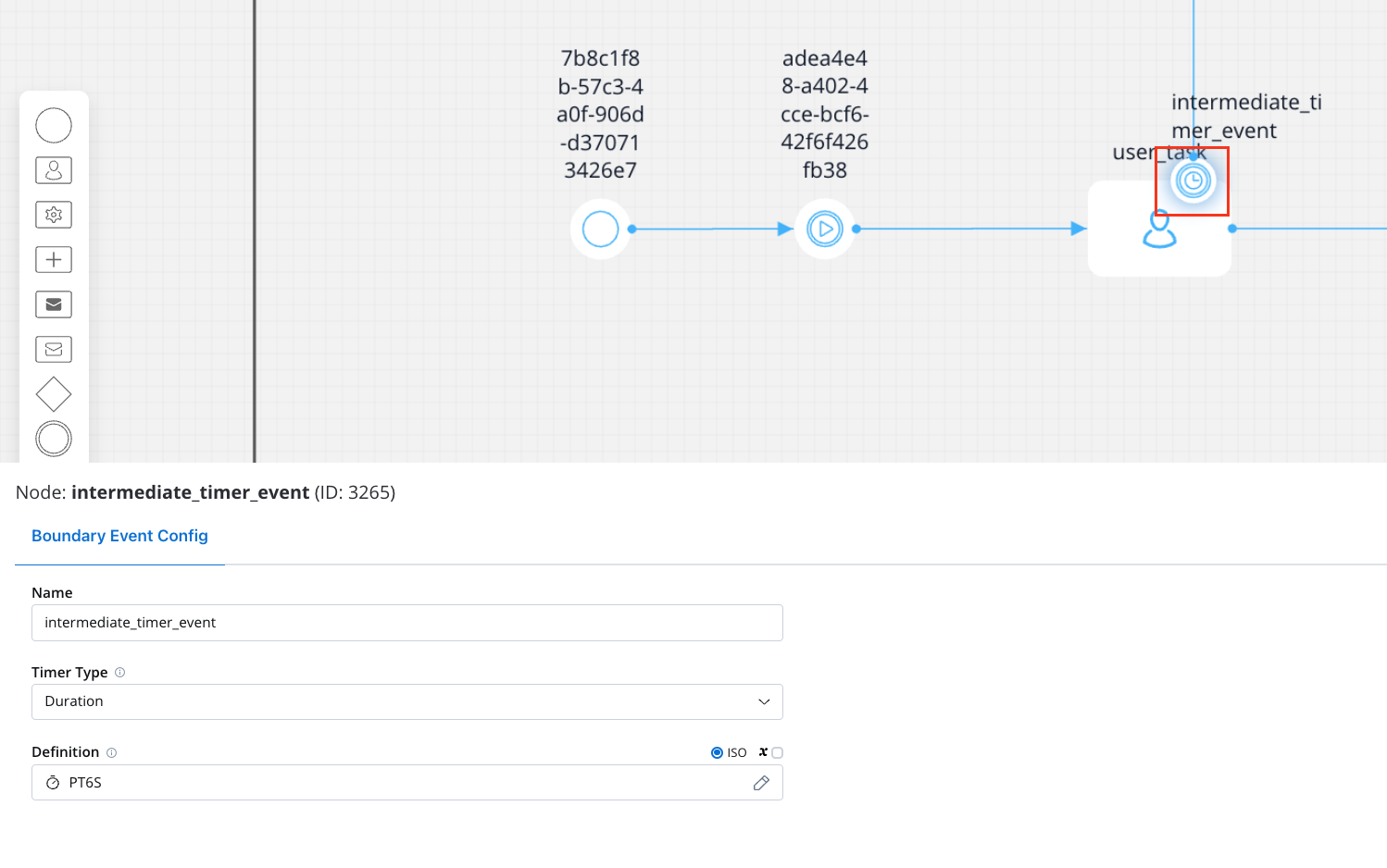
For Timer Boundary Events - Interrupting, the following values can be configured:
| Field | Validations | Accepted Values |
| ---------- | ----------- | -------------------------------- |
| Definition | Mandatory | ISO 8601 formats (date/duration) |
| | | Process param |
### General rules
* When the token enters the parent activity, a scheduler is set, and it waits for the timer event to be triggered.
* When the timer is triggered, the ongoing activity is terminated, and the process continues with the defined transition.
## Timer boundary event - non-interrupting
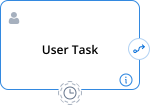
A Timer Boundary Event is an event attached to a specific activity (task or subprocess) that is triggered when a specified time duration or date is reached. It can trigger independently of the ongoing activity and initiate a parallel path.
### Configuration
For Timer Boundary Events - Non-Interrupting, the following values can be configured:
| Field | Validations | Accepted Values |
| ---------- | ----------- | -------------------------------- |
| Definition | Mandatory | ISO 8601 formats (date/duration) |
| | | Process param |
### General rules
* When a token arrives at a node with a Timer Boundary Event - Non-Interrupting associated:
* A trigger is scheduled, but the current token execution remains unaffected.
* When the token enters the parent activity, a scheduler is set, and it waits for the timer event to be triggered.
* If the timer is a cycle, it is rescheduled for the specified number of repetitions.
* The scheduler is canceled if the token leaves the activity before it is triggered.