> ## Documentation Index
> Fetch the complete documentation index at: https://docs.flowx.ai/llms.txt
> Use this file to discover all available pages before exploring further.
# Service Task node
> A service task node refers to a task that utilizes various services, such as Web services, automated applications, or other similar services, to accomplish a particular task.
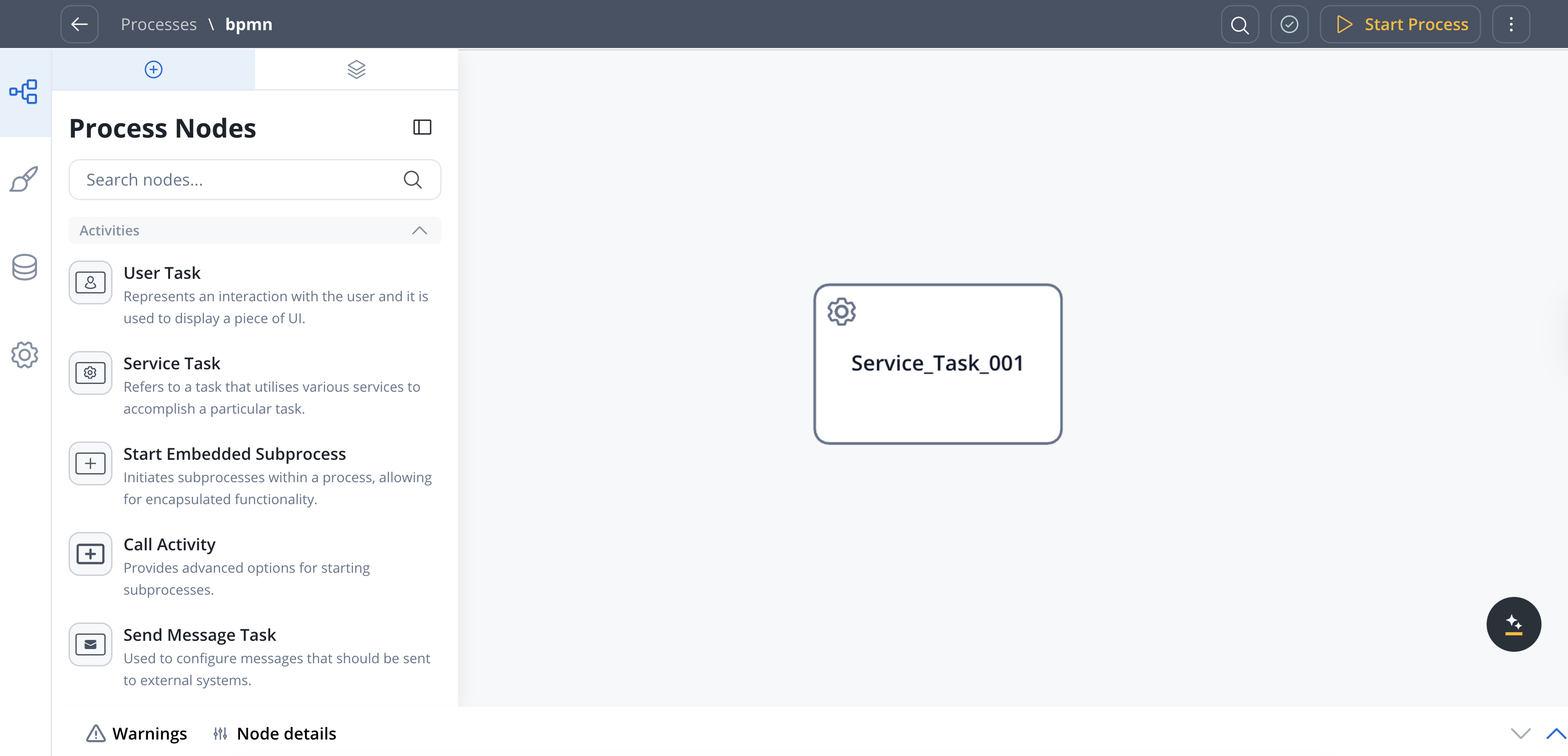
This type of node finds application in multiple scenarios, including:
* Executing a [**business rule**](../actions/business-rule-action/) on the process instance data
* Initiating a [**subprocess**](../actions/start-subprocess-action)
* Transferring data from a subprocess to the parent process
* Transmitting data to frontend applications
## Configuring task nodes
One or more actions can be configured on a task node. The actions are executed in the configured order.
Node configuration is done by accessing the **Node Config** tab. You have the following configuration options for a task node:
#### General Config
* **Node name**: The name of the node.
* **Can go back**: Allows users to return to a previous step after completing current step.
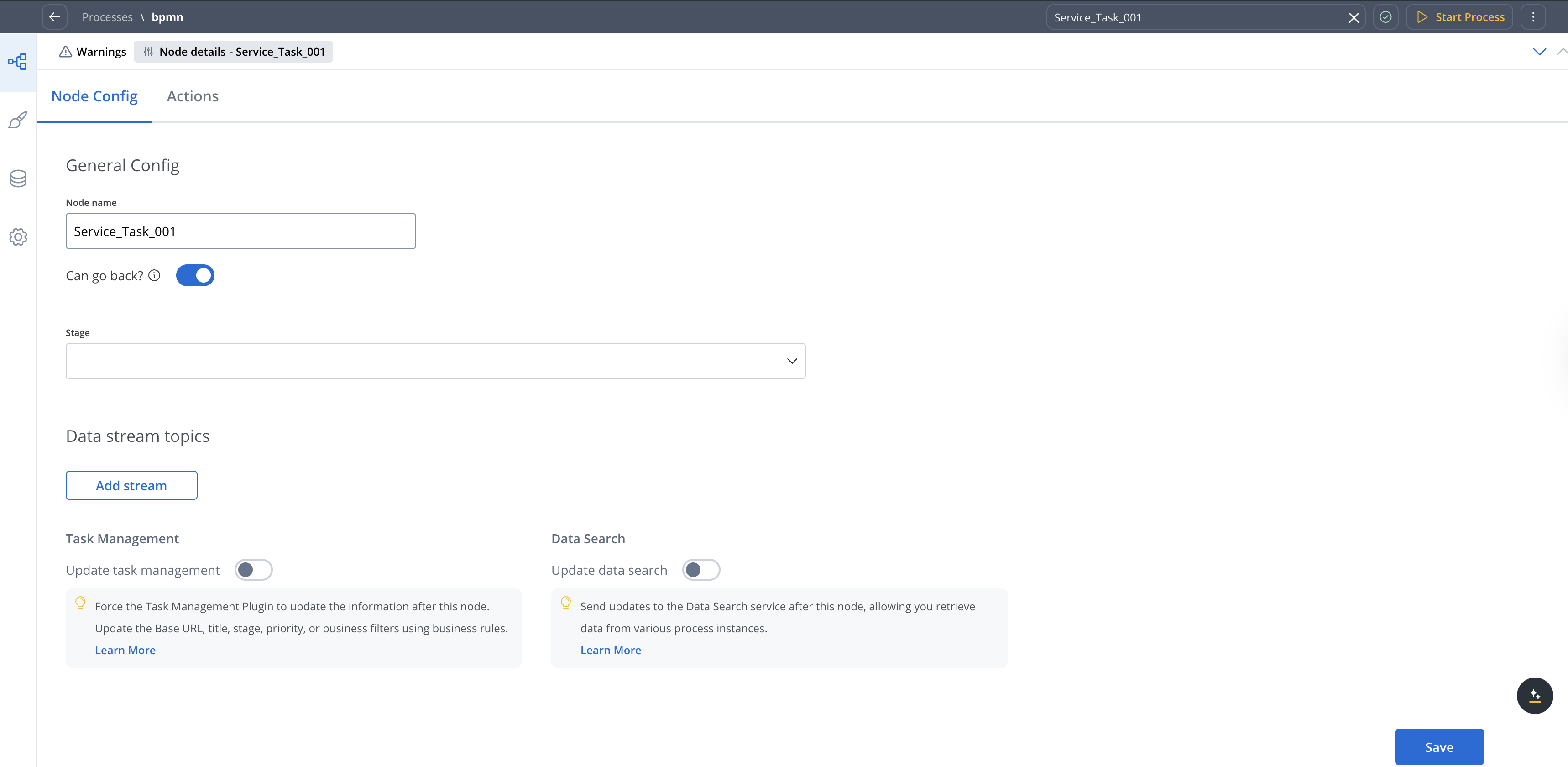
#### Data stream topics
* **From Workflow**: Select a workflow from the dropdown list.
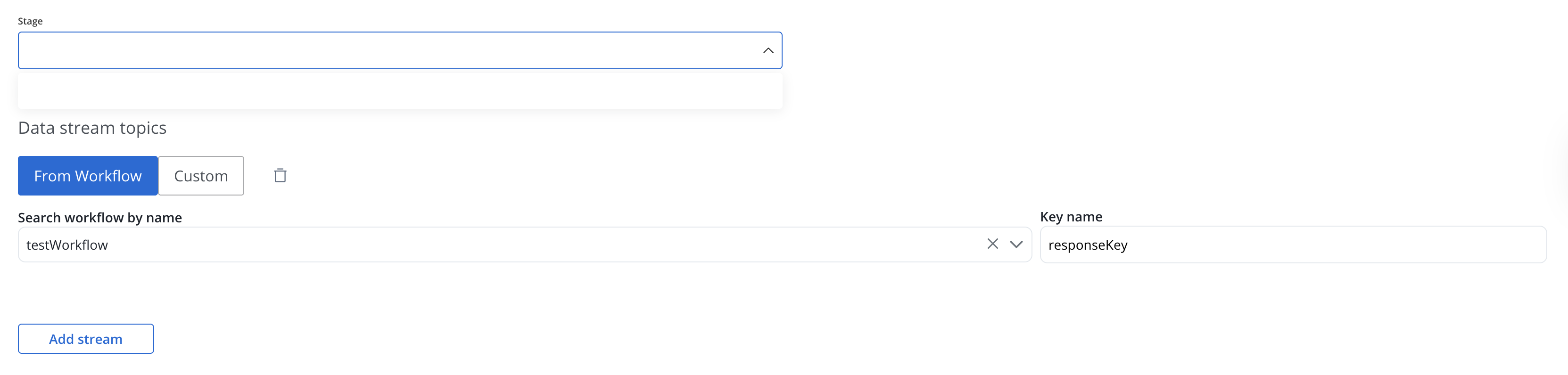
* **Custom**: The topic name where the [process engine](../../platform-deep-dive/core-components/flowx-engine) listens for the response (this should be added to the platform and match the topic naming rule for the engine to listen to it) - available for UPDATES topics (Kafka receive events)
* **Key Name**: Will hold the result received from the external system, if the key already exists in the process values, it will be overwritten
#### Task Management
* **Update task management**: Force the Task Management Plugin to update the information after this node. Update the Base URL, title, stage, priority, or business filters using business rules.
#### Data Search
* **Update data search**: Send updates to the Data Search service after this node, allowing you retrieve data from various process instances.

## Configuring task nodes actions
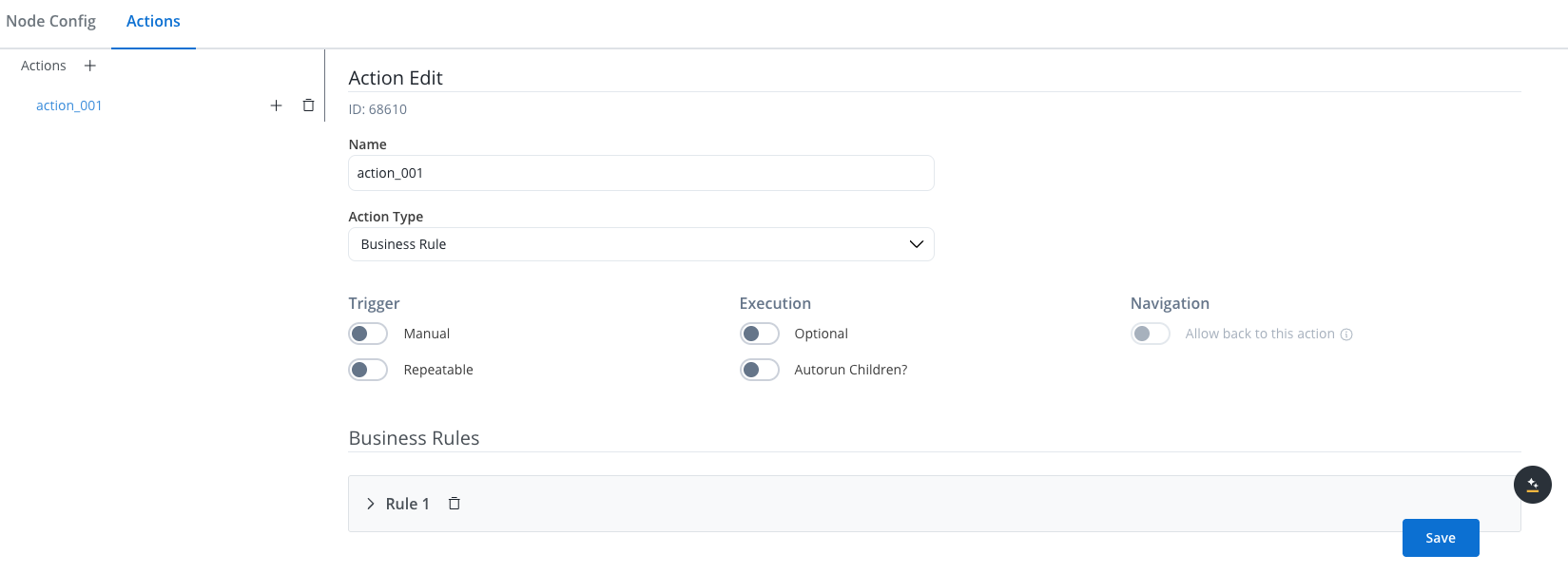
Multiple options are available when configuring an action on a task node. To configure and add an action to a node, use the **Actions** tab at the node level, which has the following configuration options:
* [Action Edit](#action-edit)
* [Parameters](#parameters)
#### Action Edit
Depending on the type of the [**action**](../actions/actions), different properties are available, let's take a [**business rule**](../actions/business-rule-action/business-rule-action) as an example.
1. **Name**: Used internally to differentiate between different actions on nodes in the process. We recommend defining an action naming standard to be able to quickly find the process actions.
2. **Action type**: Defines the appropriate action type
3. **Trigger**:
* **Manual**: manually (triggered by the user)
* **If switched off**: triggered automatically (when the process flow reaches this step)
4. **Execution**:
* **Optional**: the action is optional
* **If switched off**: the action is mandatory
5. **Navigation**:
* **Allow back to this action**: When turned on, the action can be executed again when the token returned from a downstream node (can be switched on only if the trigger type is **Manual**).
#### Parameters
Depending on the type of the [**action**](../actions/actions), different properties are available. We refer to a **Business rule** as an example
1. **Business Rules** - business rules can be attached to a node by using actions with action rules on them, these can be specified using MVEL expressions, or scripts written in Javascript, Python, or Groovy.
### Business Rule action
A [business rule](../actions/business-rule-action/business-rule-action) is a Task action that allows a script to run. For now, the following script languages are supported:
* **MVEL**
* **JavaScript**
* **Python**
* **Groovy**
For more details about node actions, check the following section: