> ## Documentation Index
> Fetch the complete documentation index at: https://docs.flowx.ai/llms.txt
> Use this file to discover all available pages before exploring further.
# Start/end nodes
> Let's go through all the options for configuring start and end nodes for a process definition.
## Start node
The start node represents the beginning of a process and it is mandatory to add one when creating a process.

A process can have one or more start nodes. If you defined multiple start nodes, each should have a start condition value configured. When starting a new process instance the desired start condition should be used.
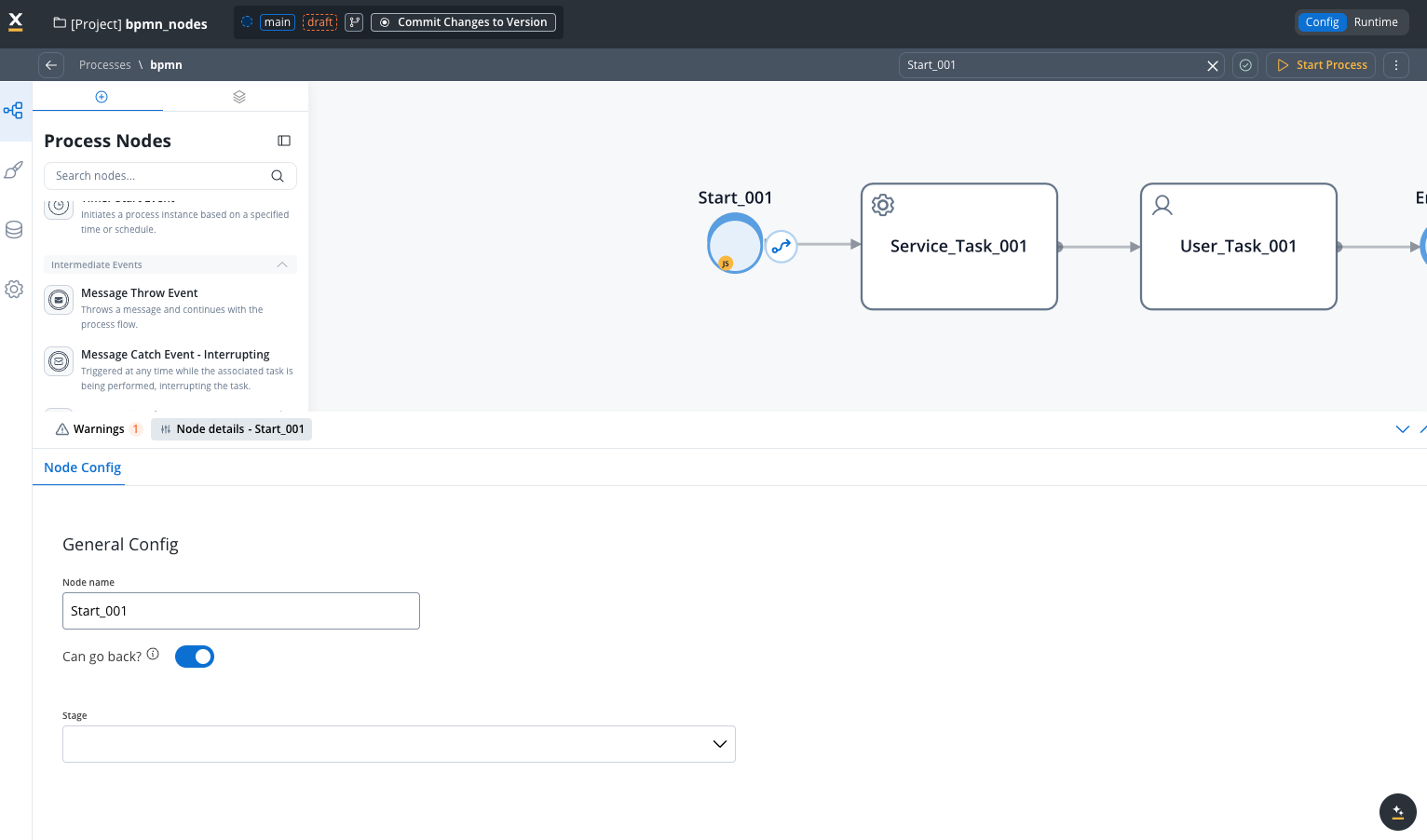
### Configuring a start node
Node configuration is done by accessing the **Node Config** tab. You have the following configuration options for a **start node**:
* [General Config](#general-config)
#### General Config
* **Node name**: The name of the node
* [**Stage**](../../platform-deep-dive/core-extensions/task-management/using-stages): Assign a stage to the node
## End node

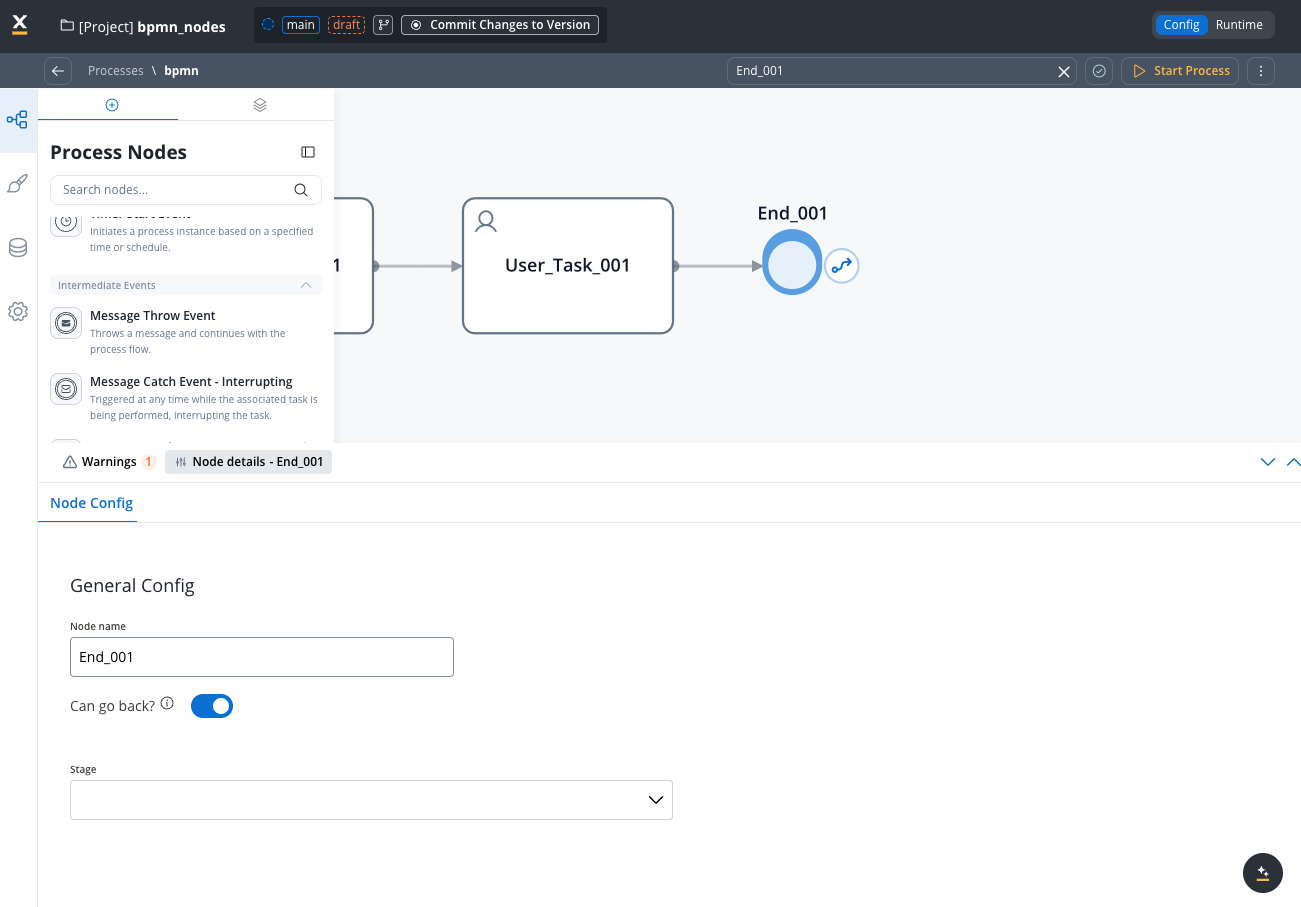
An end node is used to mark where the process finishes. When the process reaches this node, the process is considered completed and its status will be set to `Finished`.
### Configuring an end node
Multiple end nodes can be used to show different end states. The configuration is similar to the start node.