> ## Documentation Index
> Fetch the complete documentation index at: https://docs.flowx.ai/llms.txt
> Use this file to discover all available pages before exploring further.
# IAM solution
> Identity and access management (IAM) is a framework of business processes, policies and technologies that facilitates the management of electronic or digital identities. With an IAM framework in place, you can control user access to critical information/components within an organization.
## What is an Identity Provider (IdP)?
The IdP, Identity-as-a-Service (IDaaS), Privileged Identity/Access Management (PIM/PAM), Multi-factor/Two-factor Authentication (MFA/2FA), and numerous other subcategories are included in the IAM category.
IdP is a subset of an IAM solution that is dedicated to handling fundamental user IDs. The IdP serves as the authoritative source for defining and confirming user identities.
The IdP can be considered maybe the most important subcategory of the IAM field because it often lays the foundation of an organization's overall identity management infrastructure. In fact, other IAM categories and solutions, such as [IDaaS](https://jumpcloud.com/blog/identity-as-a-service-idaas), PIM/PAM, MFA/2FA, and others are often layered on top of the core IdP and serve to federate core user identities from the IdP to various endpoints. Therefore, your choice in IdP will have a profound influence on your overall IAM architecture.
We recommend **Keycloak**, a component that allows you to create users and store credentials. It can be also used for authorization - defining groups, and assigning roles to users.
Every communication that comes from a consumer application, goes through a public entry point (API Gateway). To communicate with this component, the consumer application tries to start a process and the public entry point will check for authentication (Keycloak will send you a token) and the entry point validates it.
## Configuring access rights
Granular access rights can be configured for restricting access to the FLOWX.AI components and their features or to define allowed actions for each type of user. Access rights are based on user roles that need to be configured in the identity provider management solution.
To configure the roles for the users, they need to be added first to an identity provider (IdP) solution. **The access rights-related configuration needs to be set up for each microservice**. Default options are preconfigured. They can be overwritten using environment variables.
For more details you can check the next links:
For more information on how to add roles and how to configure an IdP solution, check the following section:
## Using Keycloak with an external IdP
Recommended keycloak version: **22.x**
In all cases, IdP authentication is mandatory but otherwise, all attribute mapping is configurable, including roles and groups or the entire authorization can be performed by keycloak.
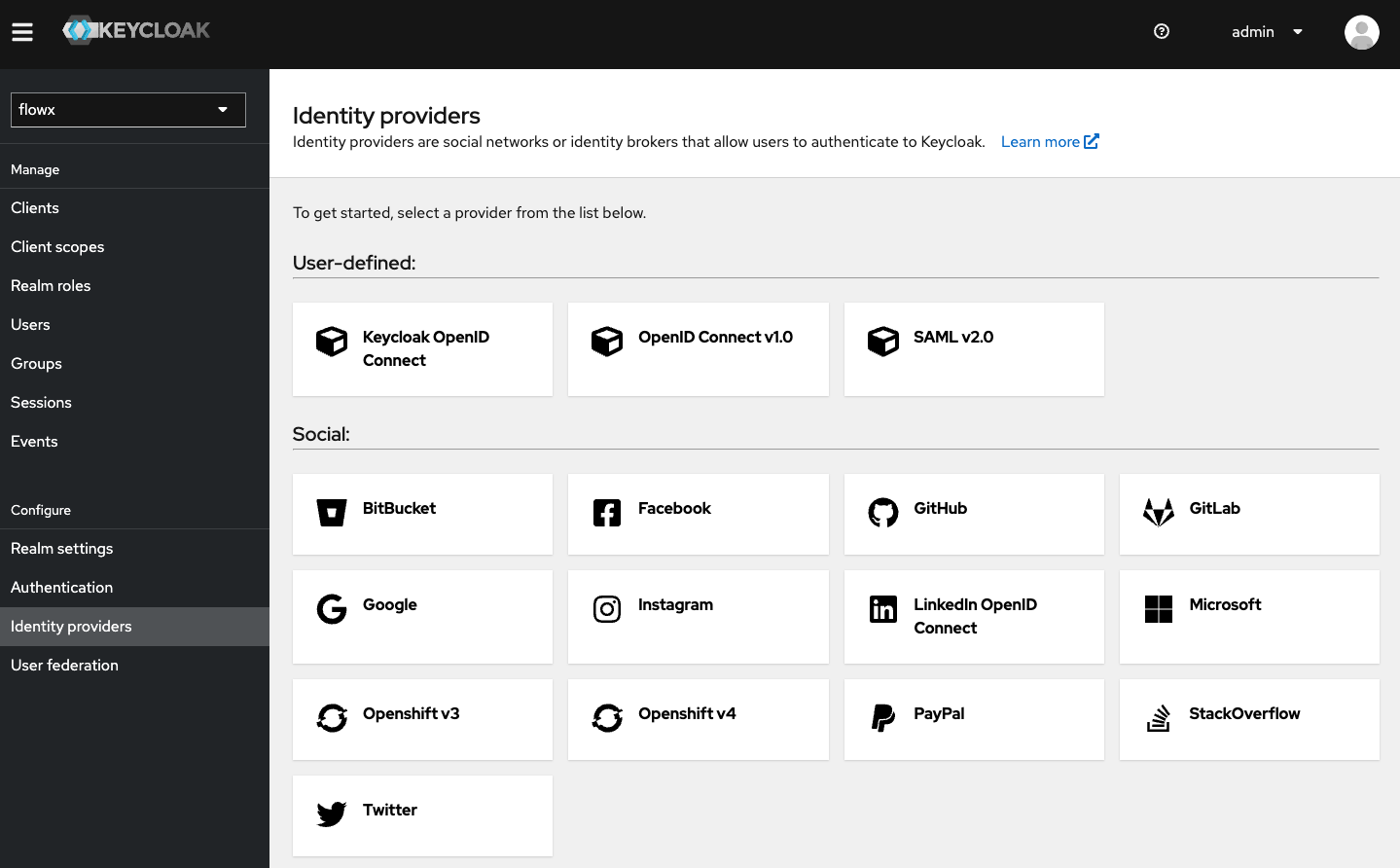
### AD or LDAP provider
In Lightweight Directory Access Protocol (LDAP) and Active Directory, Keycloak functionality is called federation or external storage. Keycloak includes an LDAP/AD provider.
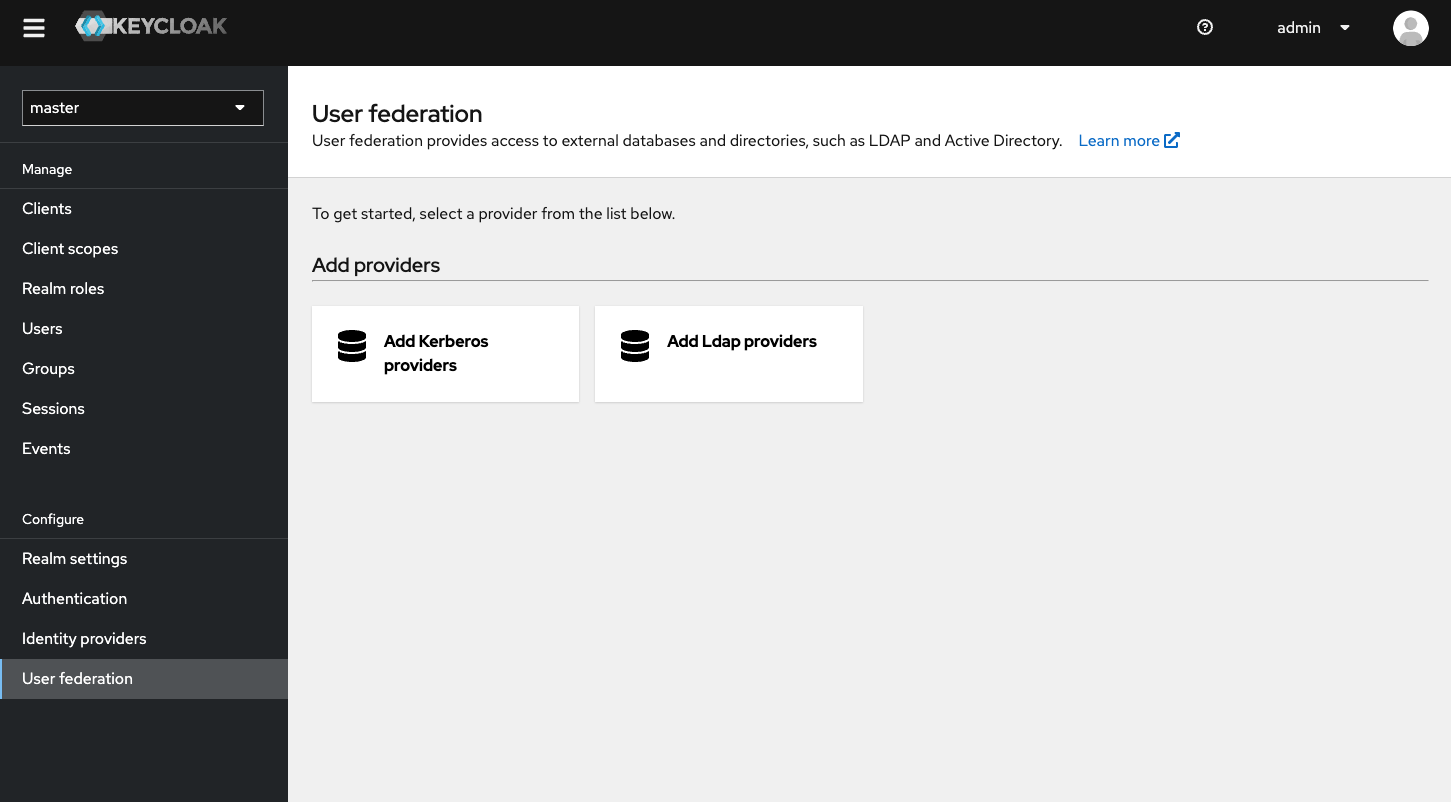
More details:
Configuration example:
### SAML, OpenID Connect, OAuth 2.0
Keycloak functionality is called brokering. Synchronization is performed during user login.
More details:
Configuration examples for ADFS: