> ## Documentation Index
> Fetch the complete documentation index at: https://docs.flowx.ai/llms.txt
> Use this file to discover all available pages before exploring further.
# Timer expressions
When working with FlowX.AI components, there are multiple scenarios in which timer expressions are needed.
There are two timer expressions formats supported:
* [**Cron expressions**](#cron-expressions) - used to define the expiry date on processes
* [**ISO 8601**](#iso-8601) - used to define the duration of a response timeout or for a timer expression
### Cron expressions
A cron expression is a string made up of **six mandatory subexpressions (fields) that each specifies an aspect of the schedule** (for example, `* * * * * *`). These fields, separated by white space, can contain any of the allowed values with various combinations of the allowed characters for that field.
A field may be an asterisk (`*`), which always stands for “first-last”. For the day-of-the-month or day-of-the-week fields, a question mark (`?`) may be used instead of an asterisk.
Important: Only Spring cron expressions are permissible for configuration. Refer to the [**official documentation**](https://docs.spring.io/spring-framework/reference/integration/scheduling.html#scheduling-cron-expression) for detailed information on configuring Spring Cron expressions.
Subexpressions:
1. Seconds
2. Minutes
3. Hours
4. Day-of-Month
5. Month
6. Day-of-Week
7. Year (optional field)
An example of a complete cron-expression is the string `0 0 12 ? * FRI` - which means **every Friday at 12:00:00 PM**.
More details:
[Scheduling cron expressions](https://docs.spring.io/spring-framework/docs/current/reference/html/integration.html#scheduling-cron-expression)
#### Cron Expressions are used in the following example:
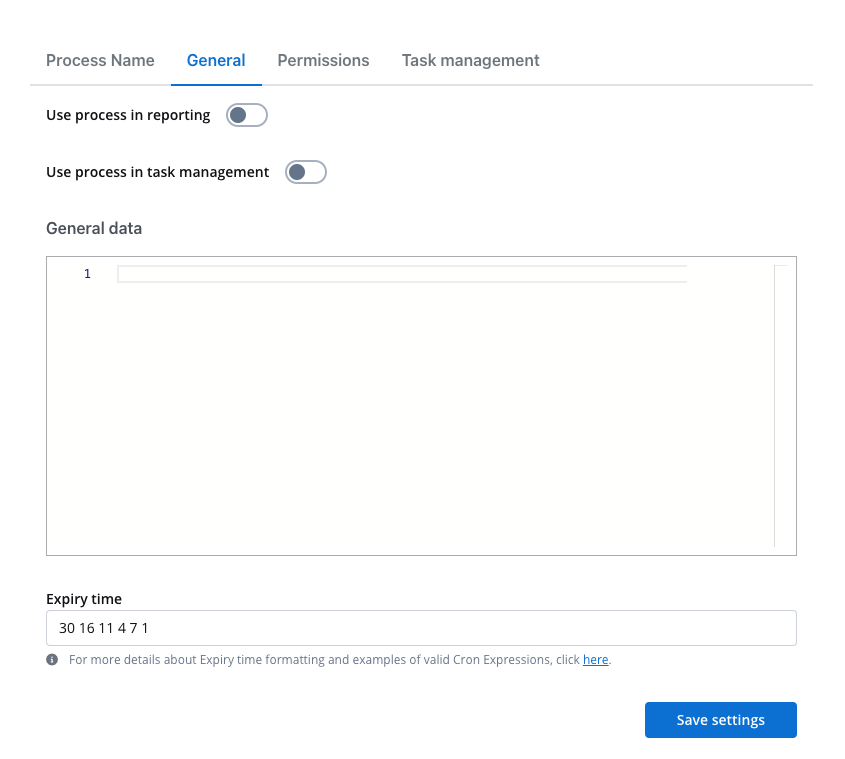
* [**Process definition**](../../../building-blocks/process/process-definition) - **Expiry time** - a user can set up a `expiryTime` function on a process, for example, a delay of 30s will be set up like:
### ISO 8601
ISO 8601 is an international standard covering the worldwide exchange and communication of date and time-related data. It can be used to standardize the following: dates, time of delay, time intervals, recurring time intervals, etc.
More details:
[ISO 8601 date format](https://www.digi.com/resources/documentation/digidocs/90001488-13/reference/r_iso_8601_date_format.htm)
[ISO 8601 duration format](https://www.digi.com/resources/documentation/digidocs//90001488-13/reference/r_iso_8601_duration_format.htm)
#### ISO 8601 format is used in the following examples:
* **Node config** - **Response Timeout** - can be triggered if, for example, a topic that you define and add in the **Data stream topics** tab does not respect the pattern
ISO 8601 dates and times:
| Format accepted | Value ranges |
| -------------------- | -------------------------------------------- |
| Year (Y) | YYYY, four-digit, abbreviatted to two-digit |
| Month (M) | MM, 01 to 12 |
| Week (W) | WW, 01 to 53 |
| Day (D) | D, day of the week, 1 to 7 |
| Hour (h) | hh, 00 to 23, 24:00:00 as the end time |
| Minute (m) | mm, 00 to 59 |
| Second (s) | ss, 00 to 59 |
| Decimal fraction (f) | Fractions of seconds, any degree of accuracy |
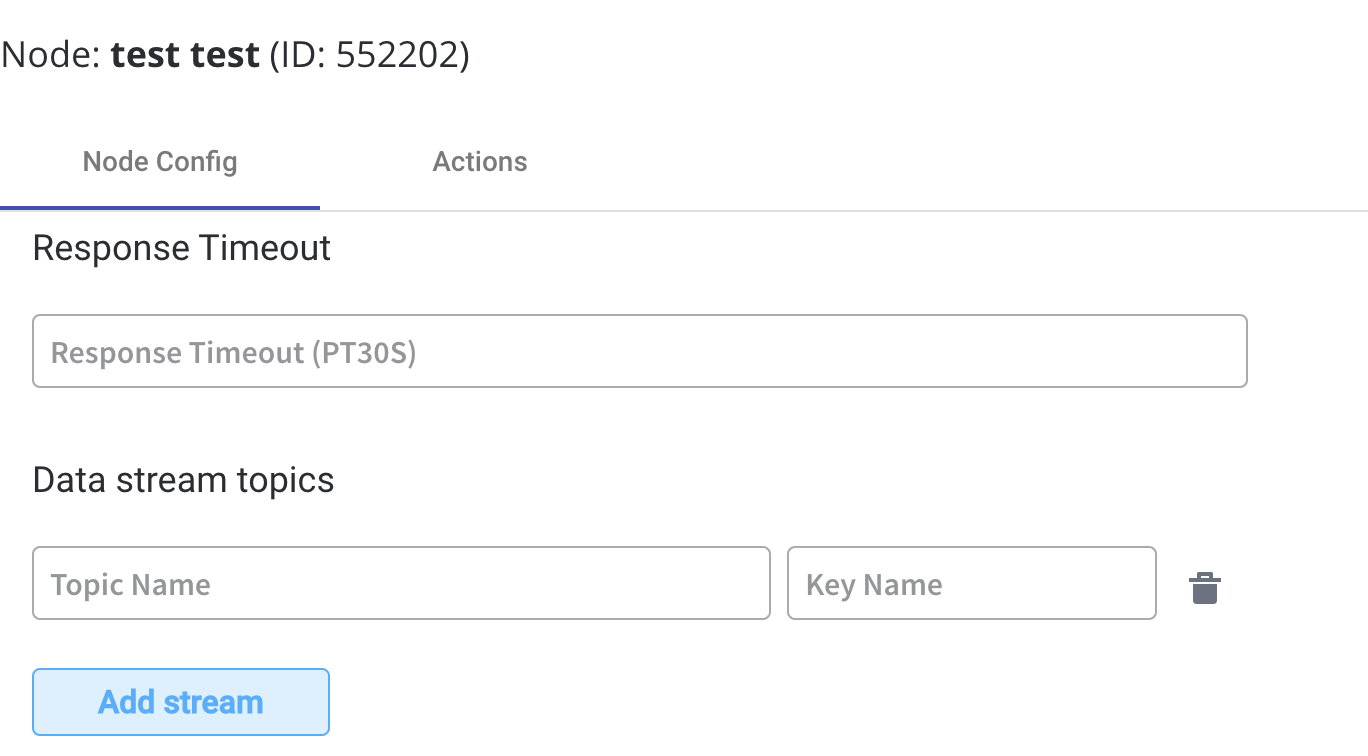
* [**Actions**](../../actions/actions) - **Timer expression** - it can be used if a delay is required on that action