> ## Documentation Index
> Fetch the complete documentation index at: https://docs.flowx.ai/llms.txt
> Use this file to discover all available pages before exploring further.
# Start/end nodes
> Let's go through all the options for configuring start and end nodes for a process definition.
## Start node
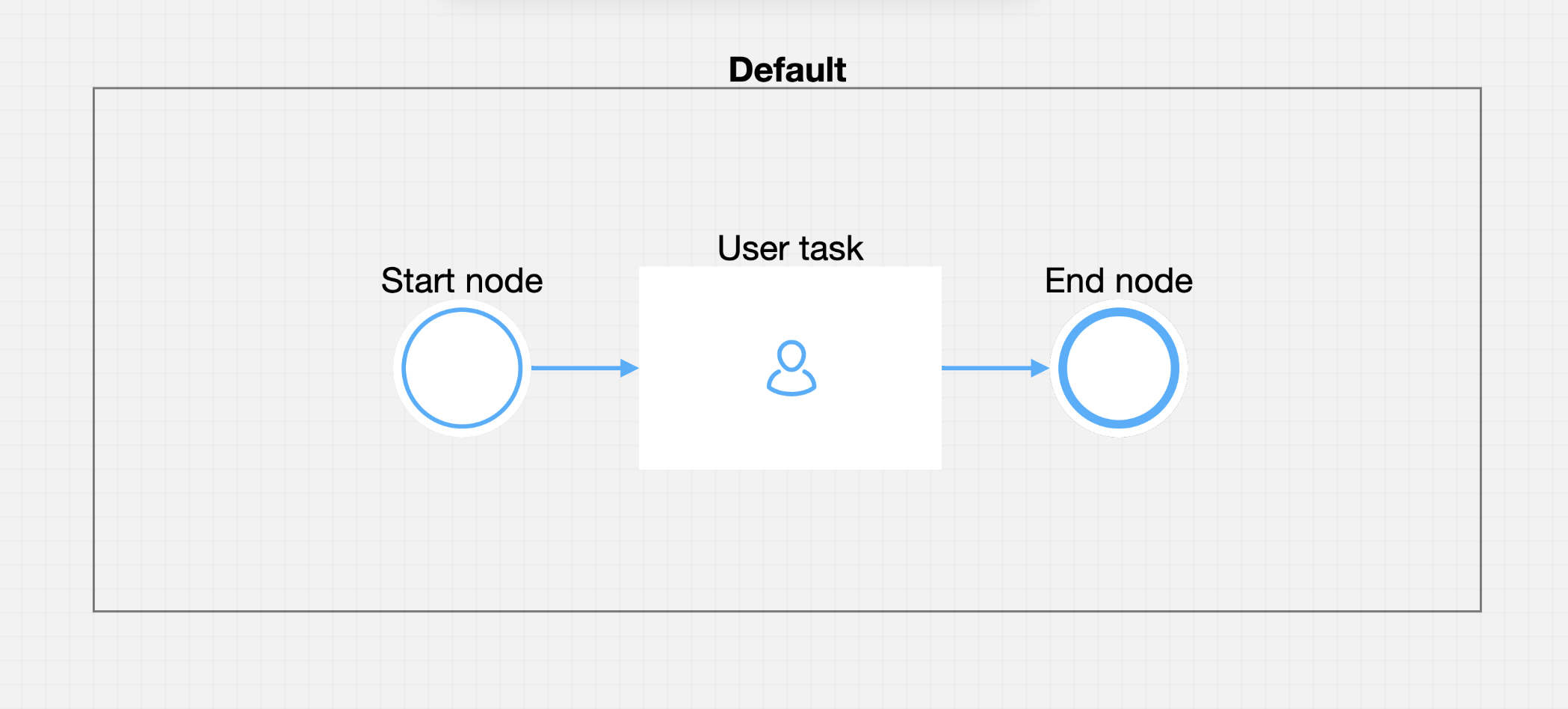
The start node represents the beginning of a process and it is mandatory to add one when creating a process.

A process can have one or more start nodes. If you defined multiple start nodes, each should have a start condition value configured. When starting a new process instance the desired start condition should be used.
### Configuring a start node
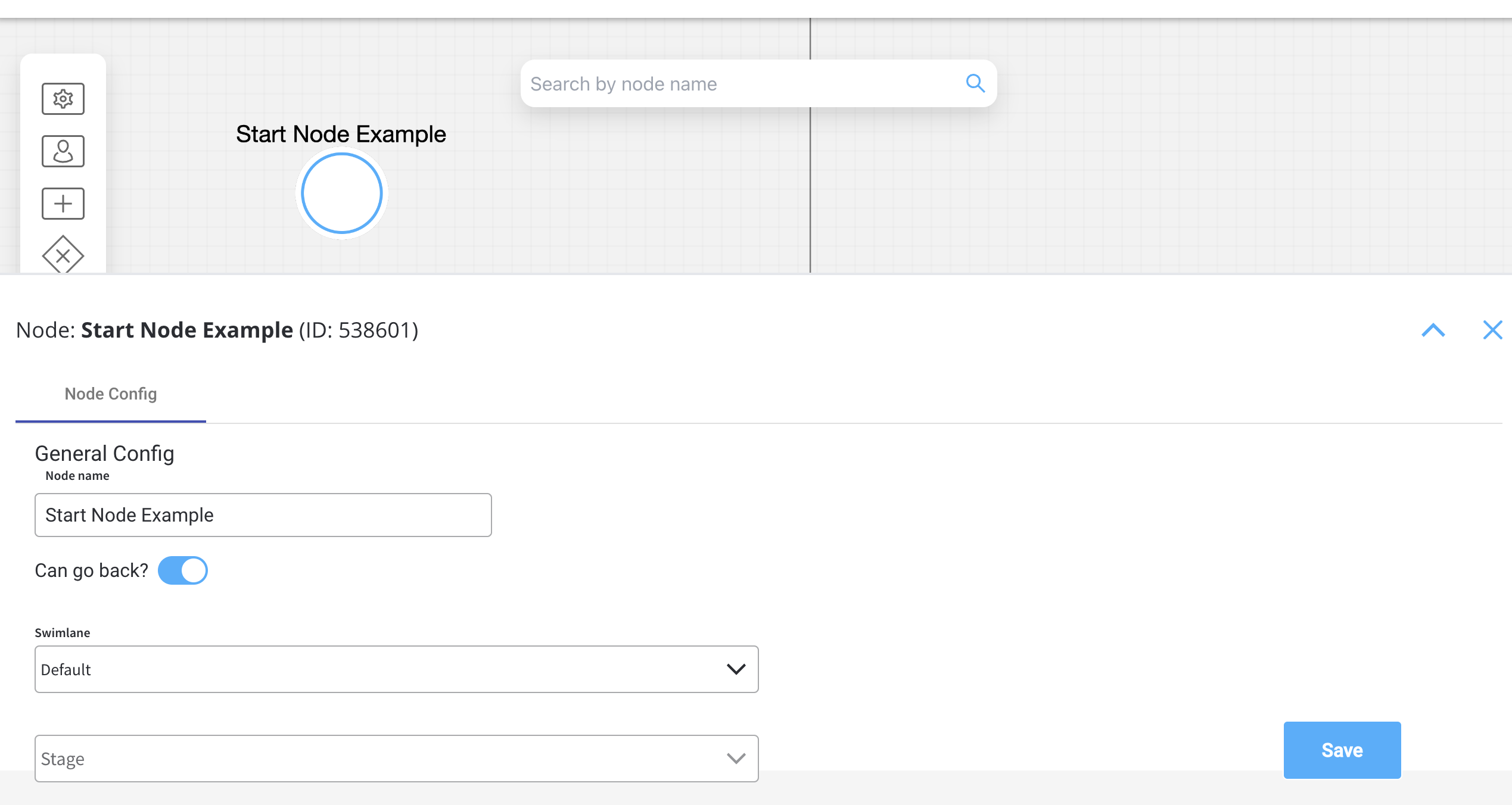
Node configuration is done by accessing the **Node Config** tab. You have the following configuration options for a **start node**:
* [General Config](#general-config)
* [Start condition](#start-condition)
#### General Config
* **Node name** - the name of the node
* **Can go back** - switching this option to true will allow users to return to this step after completing it
When encountering a step with `canGoBack` switched to false, all steps found behind it will become unavailable.
* [**Swimlane**](../../platform-deep-dive/user-roles-management/swimlanes) - choose a swimlane (if there are multiple swimlanes on the process) to make sure only certain user roles have access to certain process nodes- if there are no multiple swimlanes, the value is **Default**
* [**Stage**](../../platform-deep-dive/core-extensions/task-management/using-stages)- assign a stage to the node
#### Start condition
The start condition should be set as a string value. This string value will need to be set on the payload for the start process request on the `startCondition` key.
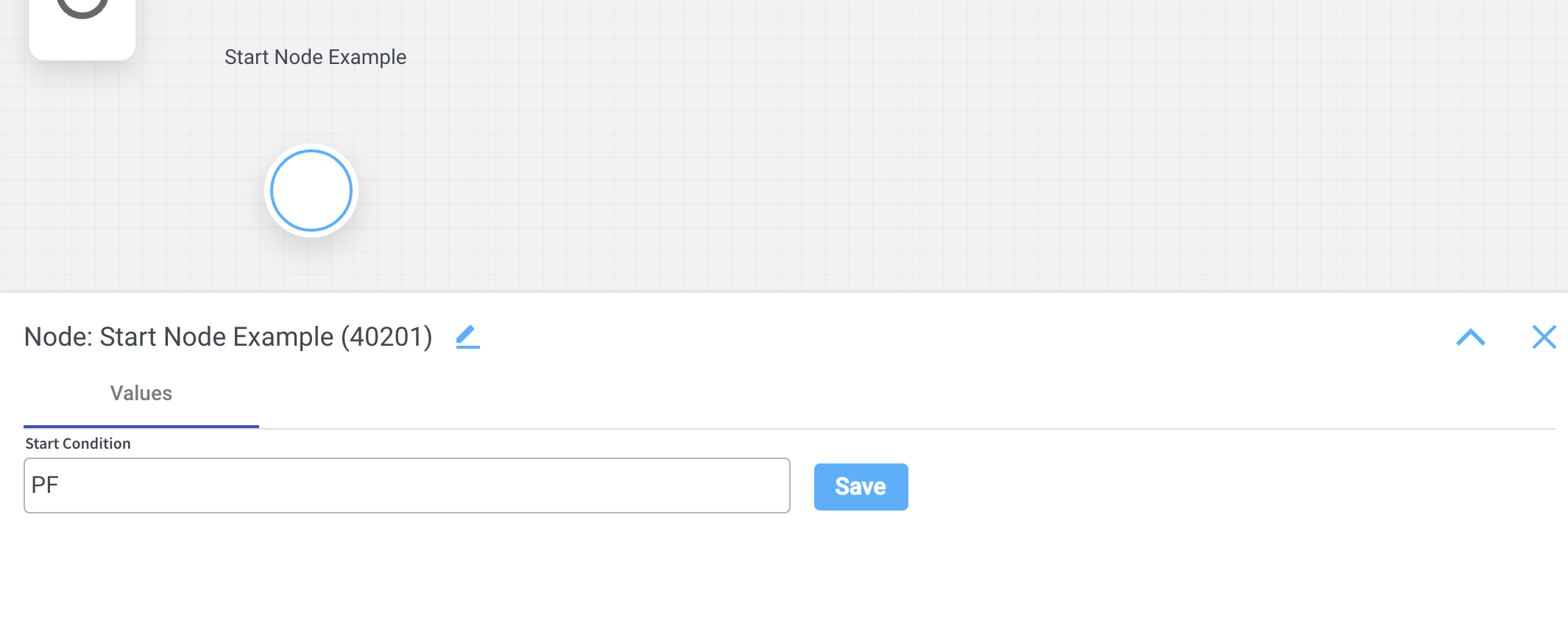
To test the start condition, we can send a start request via REST:
```
POST {{processUrl}}/api/process/{{processName}}/start
{
"startCondition": "PF"
}
```
#### Error handling on start condition
If a request is made to start a process with a start condition that does not match any start node, an error will be generated. Let's take the previous example and assume we send an incorrect value for the start condition:
```
POST {{processUrl}}/api/process/{{processName}}/start
{
"startCondition": "PJ"
}
```
A response with the error code `bad request` and title `Start node for process definition not found`will be sent in this case:
```json theme={"system"}
{
"entityName": "ai.flowx.process.definition.domain.NodeDefinition",
"defaultMessage": "Start node for process definition not found.",
"errorKey": "error.validation.process_instance.start_node_for_process_def_missing",
"type": "https://www.jhipster.tech/problem/problem-with-message",
"title": "Start node for process definition not found.",
"status": 400,
"message": "error.validation.process_instance.start_node_for_process_def_missing",
"params": "ai.flowx.process.definition.domain.NodeDefinition"
}
```
## End node

An end node is used to mark where the process finishes. When the process reaches this node, the process is considered completed and its status will be set to `Finished`.
### Configuring an end node
Multiple end nodes can be used to show different end states. The configuration is similar to the start node.